
How to add or edit integrations section in Home page?
- Login to the dashboard of your property website manage.beswifty.com.
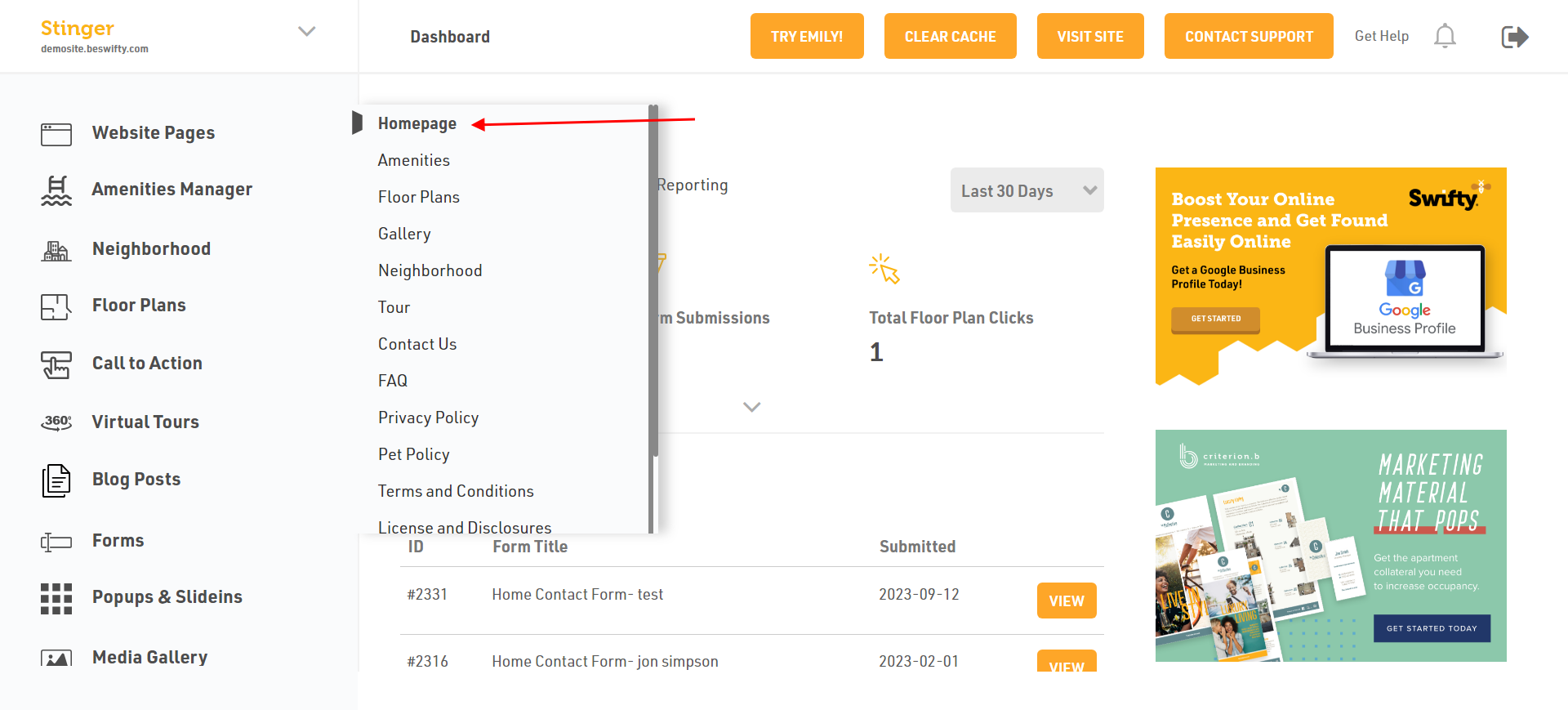
- Navigate to Website pages> Homepage.
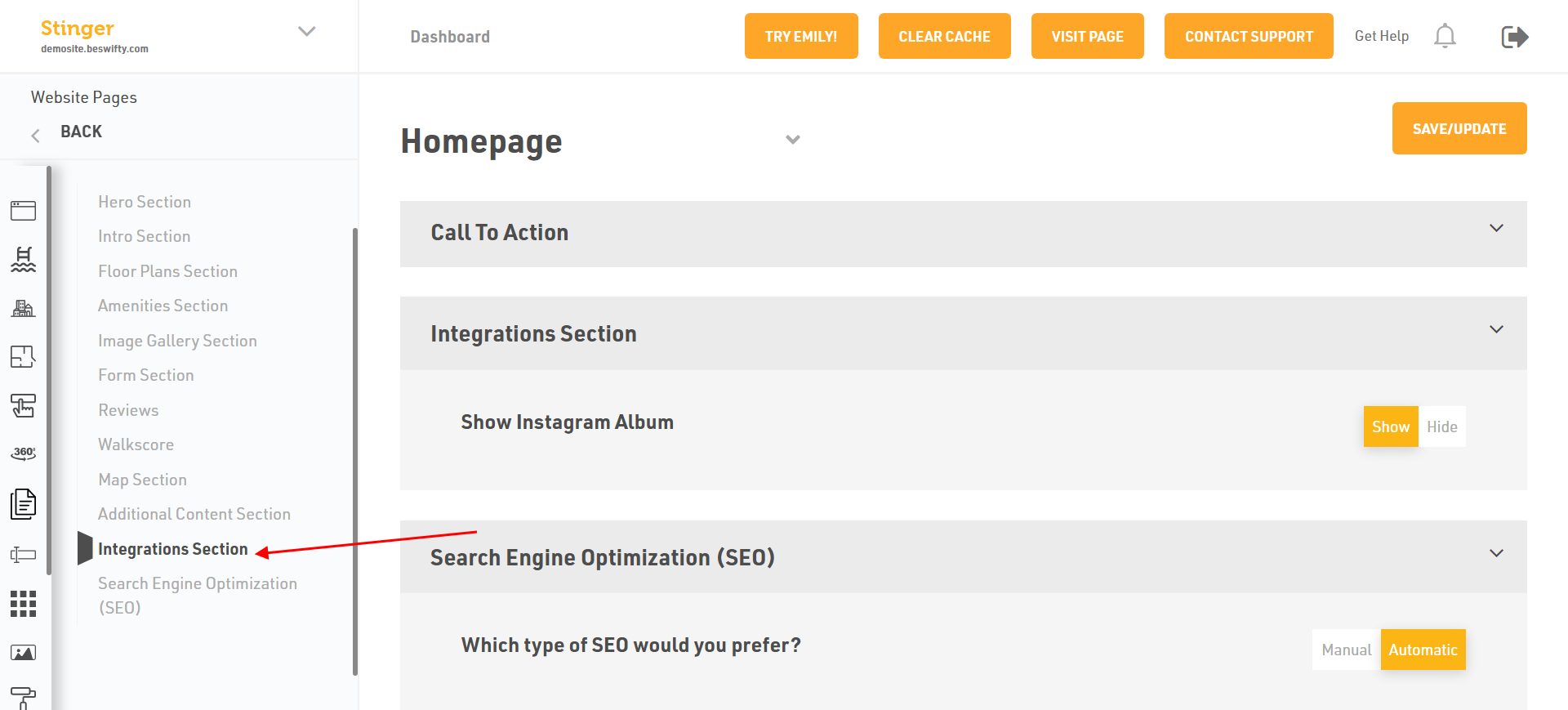
- Then in the left sidebar click on Integrations section.
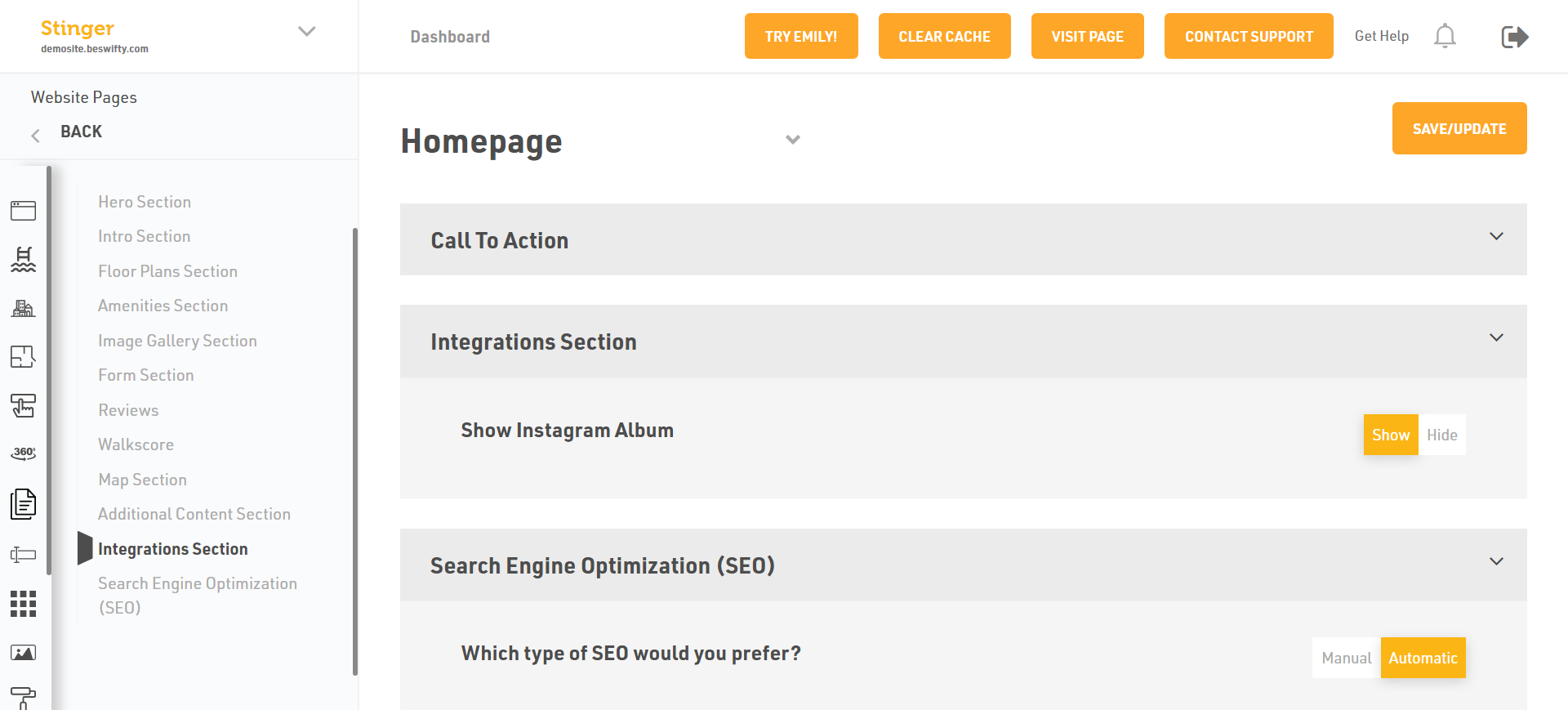
- Select whether to Show or Hide the Instagram Album to make it visible in front-end of your website.
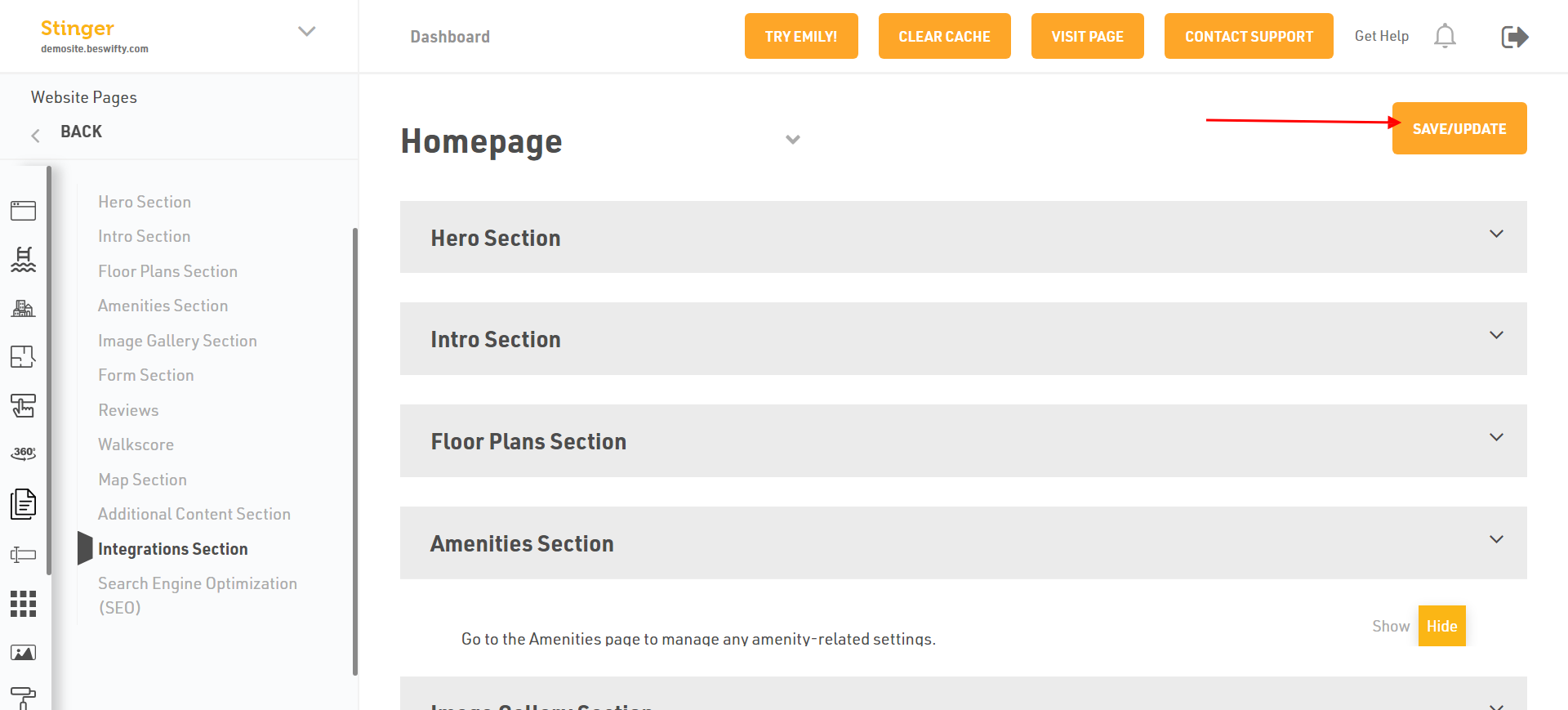
Dont't forget to save/Update
Make sure to click the Save/Update button on the right corner once finished.
Was this article helpful?
Thanks for the feedback.