
How to add or edit Floorplan section in your Homepage
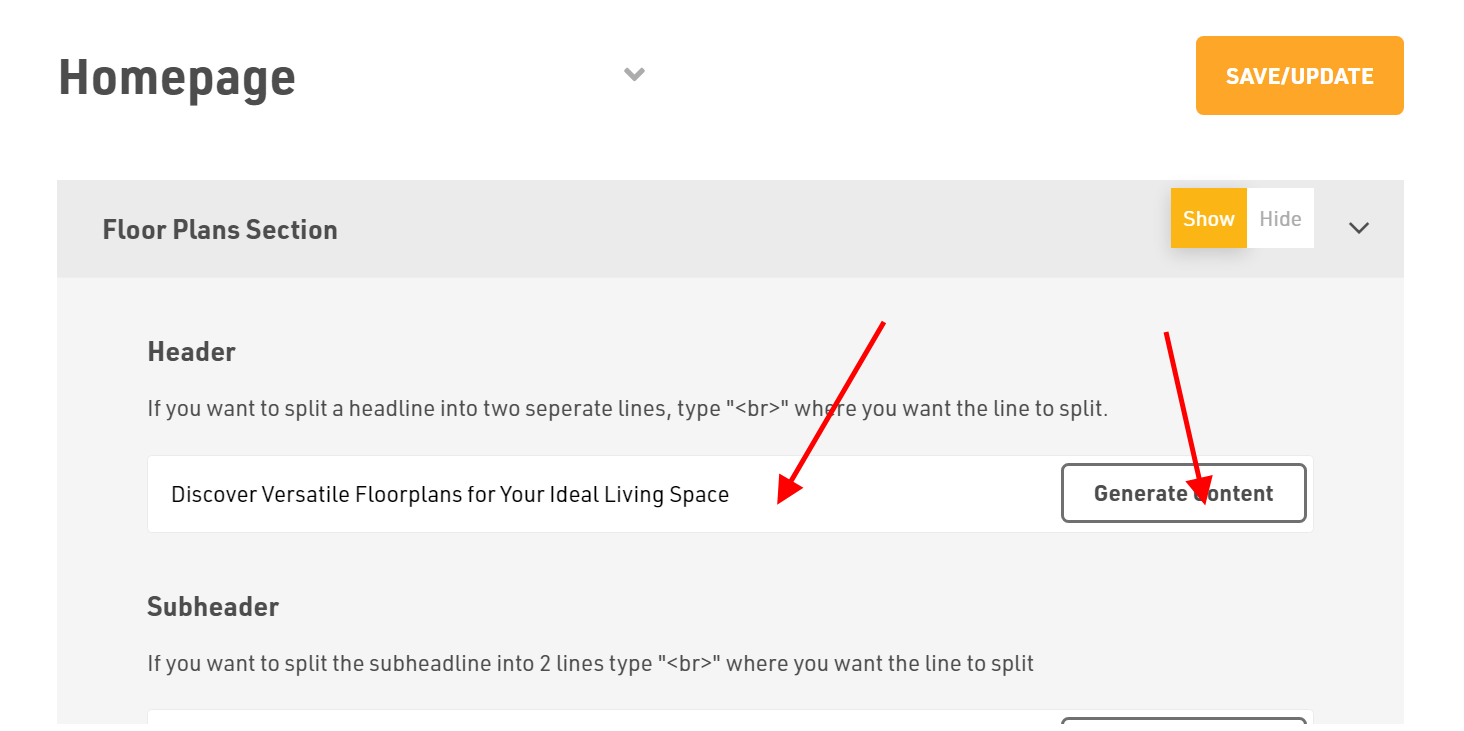
How to Add Header?
- Login to the Dashboard of your property website at manage.beswifty.com.
- Navigate to Website Pages > Homepage.
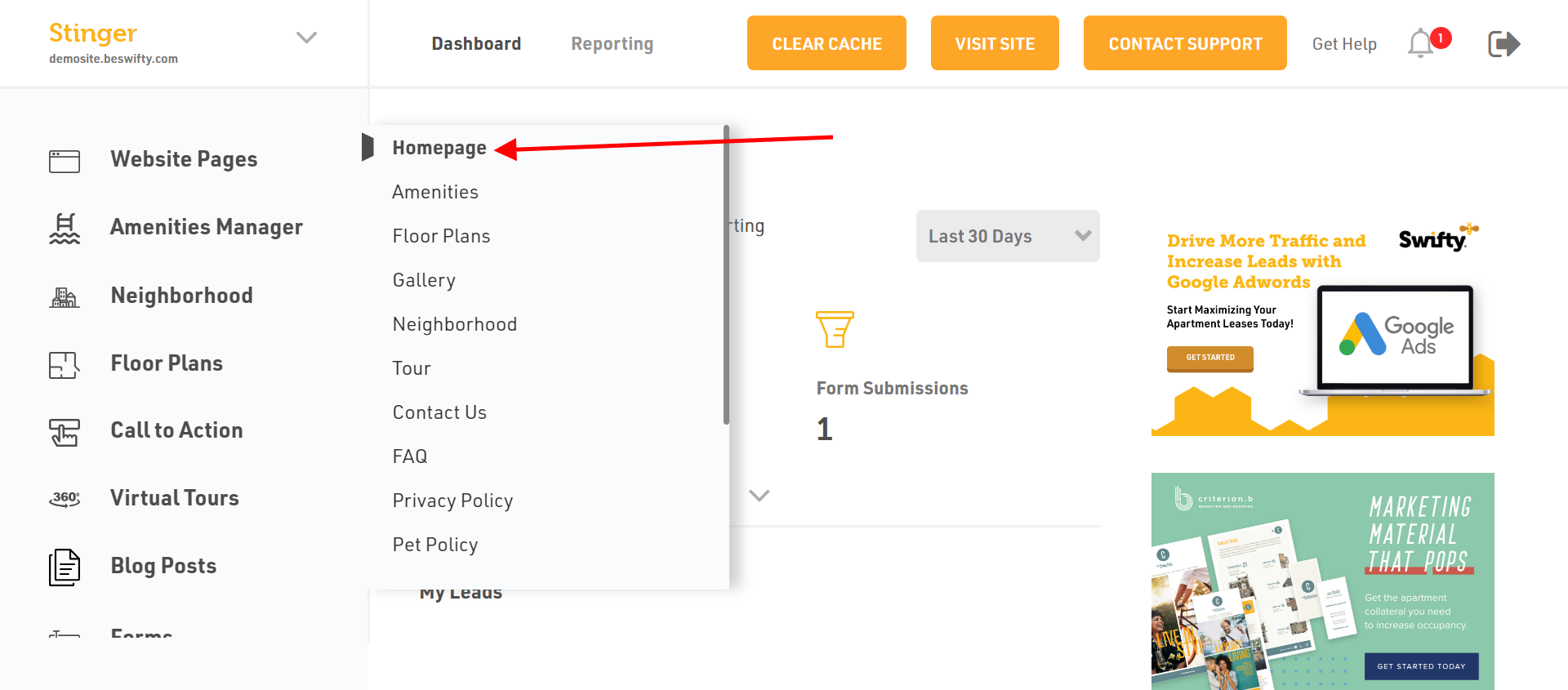
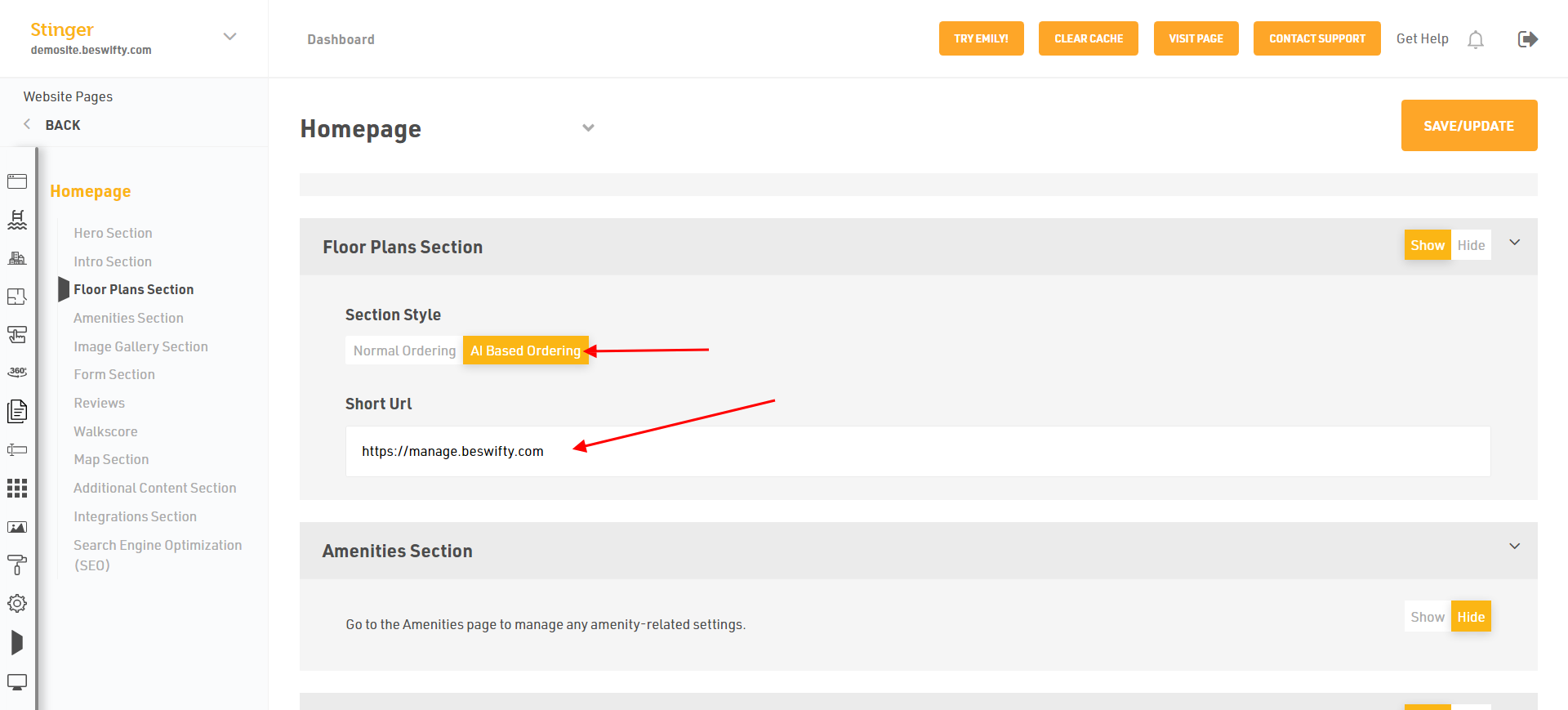
- In the left sidebar, click on Floor Plans Section.
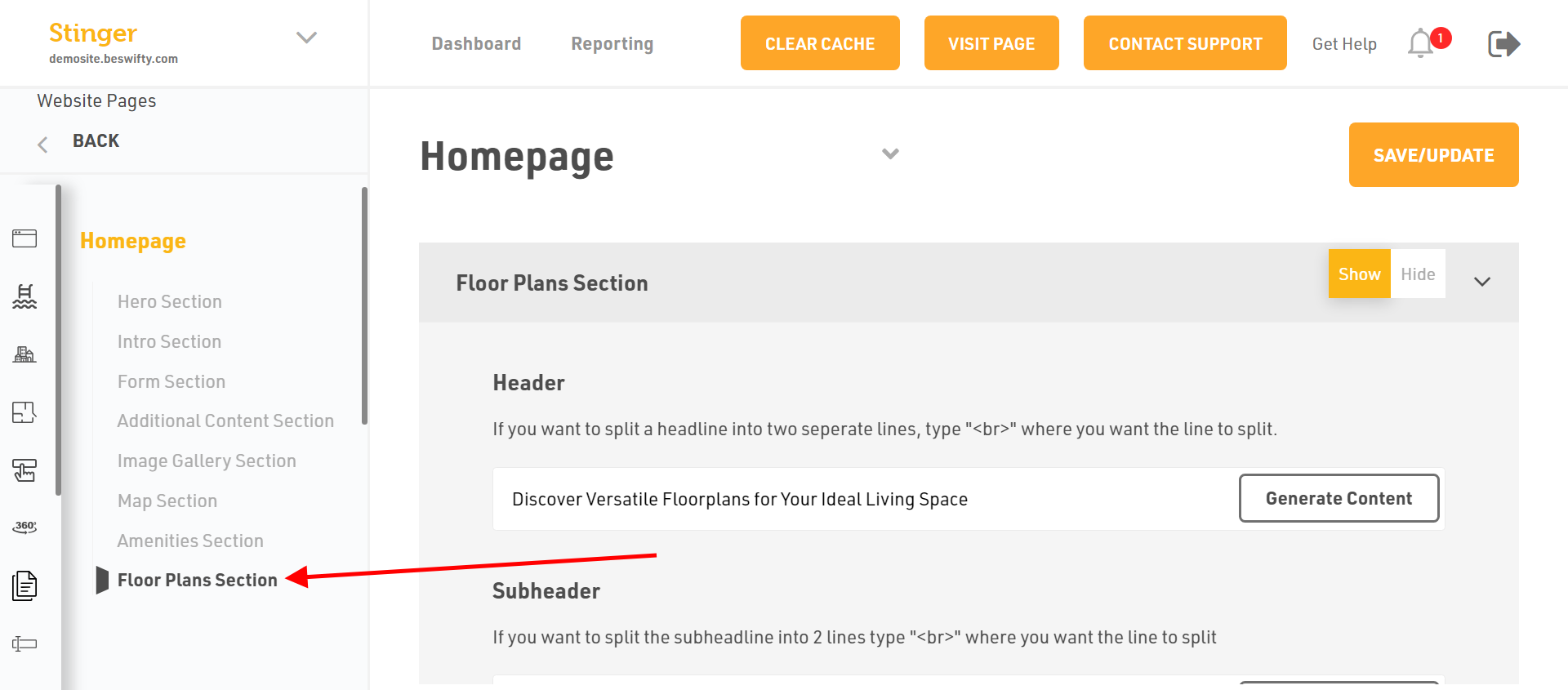
- Select whether you want to Show or Hide this section in the front-end of the website.
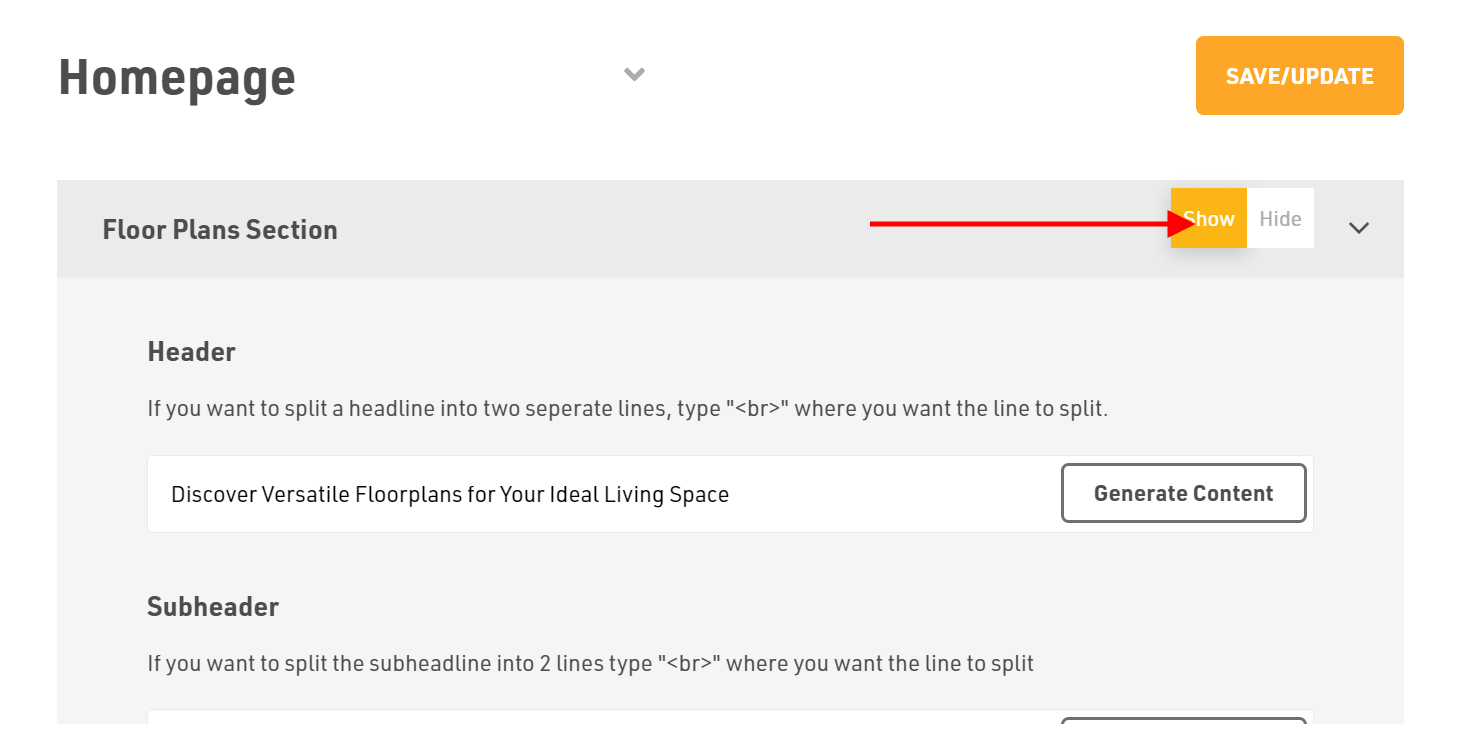
- If you want, you can edited by Generate Content AI or updated by yourself.
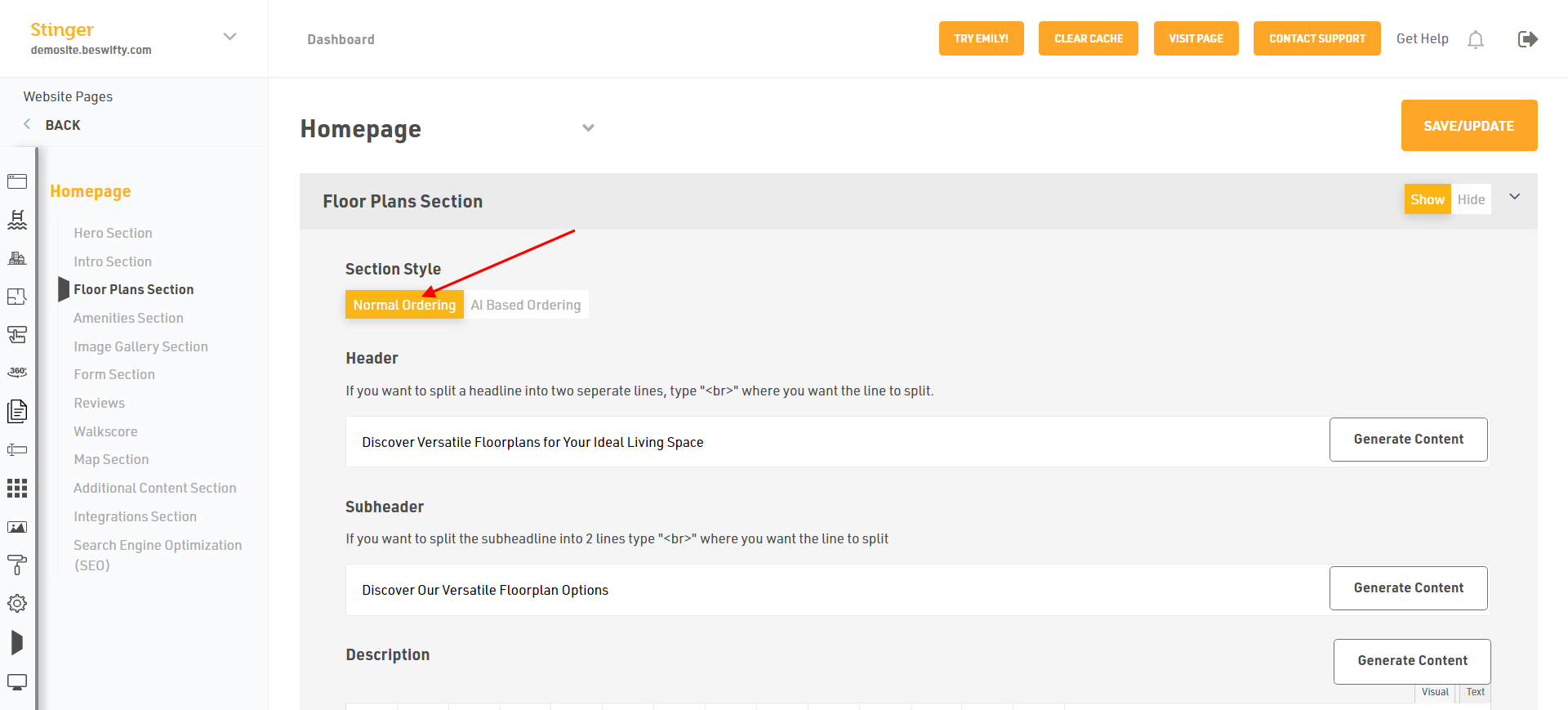
- To add Header, you can type your own content or use our Generate Content AI option to automatically generate a relevant header.
How to Add a Sub-header?
Website Pages > Homepage > Floor Plans Section
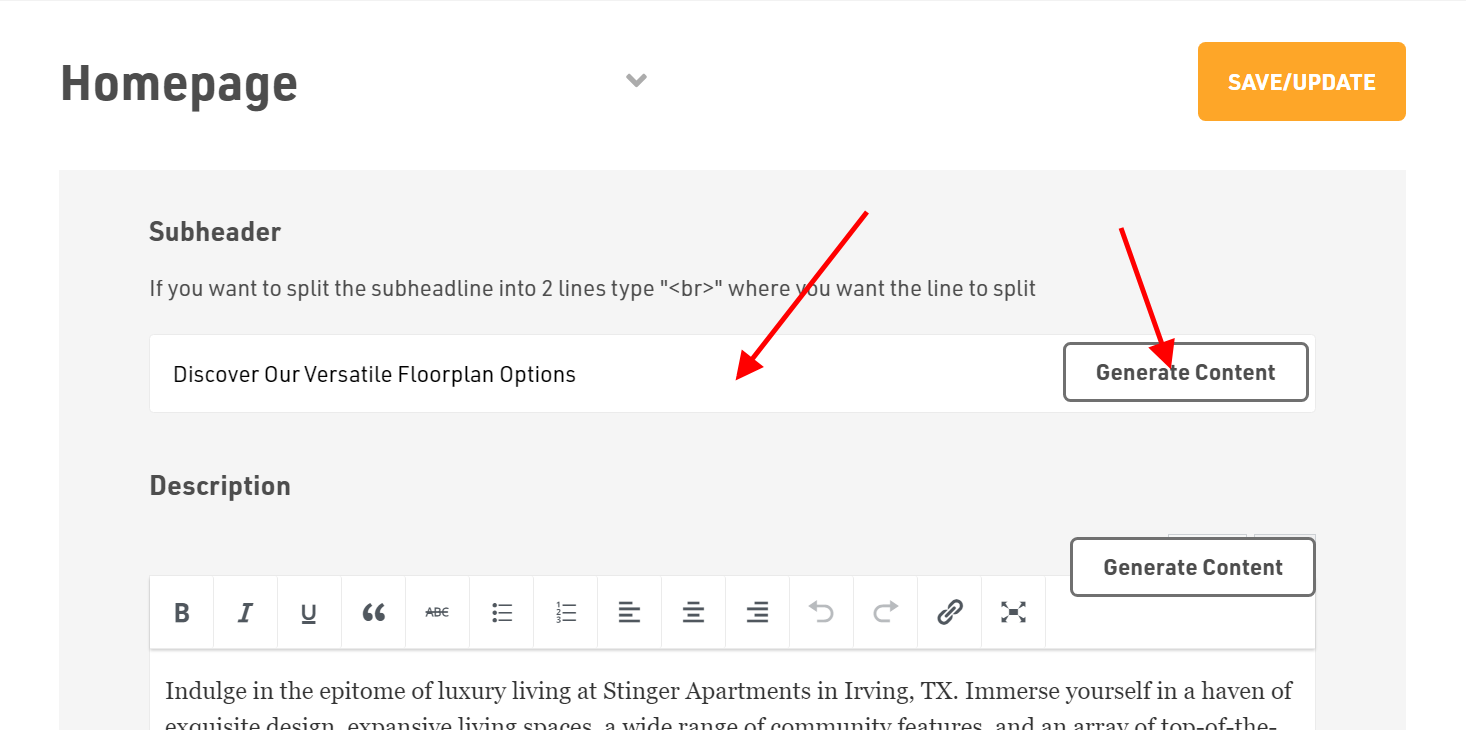
- Next is Sub-header.
- Here, you can type your own content or use our Generate Content AI option to automatically generate a relevant sub-header.
How to add Description?
Website Pages > Homepage > Floor Plans Section
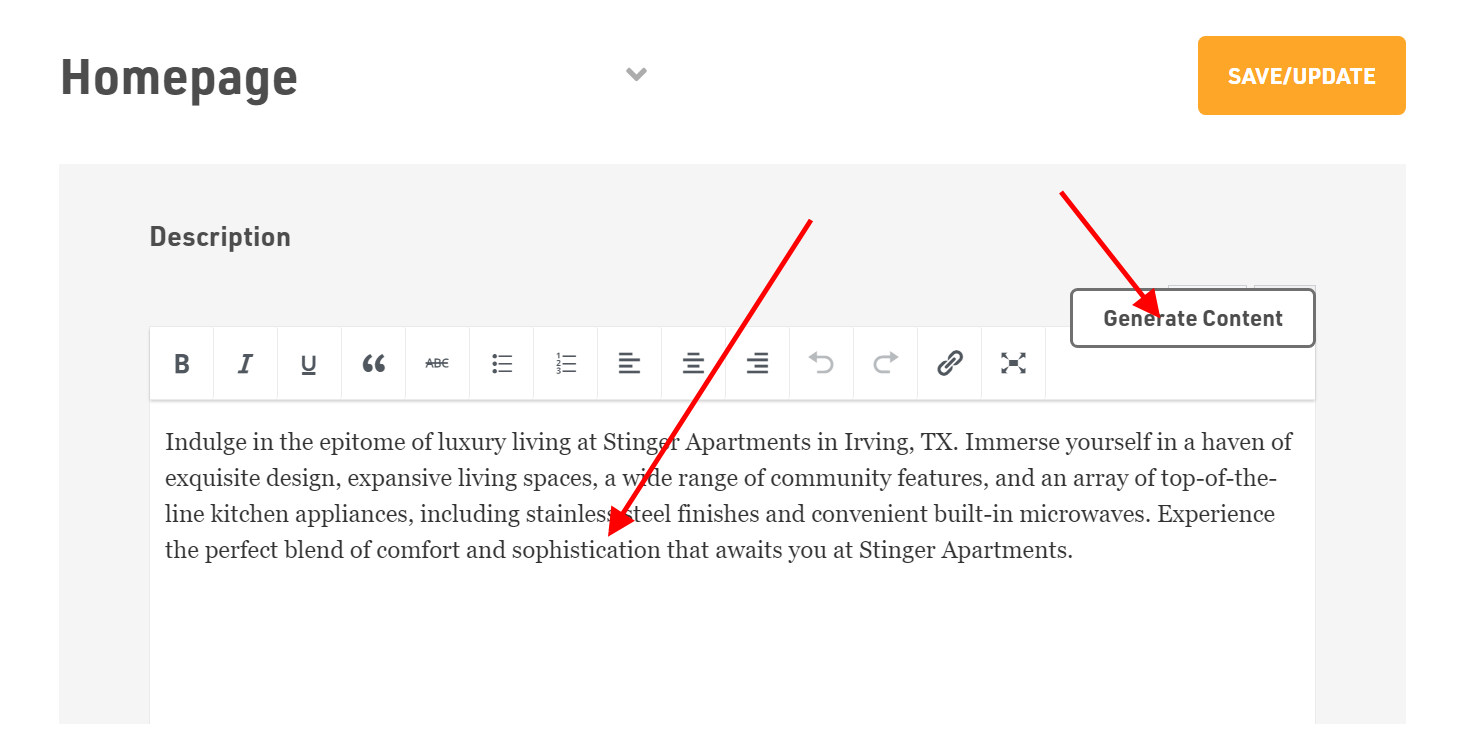
- Next is the Description.
- In description, you can type your own content or use our Generate Content AI option to automatically generate the relevant text according to your website.
- You can also edit the description using different options.
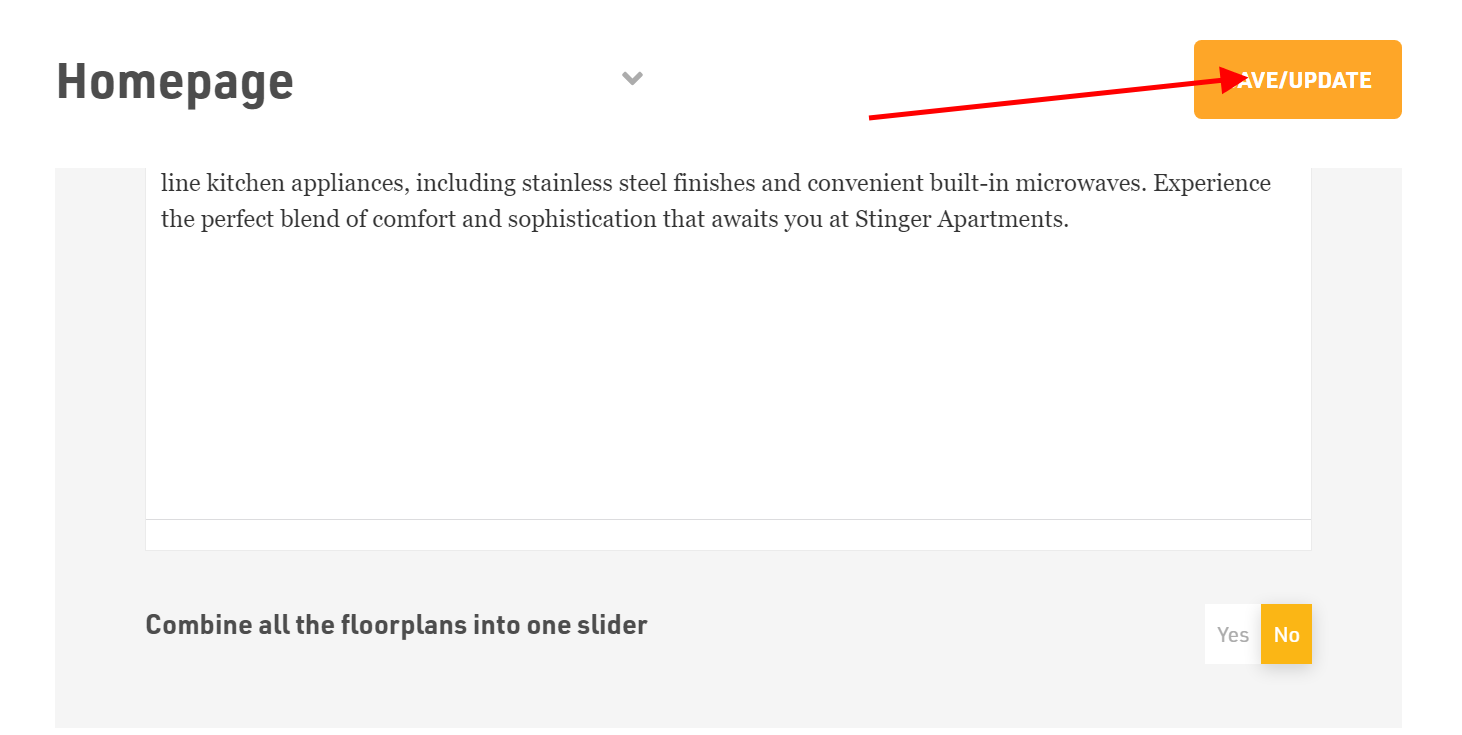
- You also will have the option to combine all the floorplans into one slider.
Simply, select Yes or No.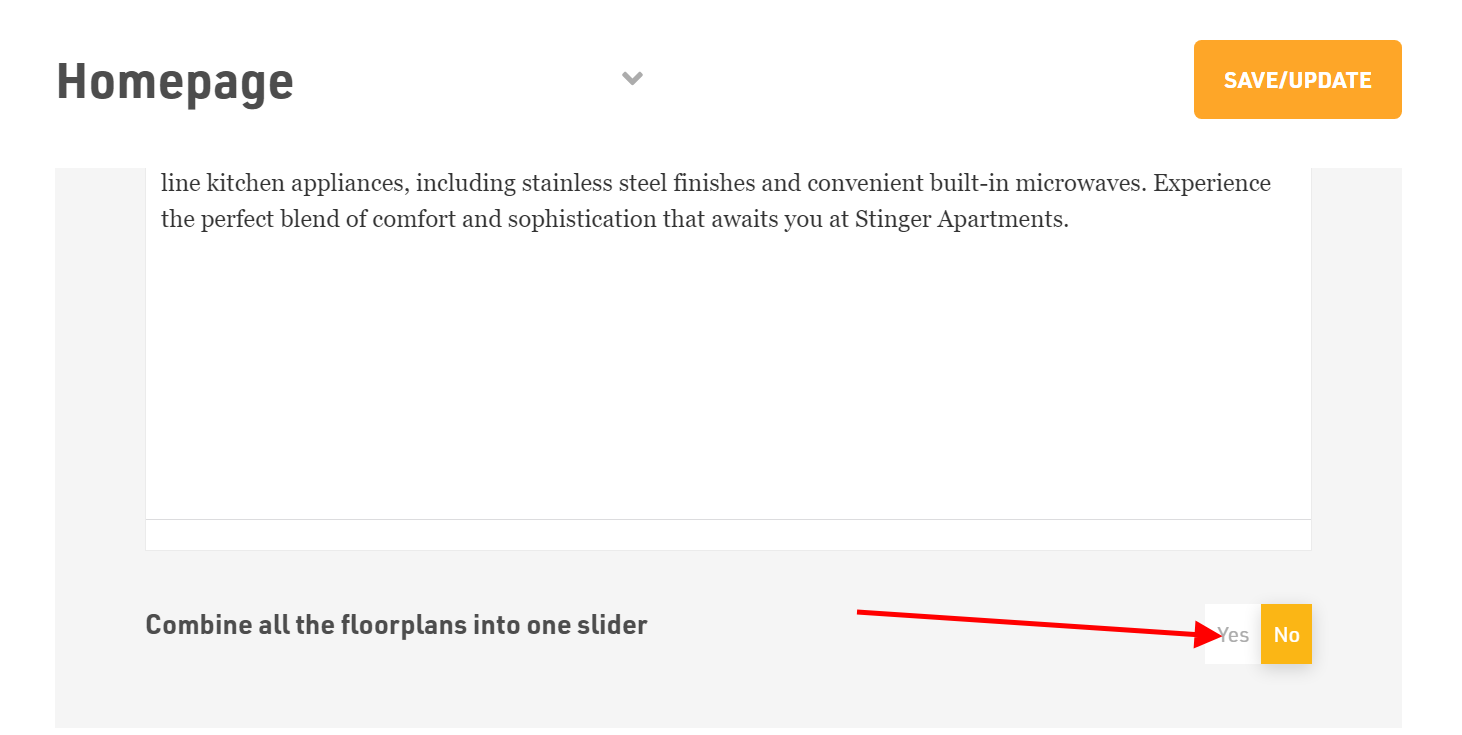
- You can select AI Based Ordering then you will get automatic contain to your page .
Dont forget to Save/Update
Make sure to click the Save/Update button on top right corner once finished.
Was this article helpful?
Thanks for the feedback.