
How to add or edit additional content on homepage
How to add header?
- Login to the dashboard of your property website at manage.beswifty.com
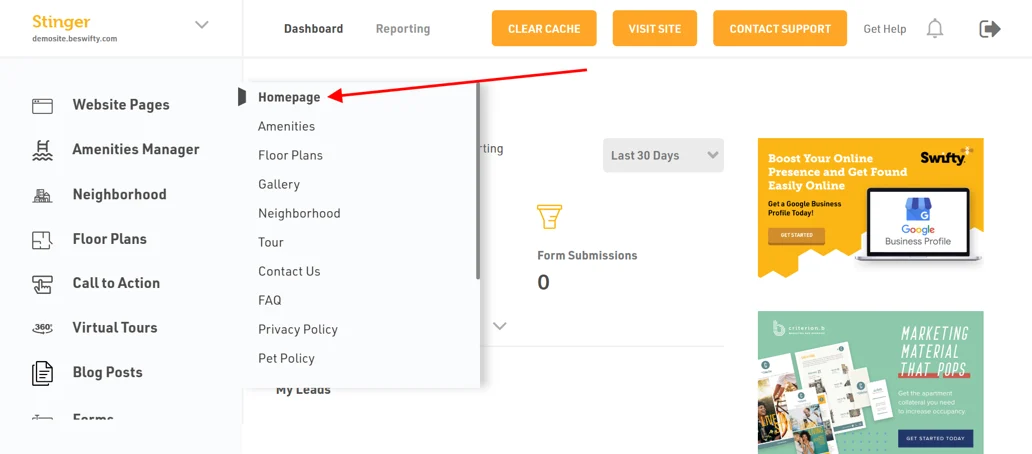
- Navigate to Website Pages > Homepage
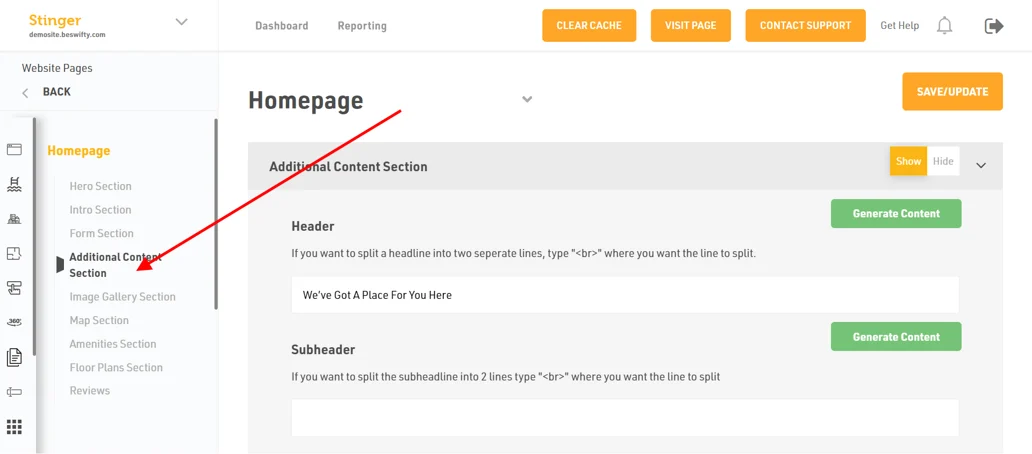
- Then in the left sidebar click on Additional Content Section
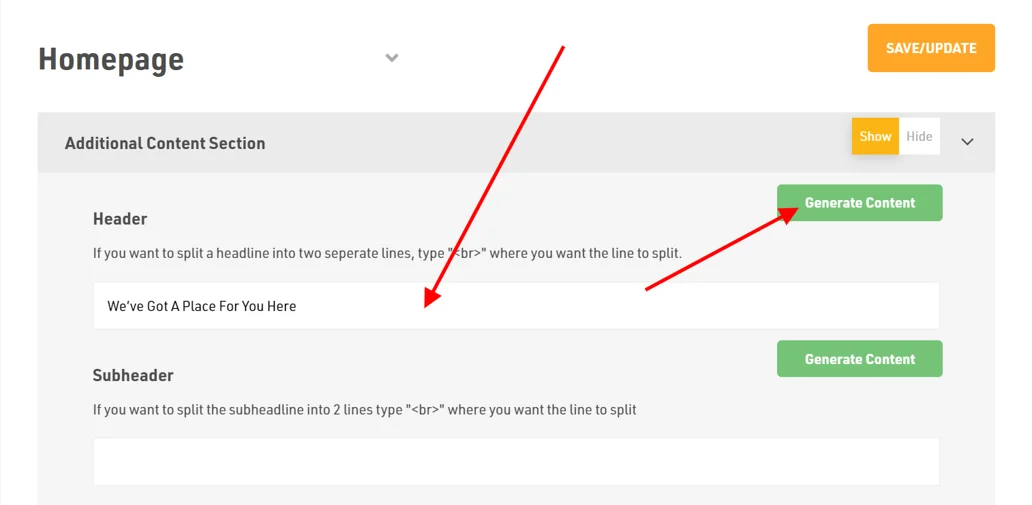
- In Additional Content section first option is Header. Here, you can either click on Generate Content button which automatically generates the suitable header else you can write your own content
How to add sub-header?
Website Pages > Homepage > Additional Content Section
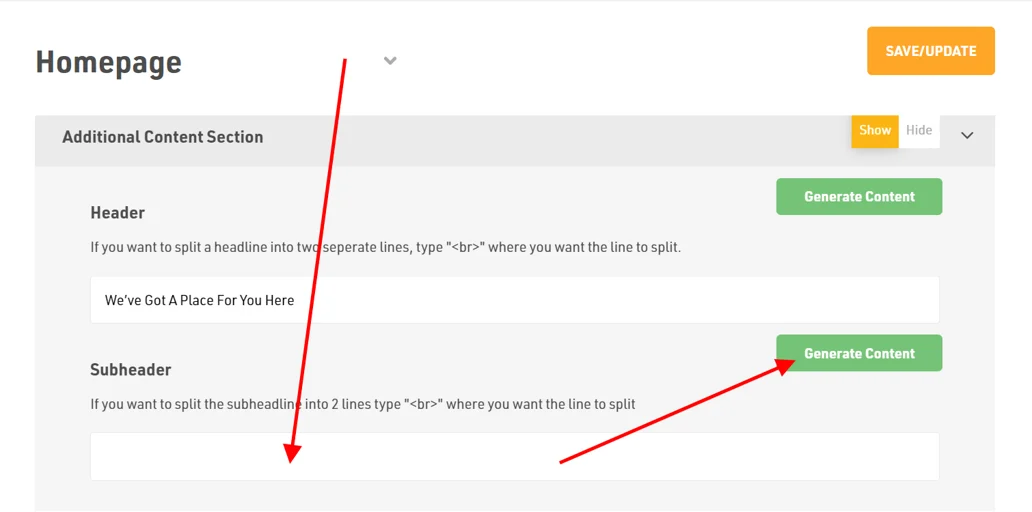
- In Additional Content Section section next is the Sub-header
- In Sub-header, you can click on Generate Content button which automatically generates the relevant sub-header as per the content. Another option is to write your own sub-header
How to add Description?
Website Pages > Homepage > Additional Content Section
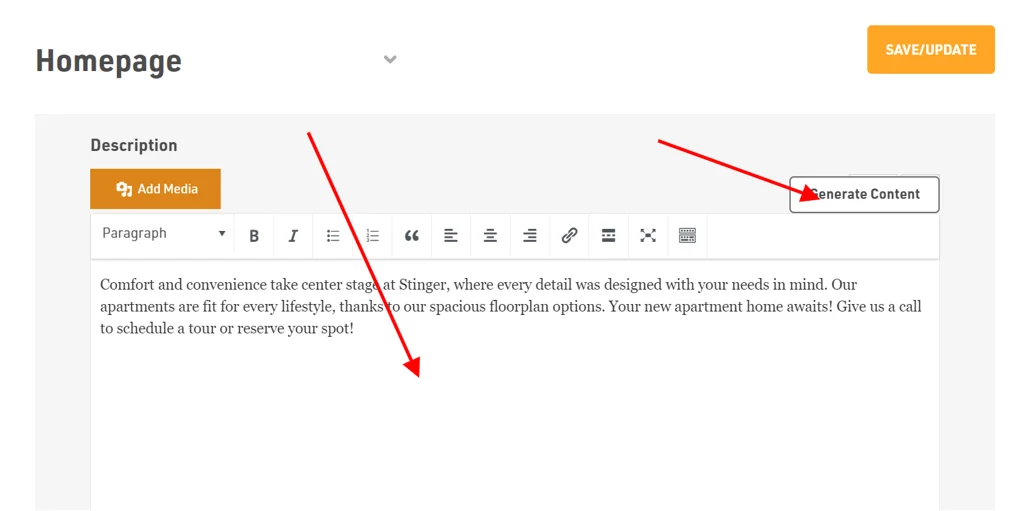
- Next is Description
- In description, you can type your own content or you can use our "Generate Content" AI option which automatically provides the text as per the content
- You can edit the text as per your requirements by using different options available
How to add call to action (CTA) button
Website Pages > Homepage > Additional Content Section
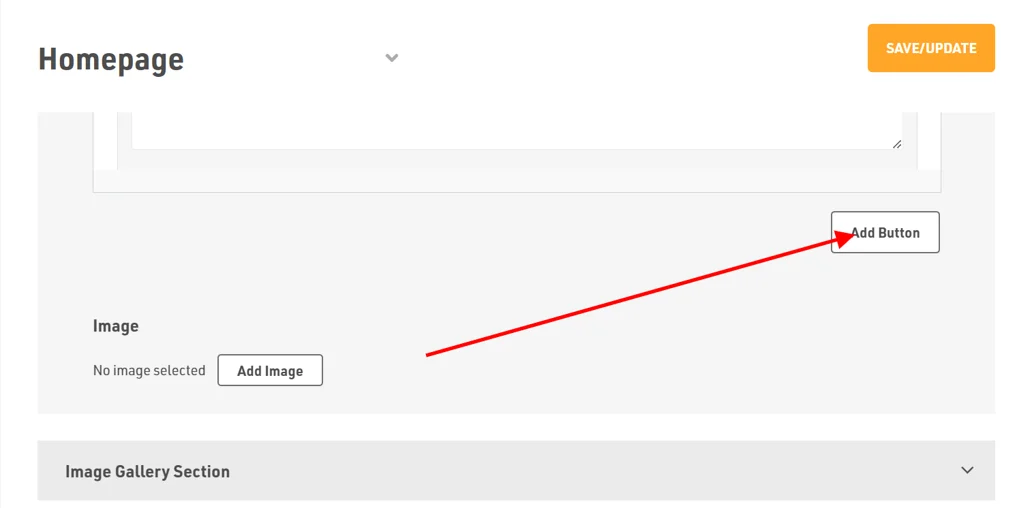
- Firstly, click on Add Button
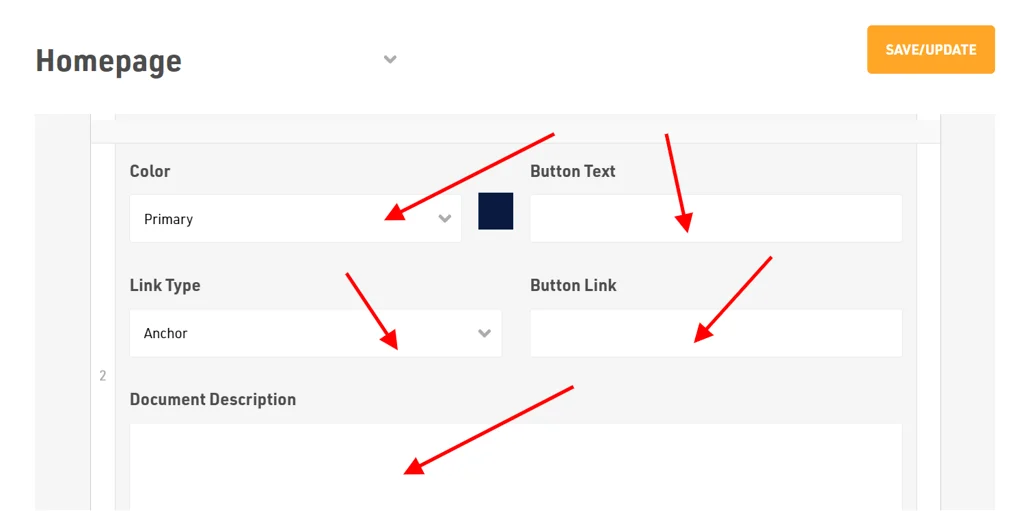
- Next, you will be required to edit the button by choosing the Color type, Button Text, Link Type, Button Link and Description
- Next, if you want to add another Call To Action to your website, click on the Add Button again and follow the same steps
How to add image
Website Pages > Homepage > Additional Content Section
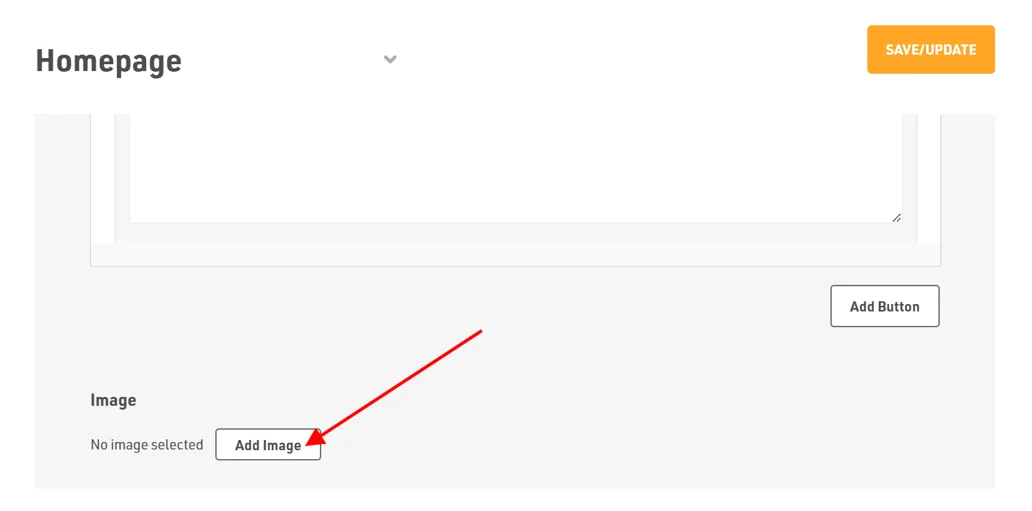
- To add images, click on Add Image. You can drag and drop the files or select the files from your device
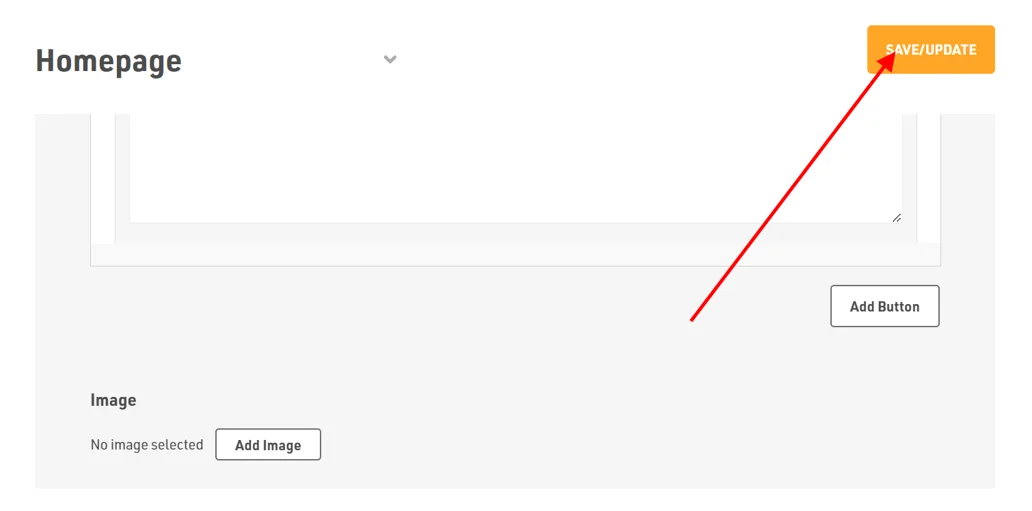
Dont forget to Save/Update
Make sure to click the Save/Update button on top right corner once you finish everything
Was this article helpful?
Thanks for the feedback.