
How to Add or Edit Call to Action section in your Homepage?
How to Add a Call to Action (CTA)
- Login to the dashboard of your property website at manage.beswifty.com.
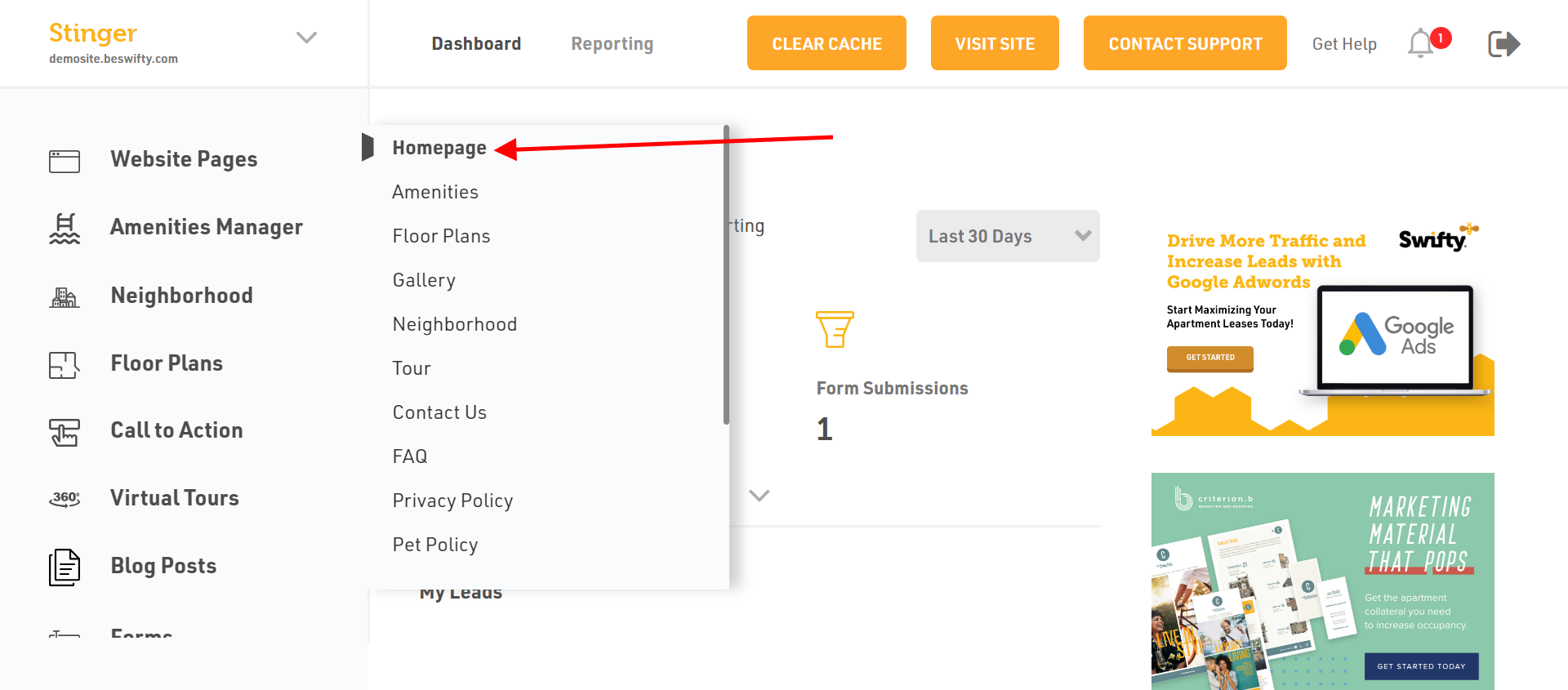
- Navigate to Website Pages > Homepage.
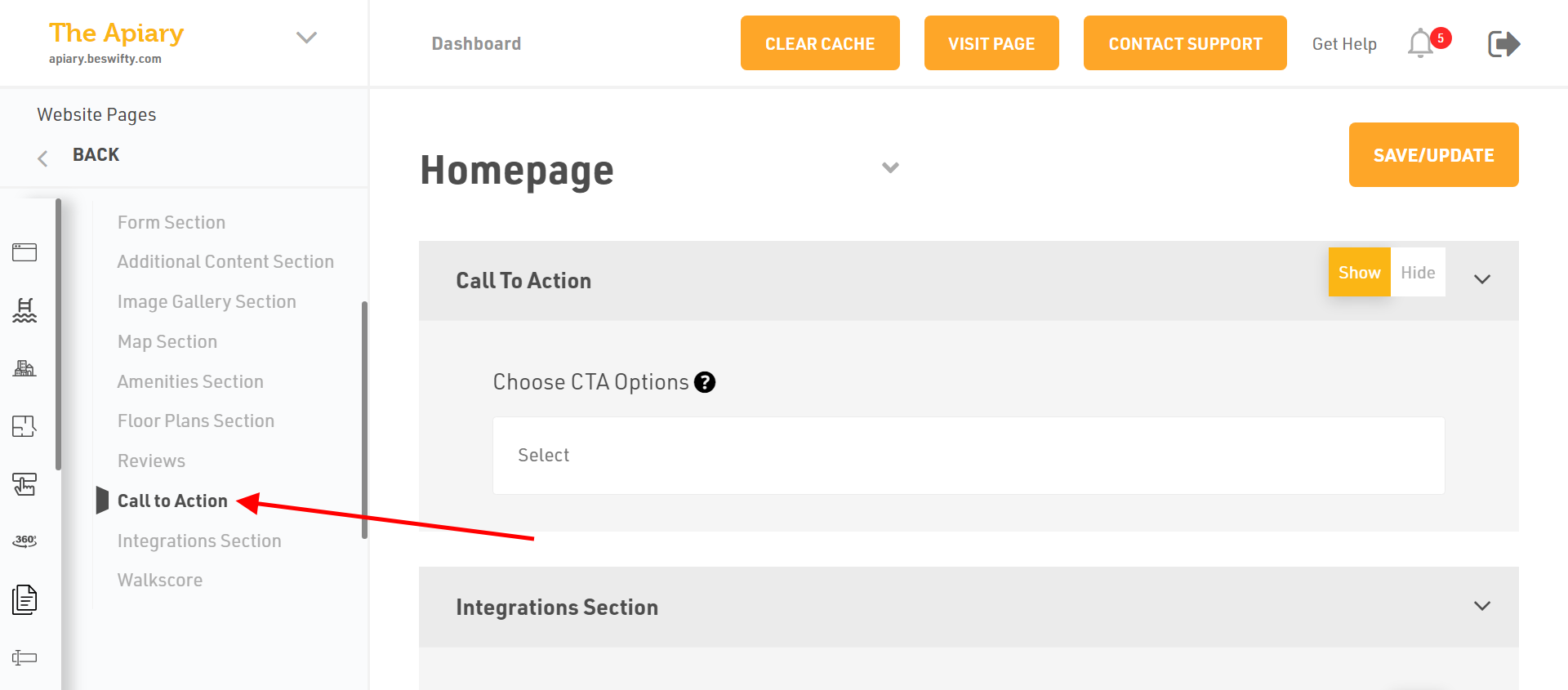
- In the left sidebar, click on Call to Action.
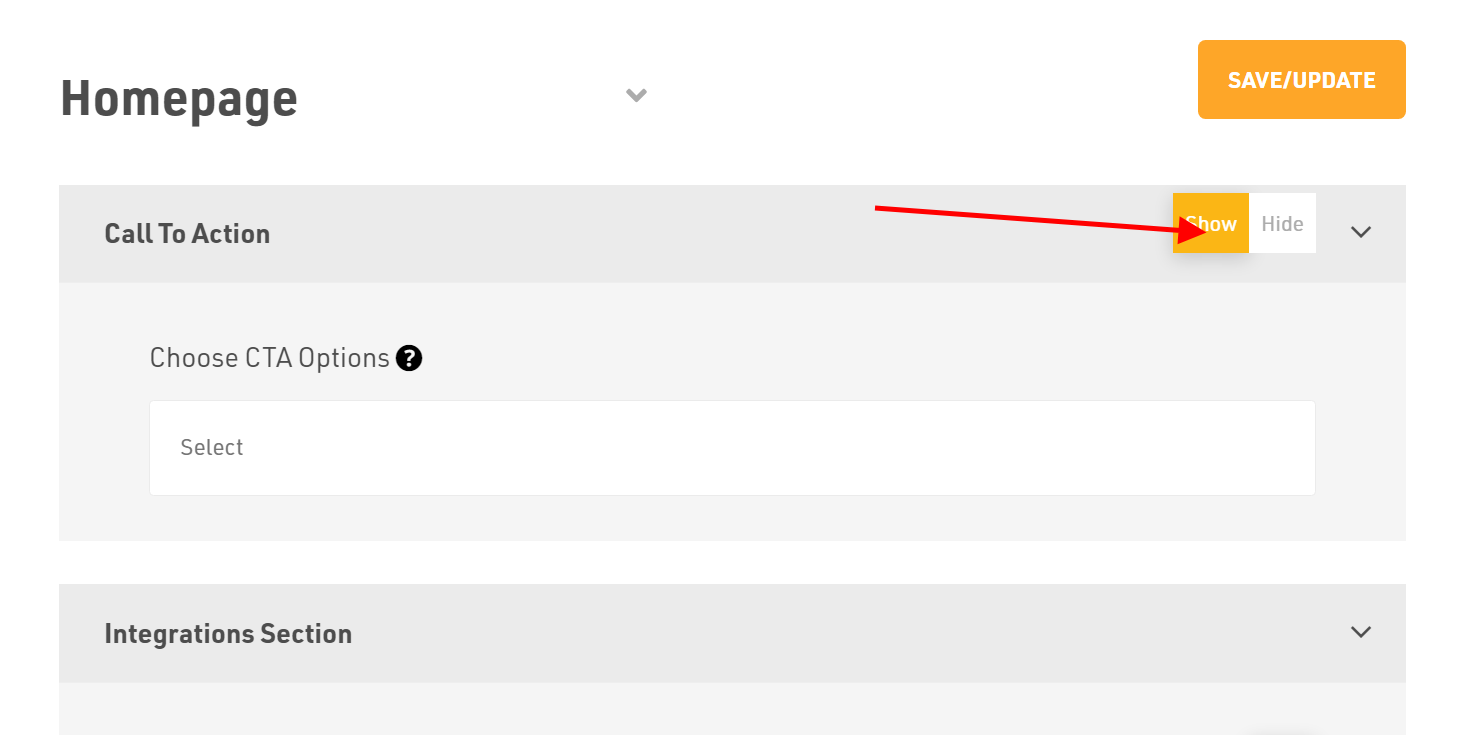
- Select whether you want to Show or Hide this section on the front-end of your website.
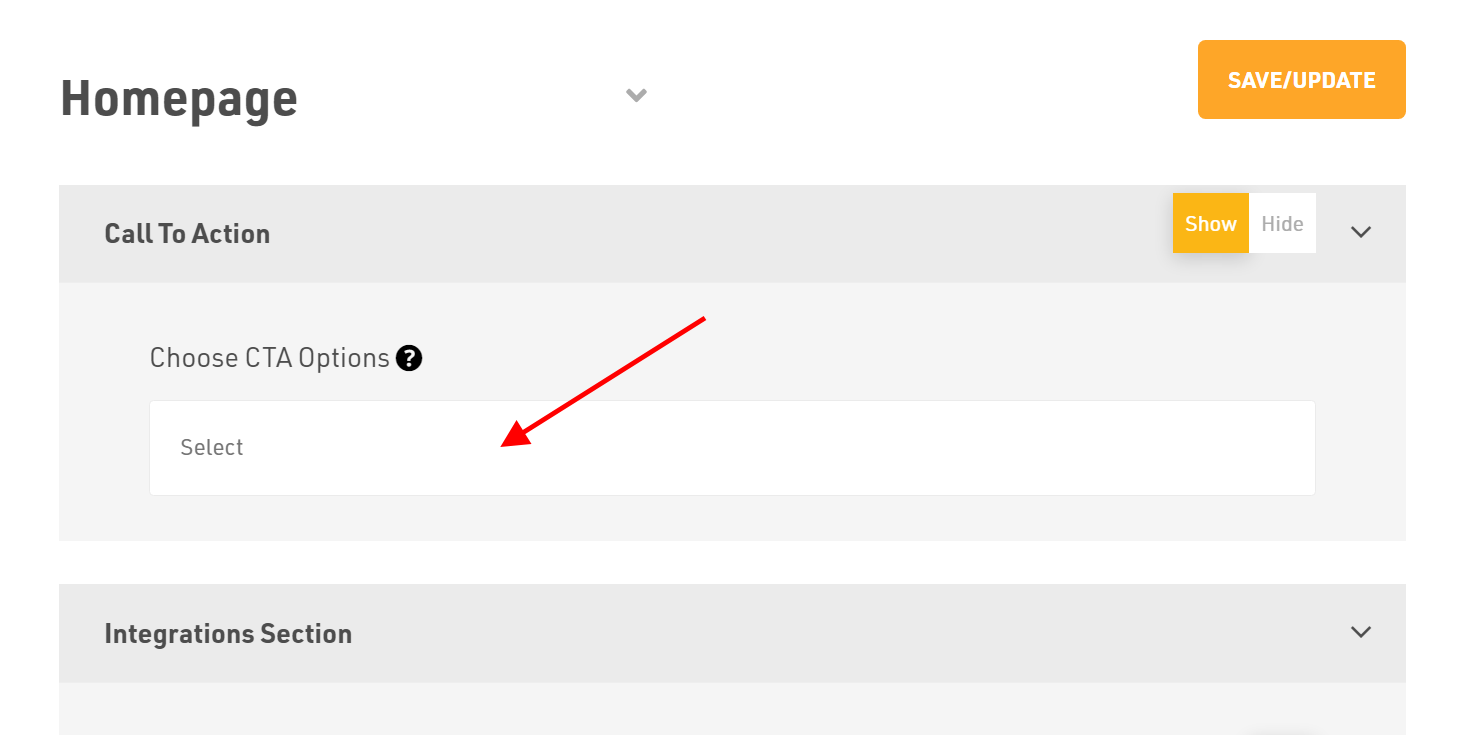
- Next, select your CTA from the drop-down menu under Choose CTA Options.
How to Remove a Call to Action (CTA)
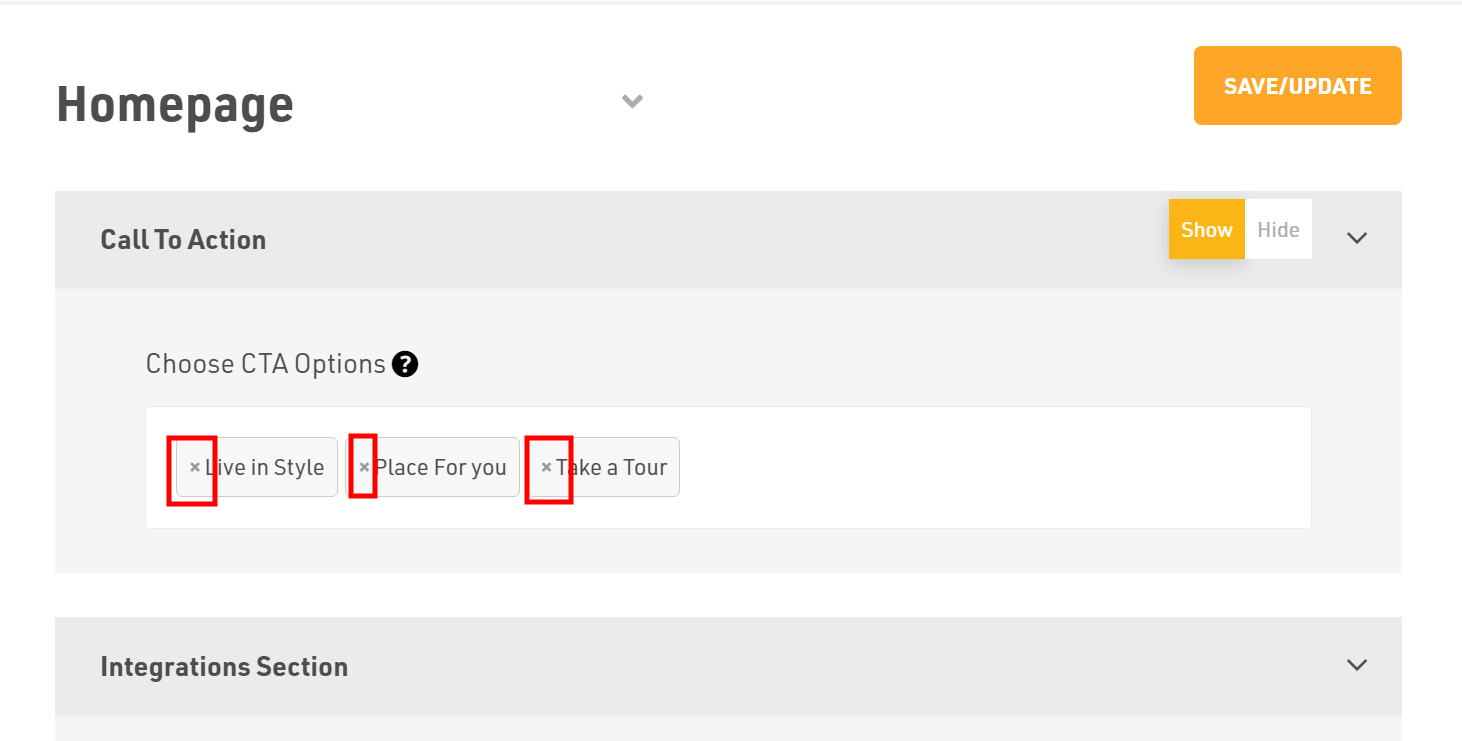
Website Pages > Homepage > Call to Action
Select the (x) cross button which is available on the left side of the CTA name.
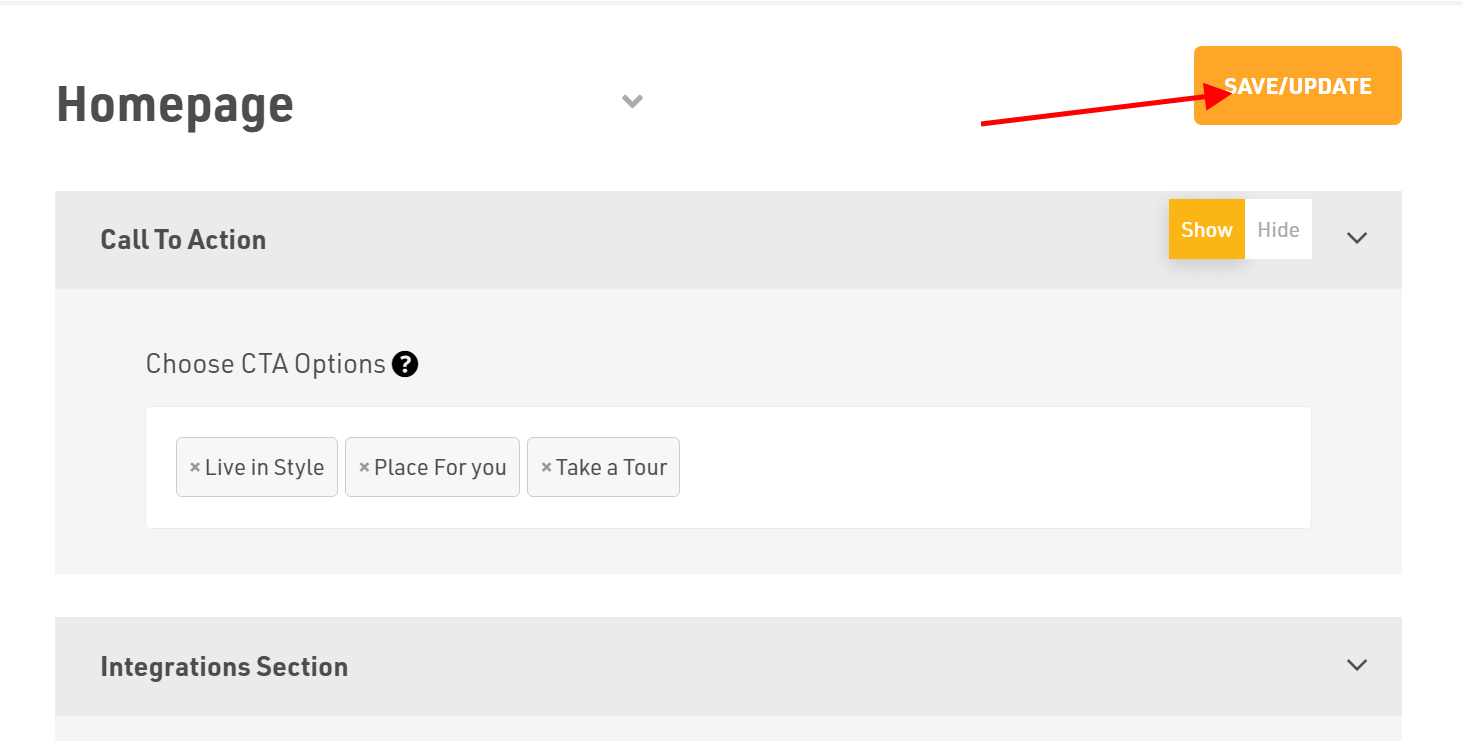
Dont forget to Save/Update
Once finished, click Save/Update in the top-right corner.
Note: To add a new CTA or edit the existing CTA, check out our article on How to add and manage call to action (CTAs)
Was this article helpful?
Thanks for the feedback.