
How to Add or Edit the Integrations Section?
- Login to the dashboard of your property website at manage.beswifty.com.
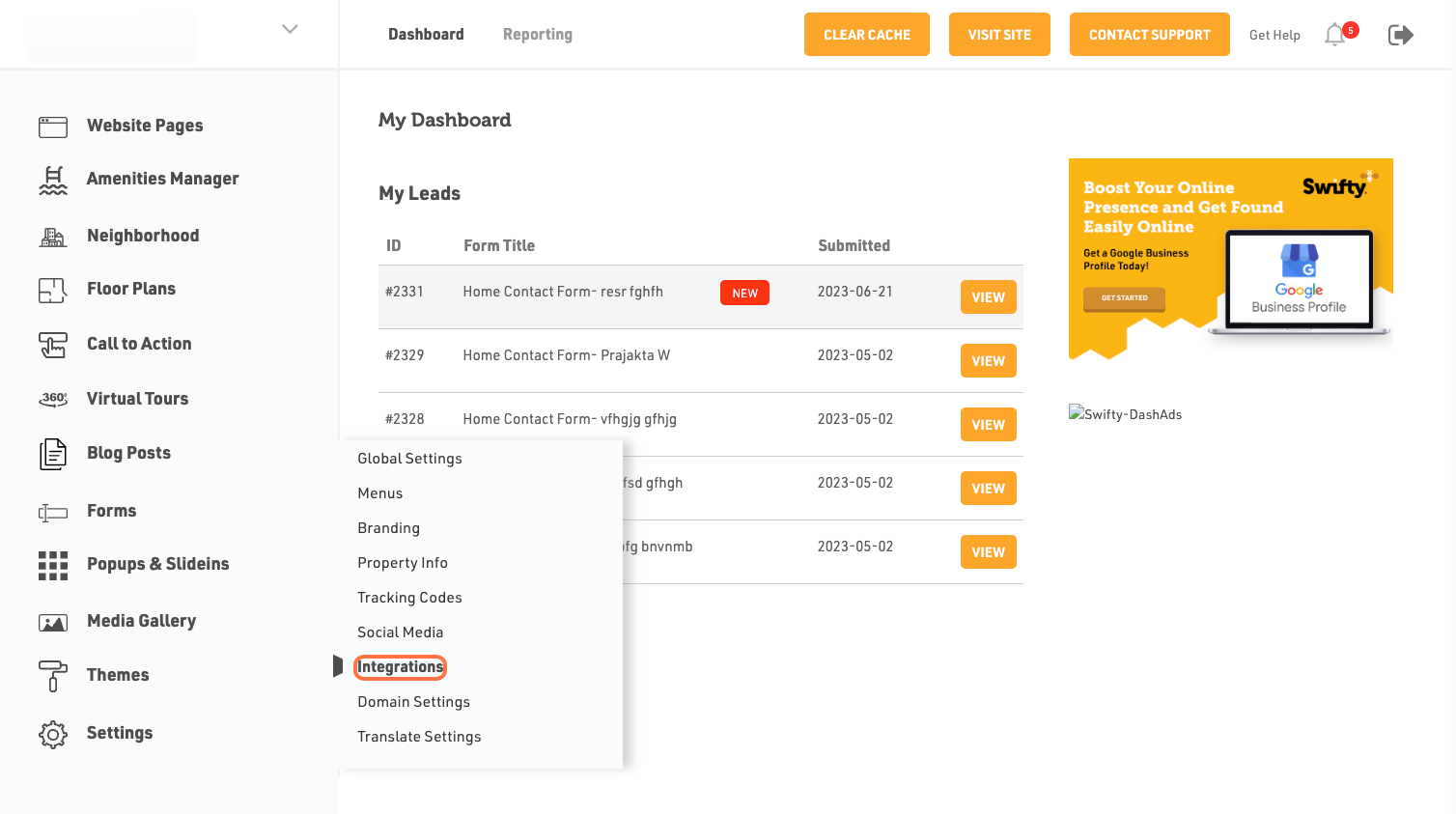
- In the left sidebar, navigate to Settings >Integrations
- Click on Integrations
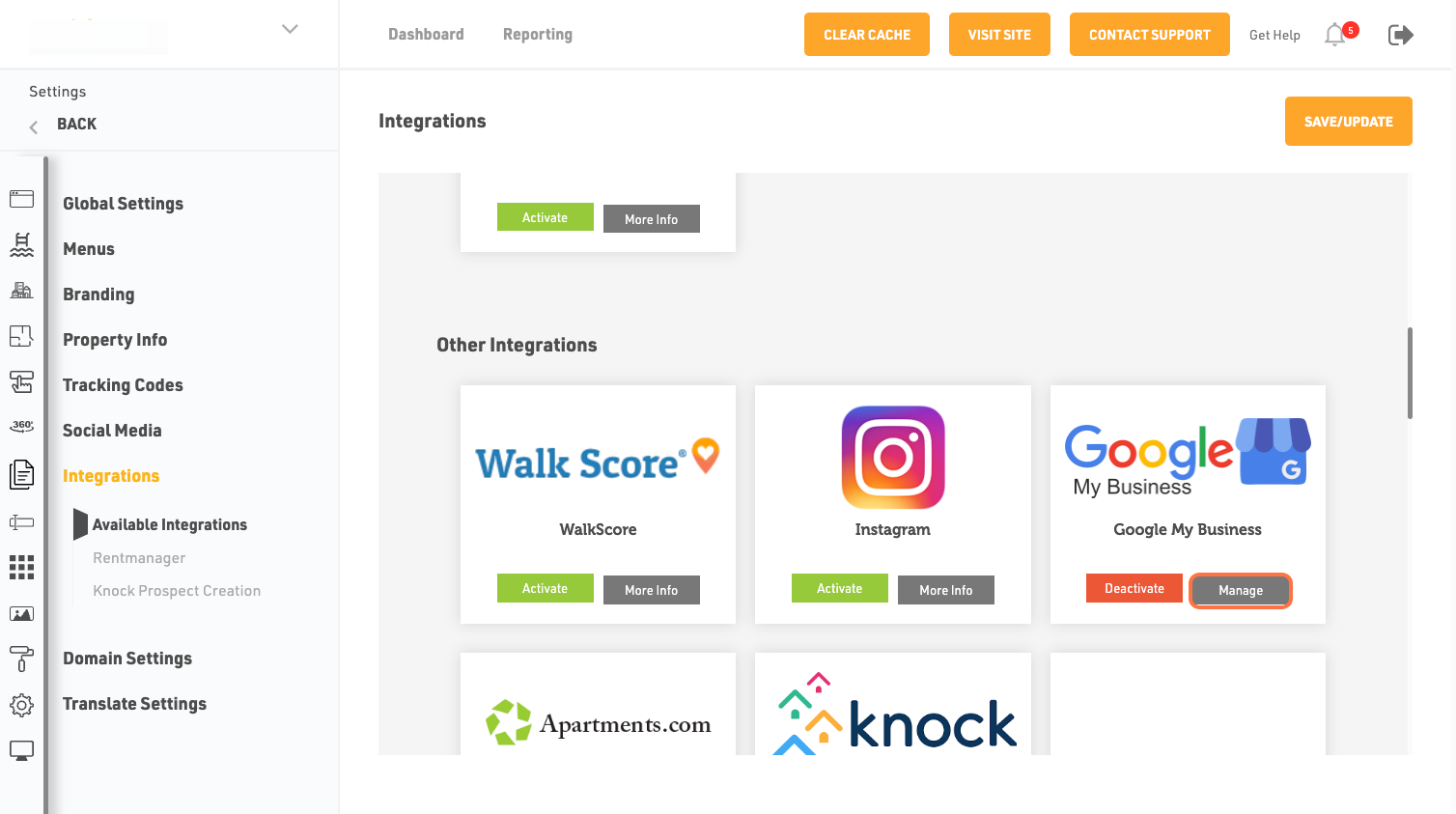
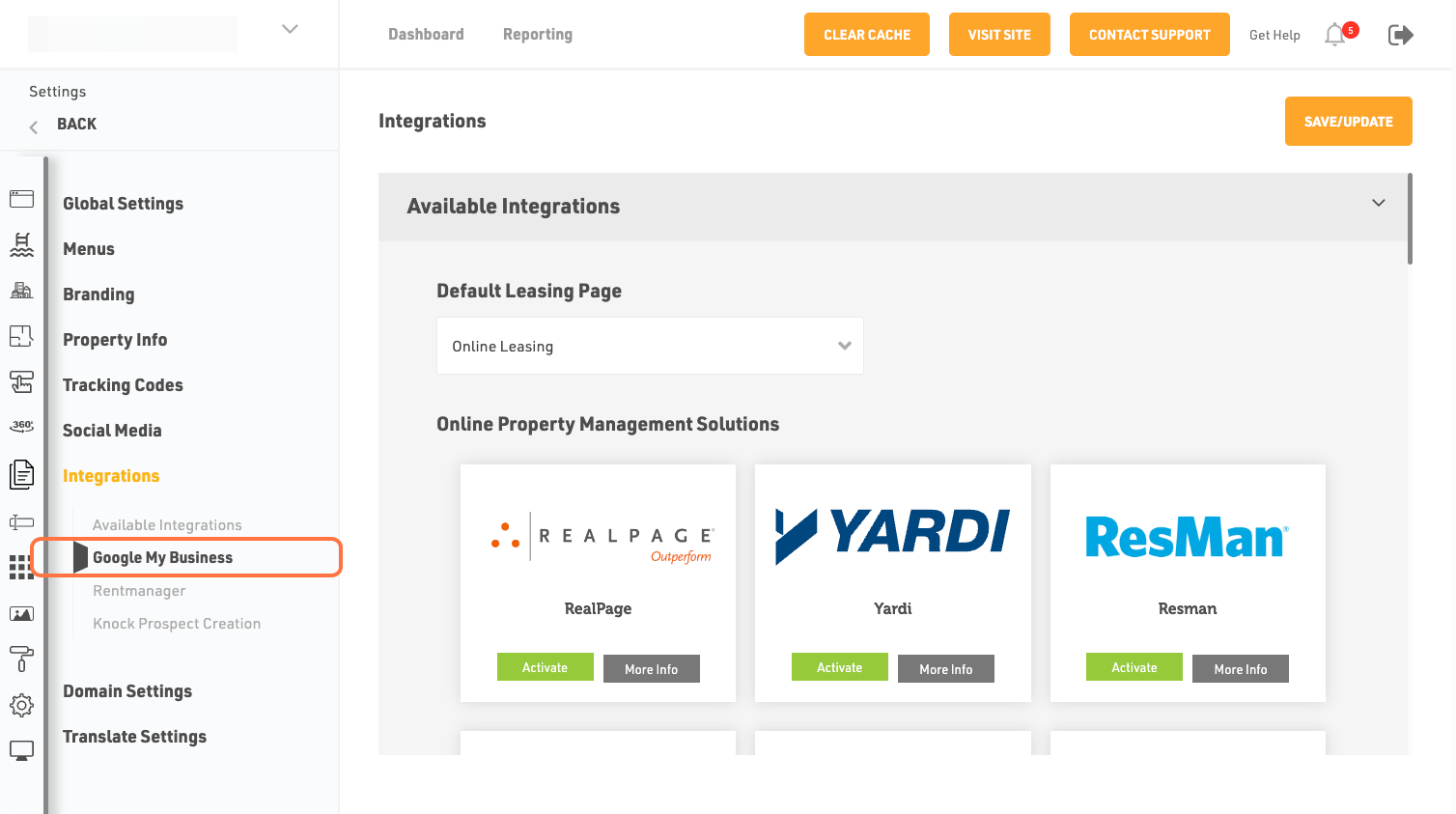
- Search For Google My Business, then click and "Activate" and then click on "Manage"
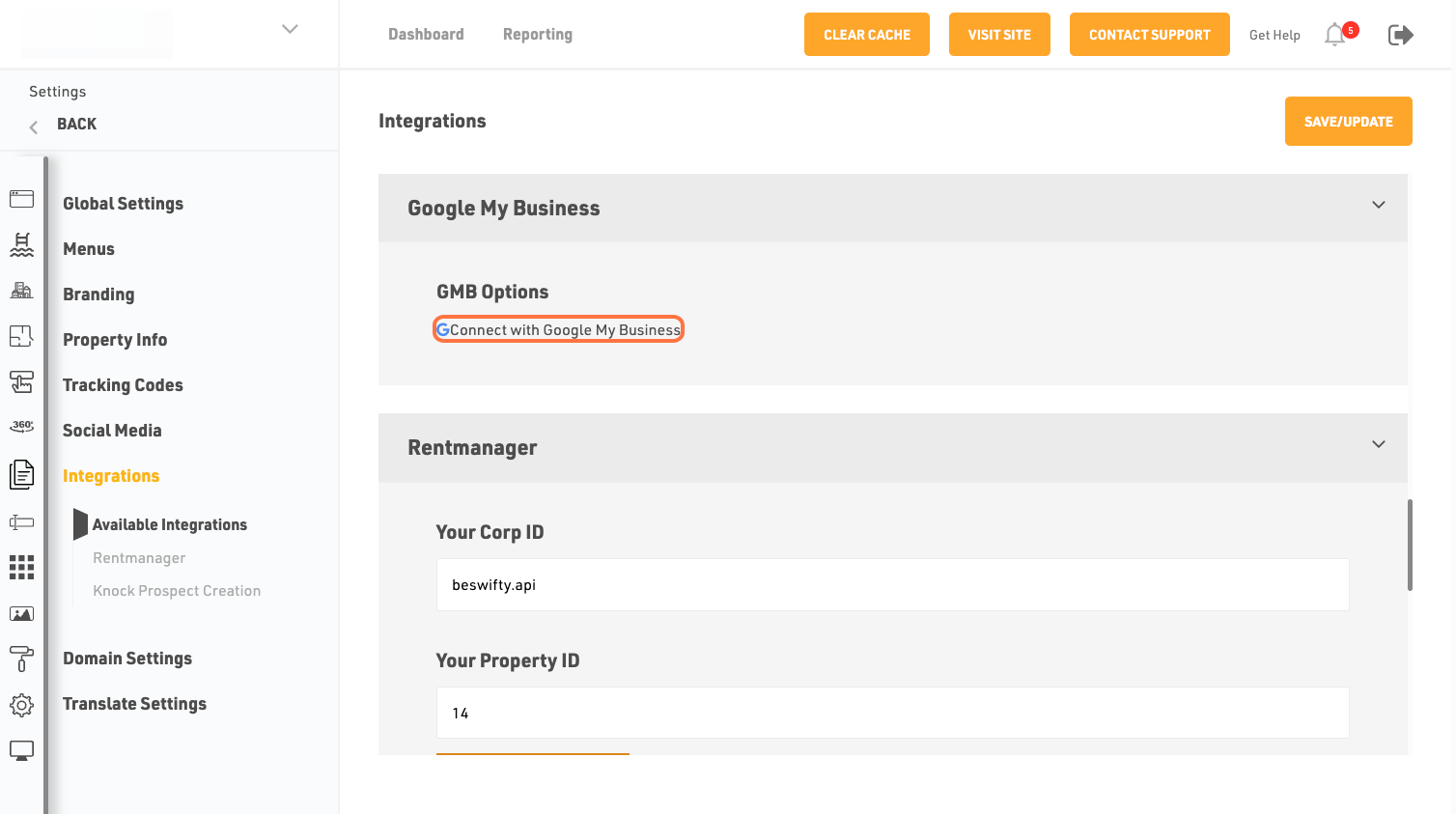
- Click on Connect with Google My Business
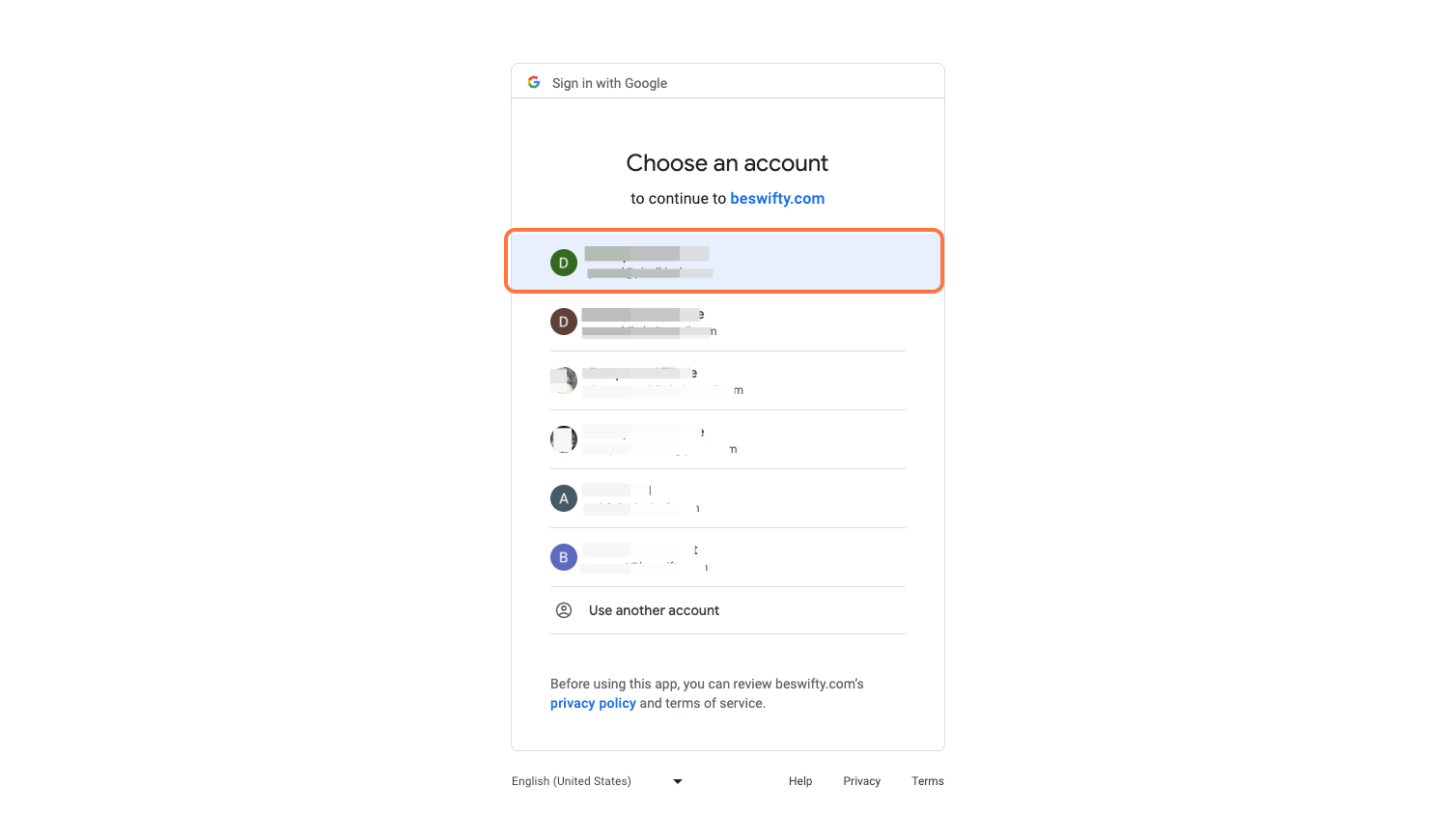
- If you are signed in multiple google accounts, youll get the list of those accounts. Please choose the account which has the Admin level access to your Google My Business Profile
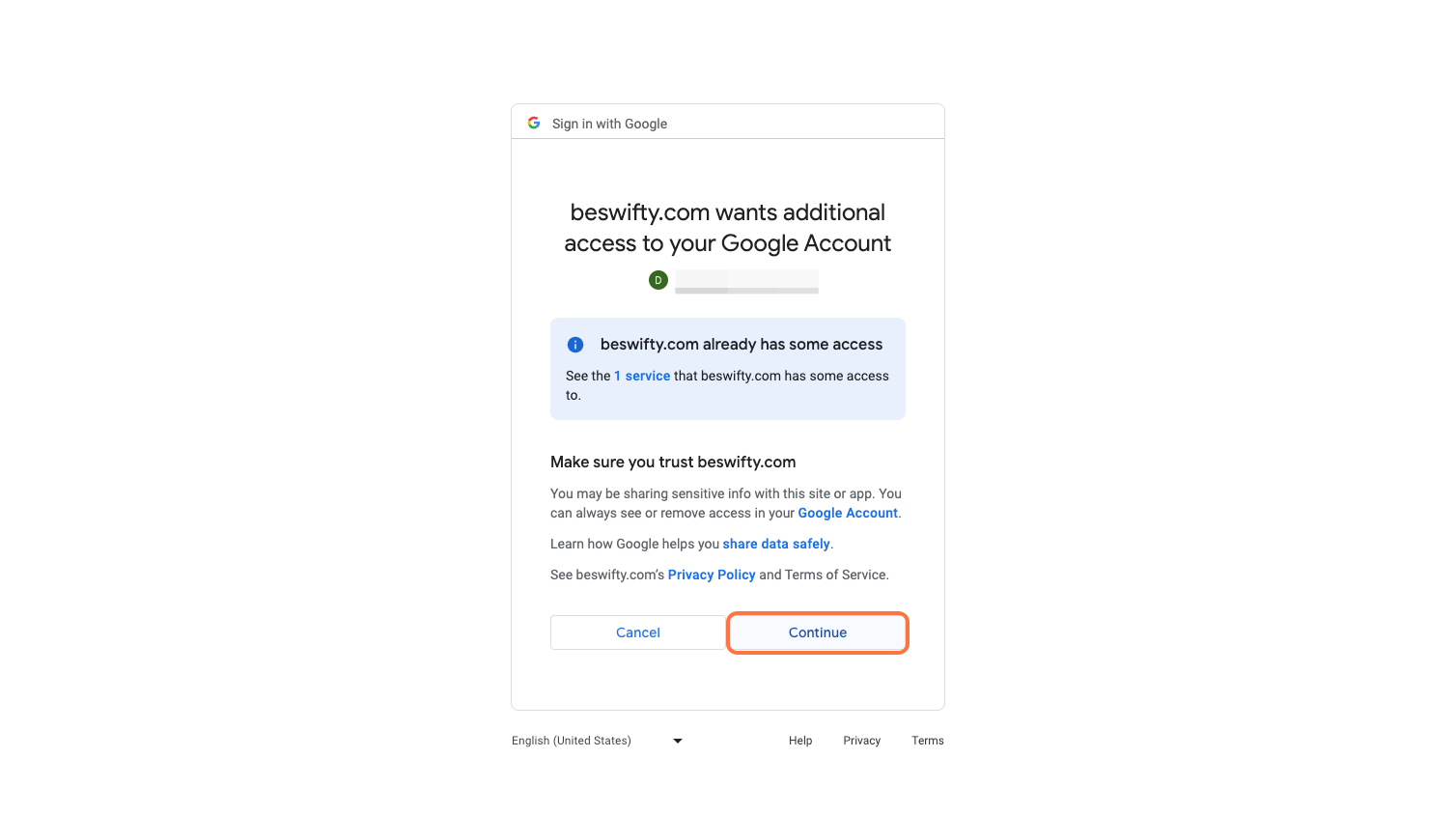
- Click on Continue or Allow whichever appear
- Scroll back to Google My Business section
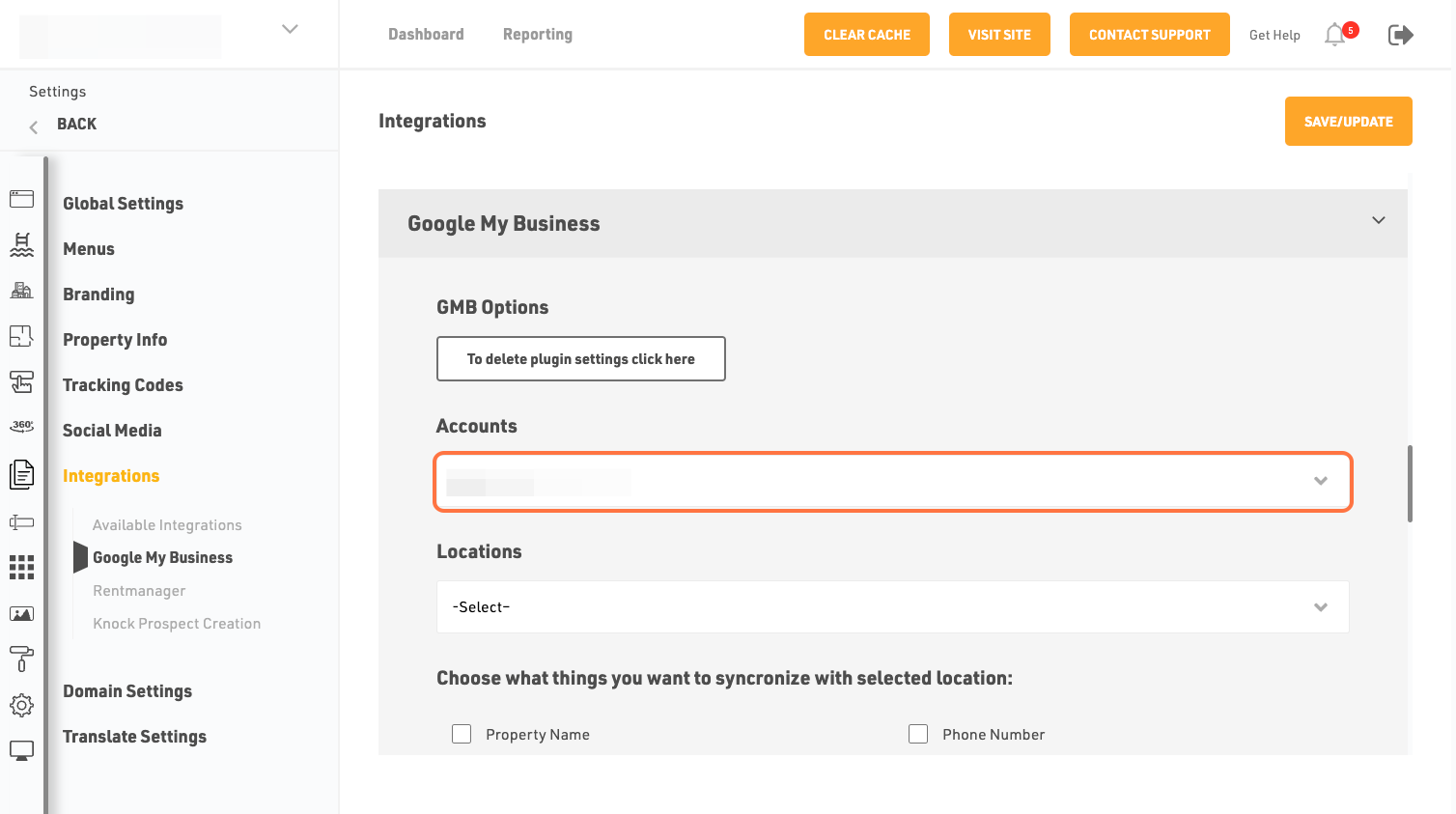
- Click on Accounts dropdown and select the account
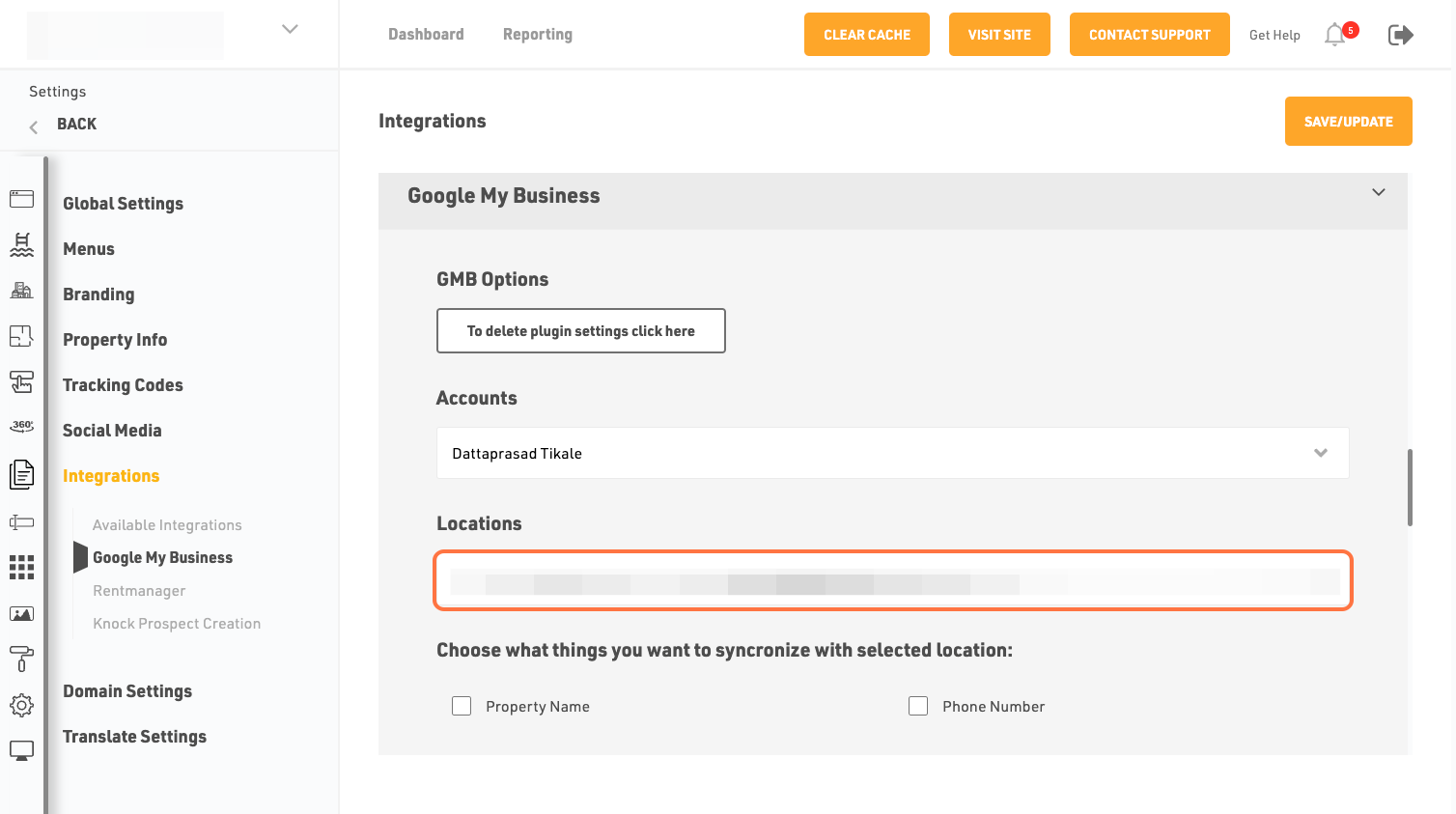
- Then click on Locations dropdown and select correct entry for property
- Check on Reviews checkbox
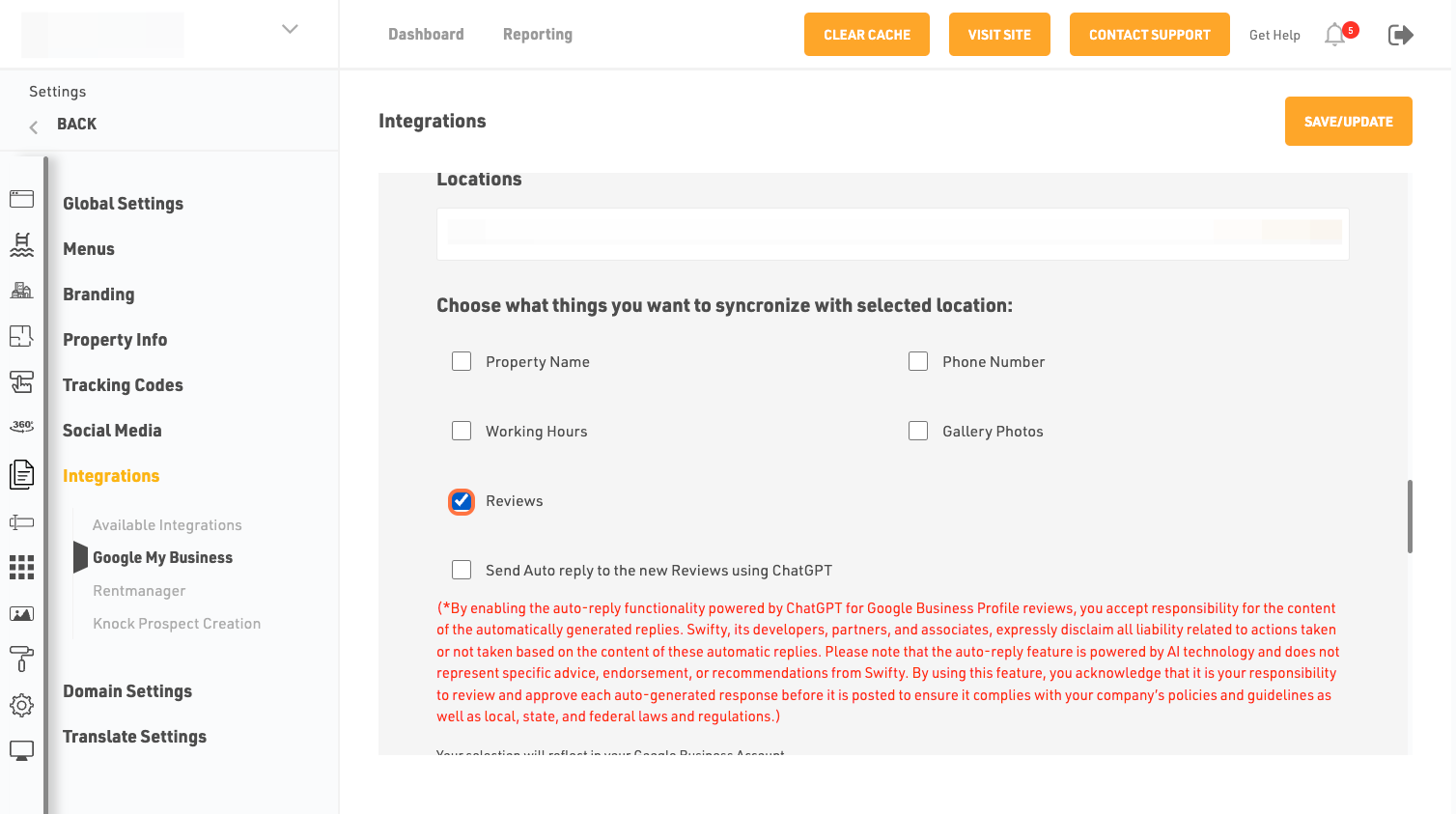
- Check on Send Auto reply to the new Reviews using ChatGPT checkbox. Please read through the disclaimer
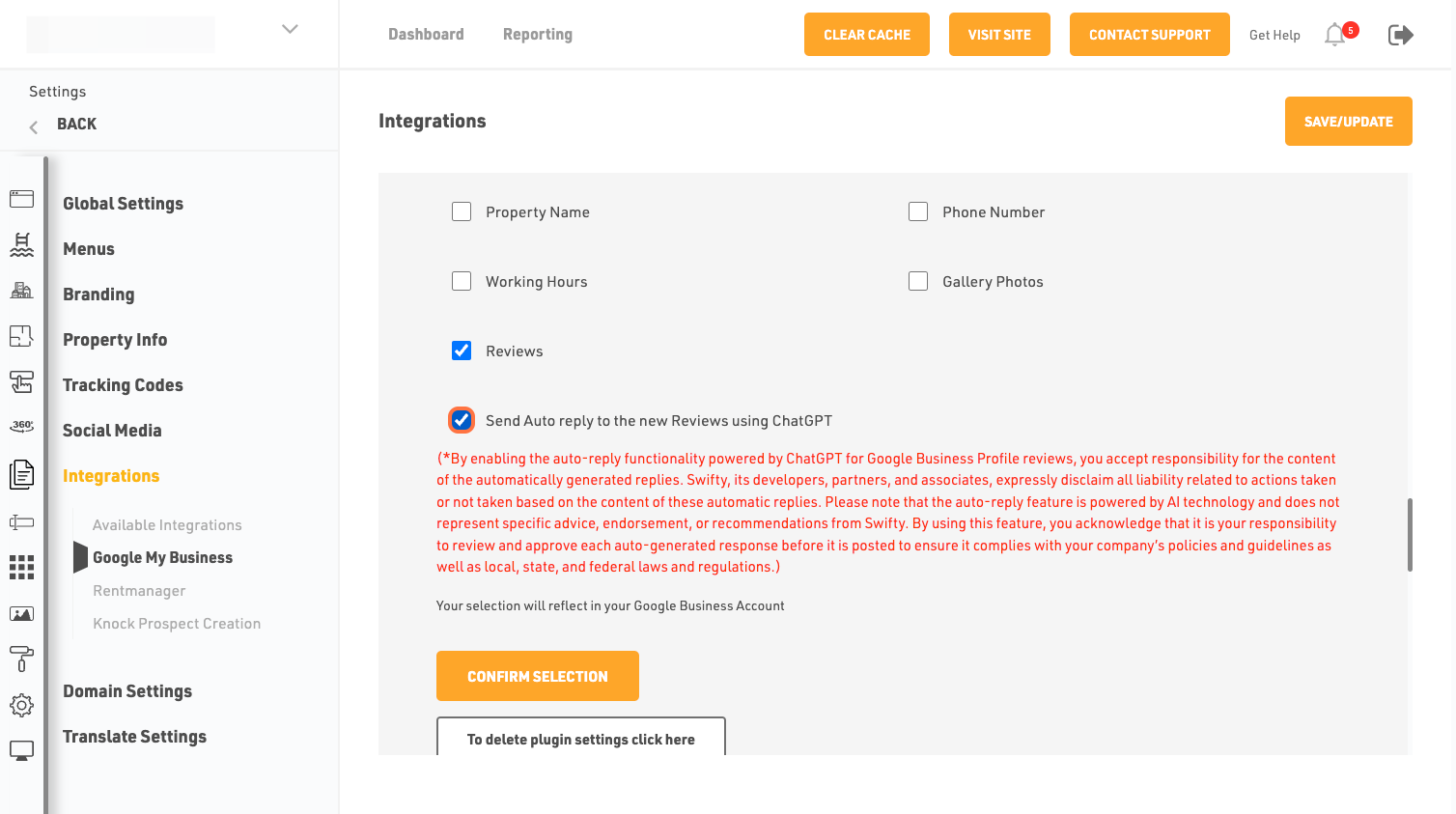
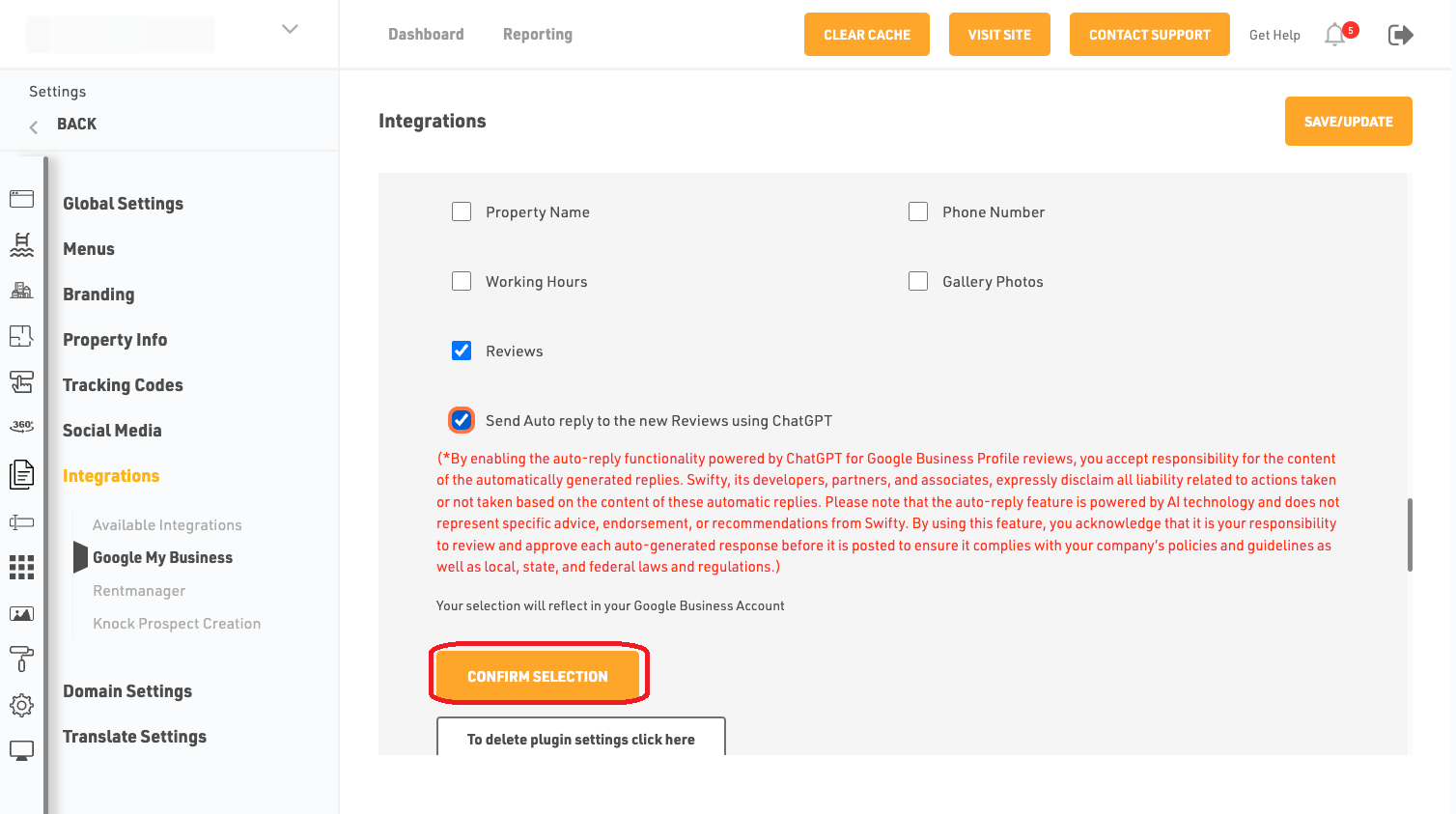
- Click on confirm Selection
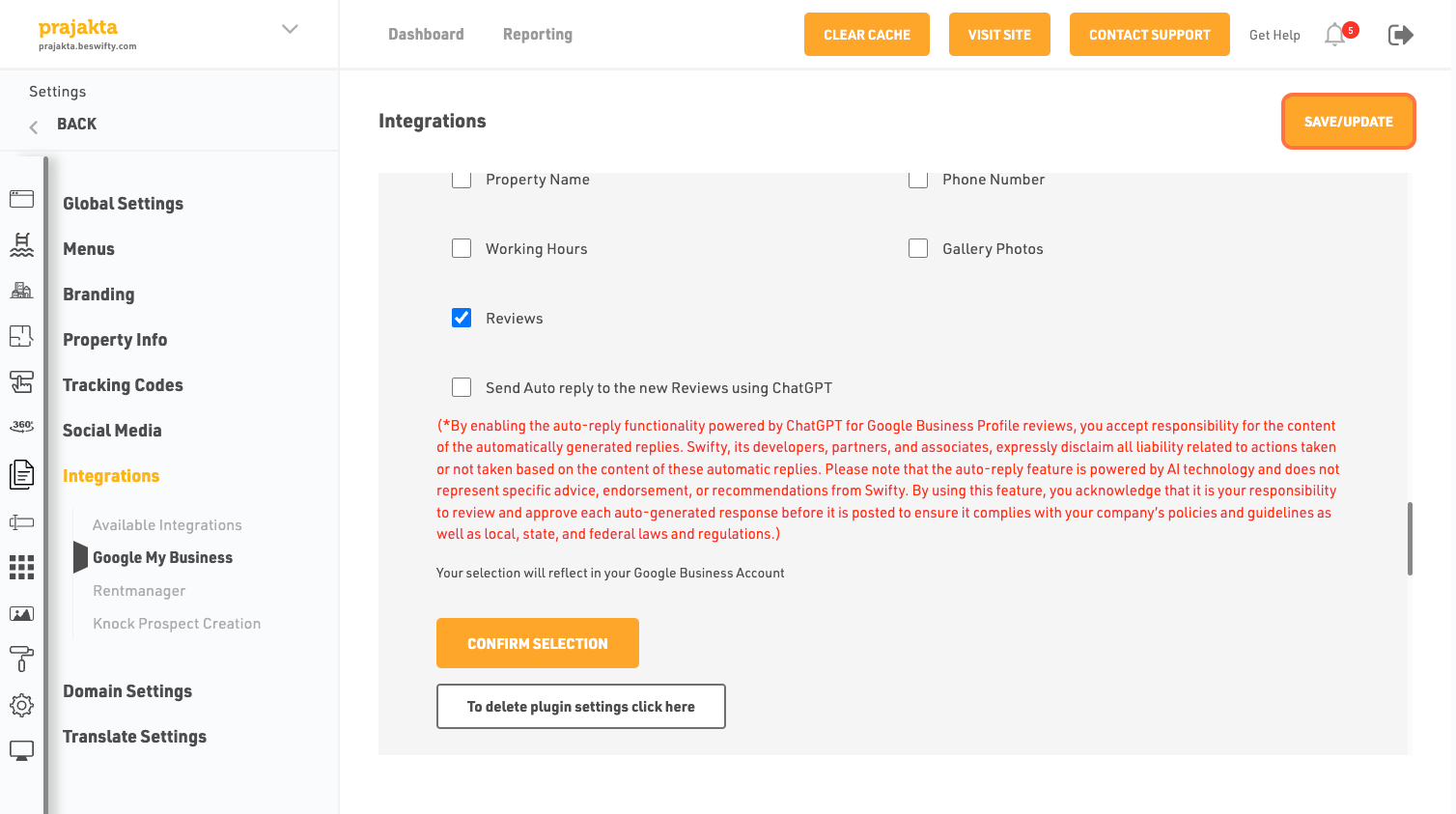
- Dont forget to Save/Update
- Once you finish everything, click the Save/Update button on top right corner.
Was this article helpful?
Thanks for the feedback.