
How to add directions link to the website from google maps
- Login to the dashboard of your property website at manage.beswifty.com.
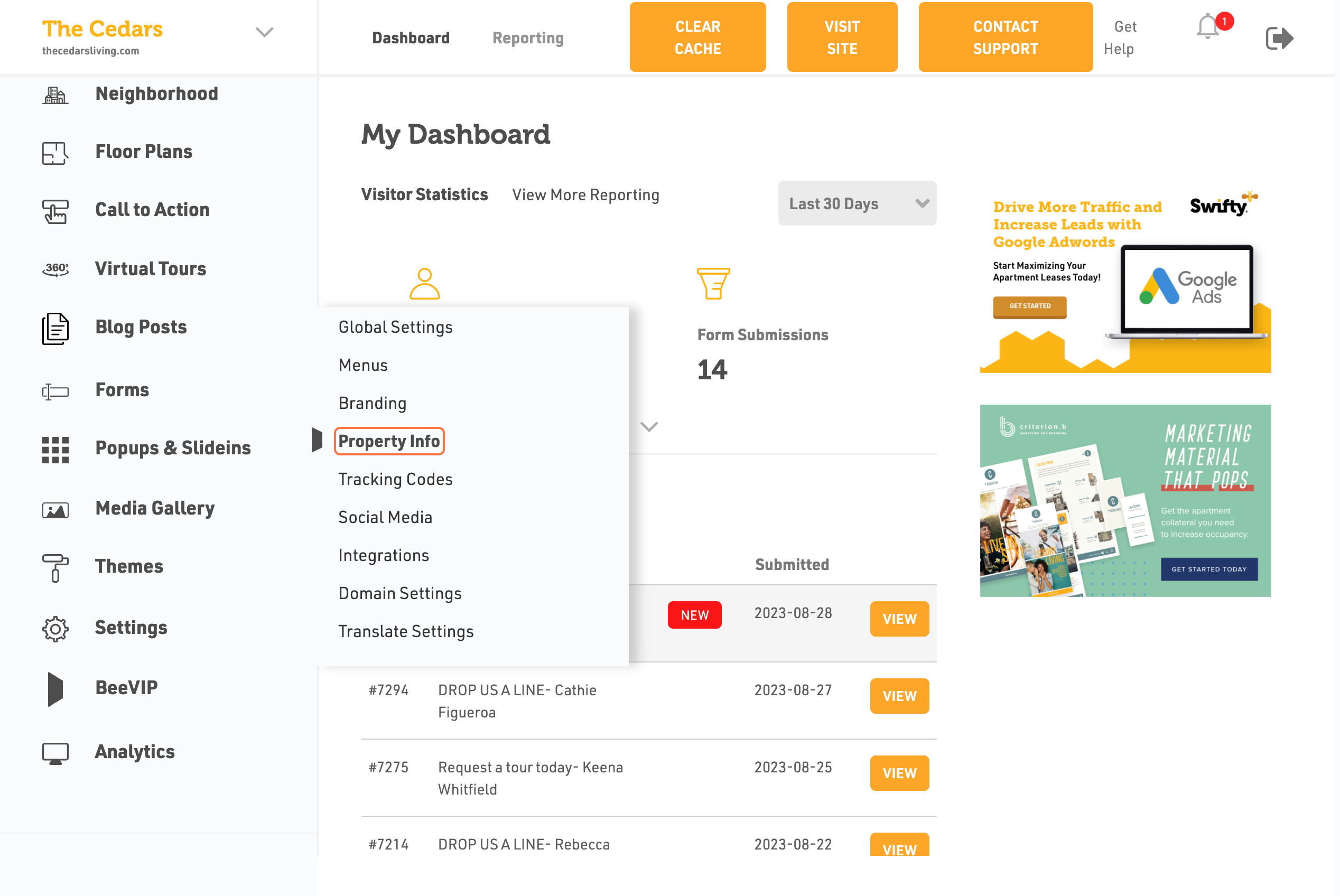
- In the left sidebar, navigate to Settings >Property Info
- Click on Property Info
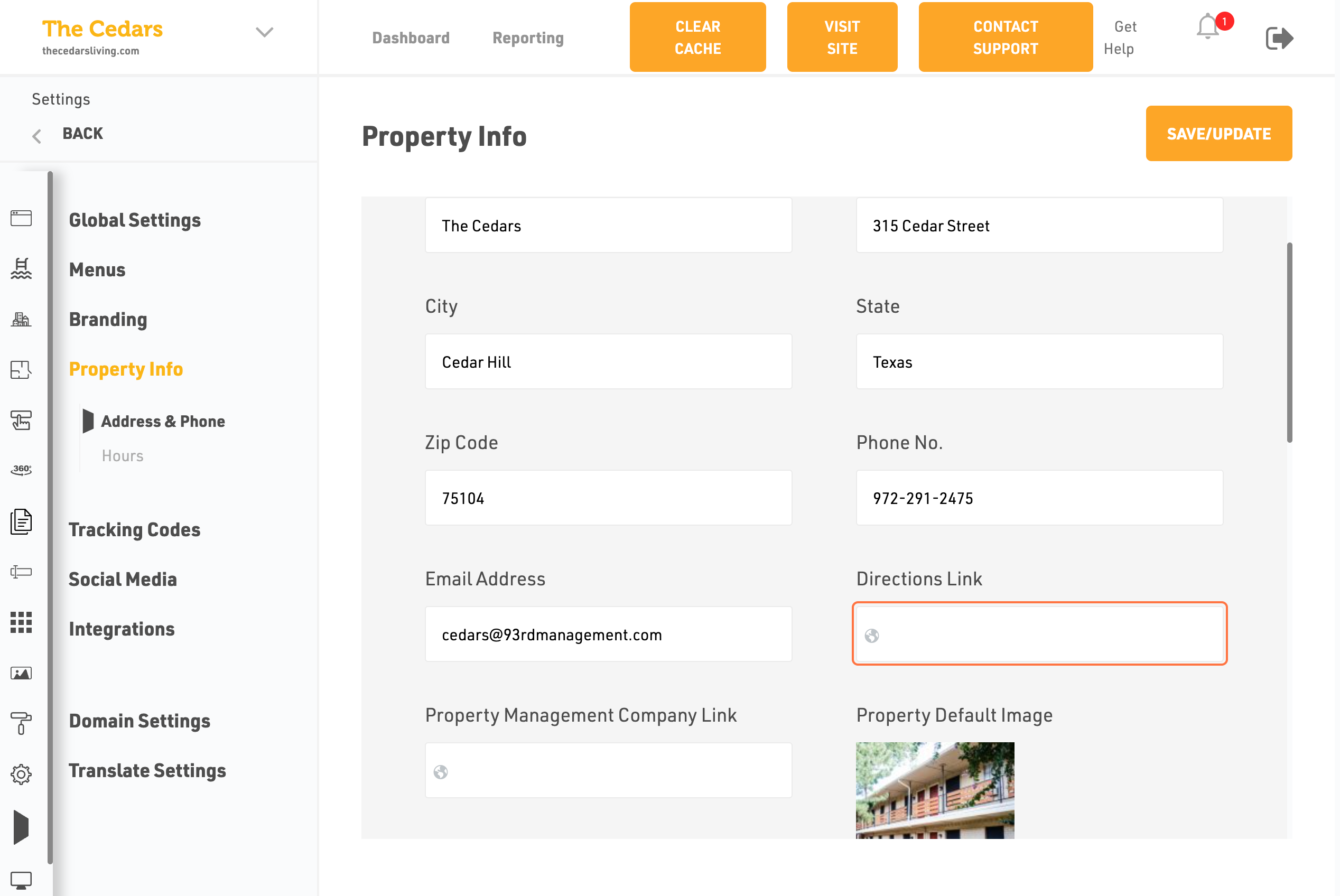
- Select the Directions Link
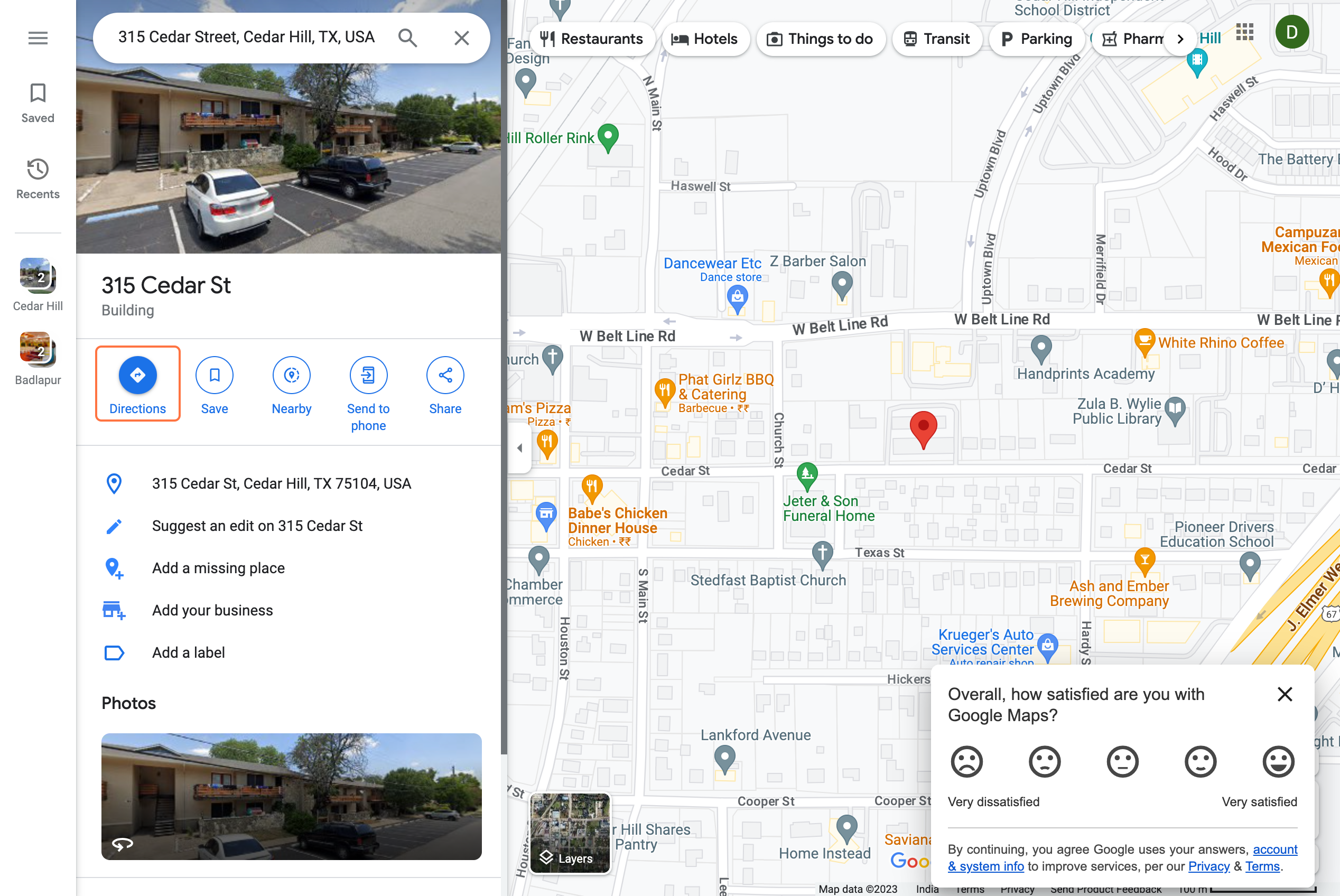
- Type the Address to your property
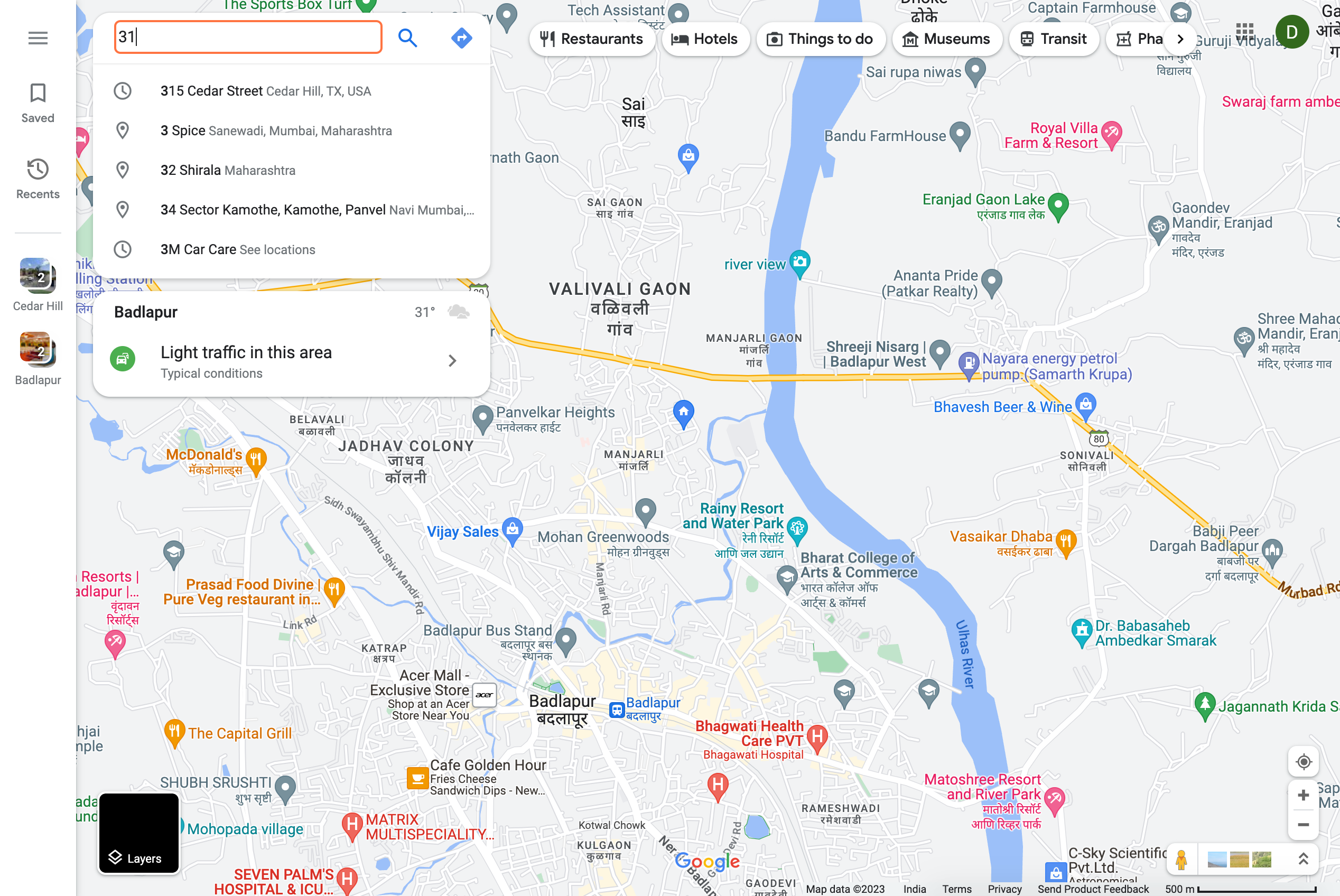
- Click on the search bar
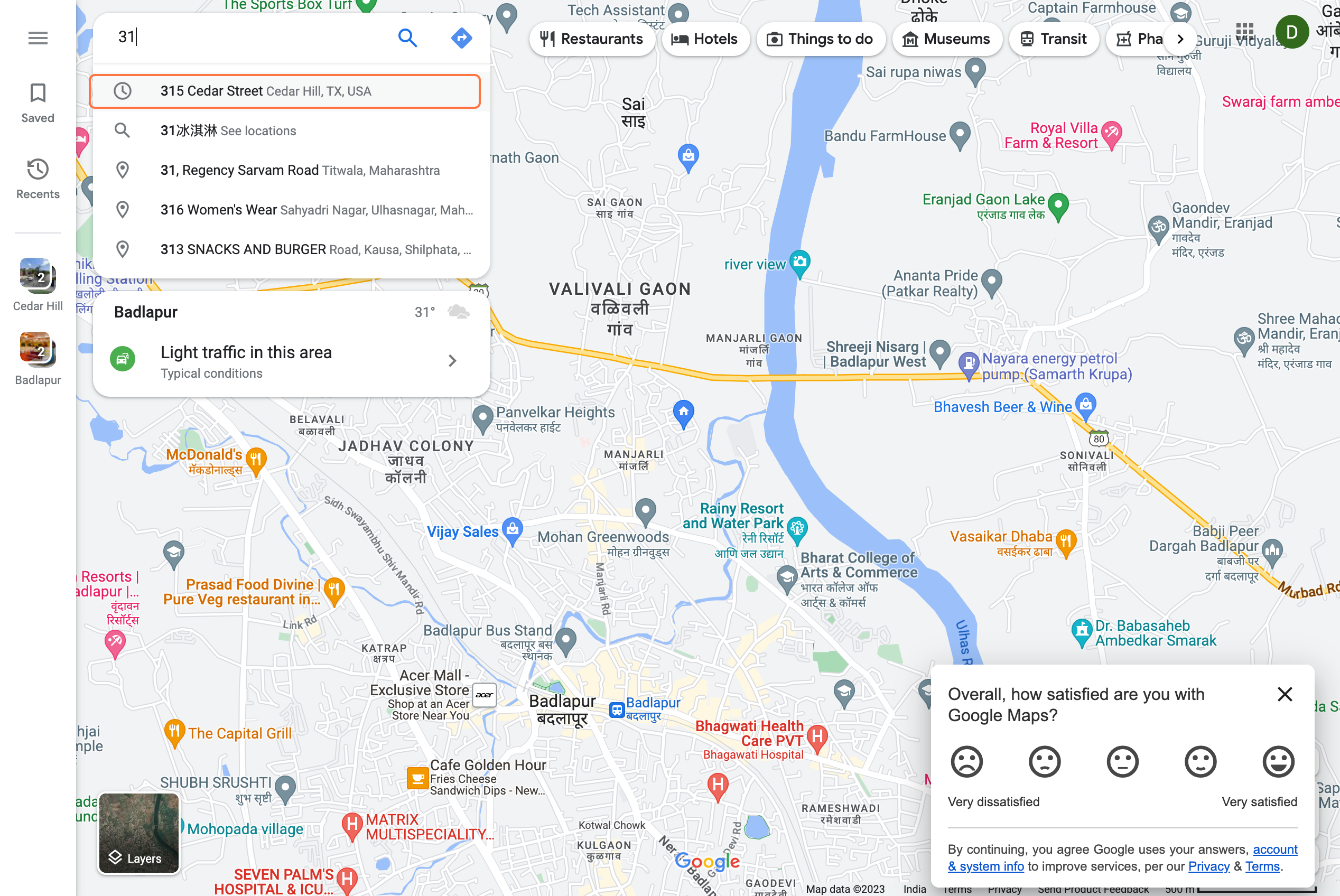
- Then Click on Directions
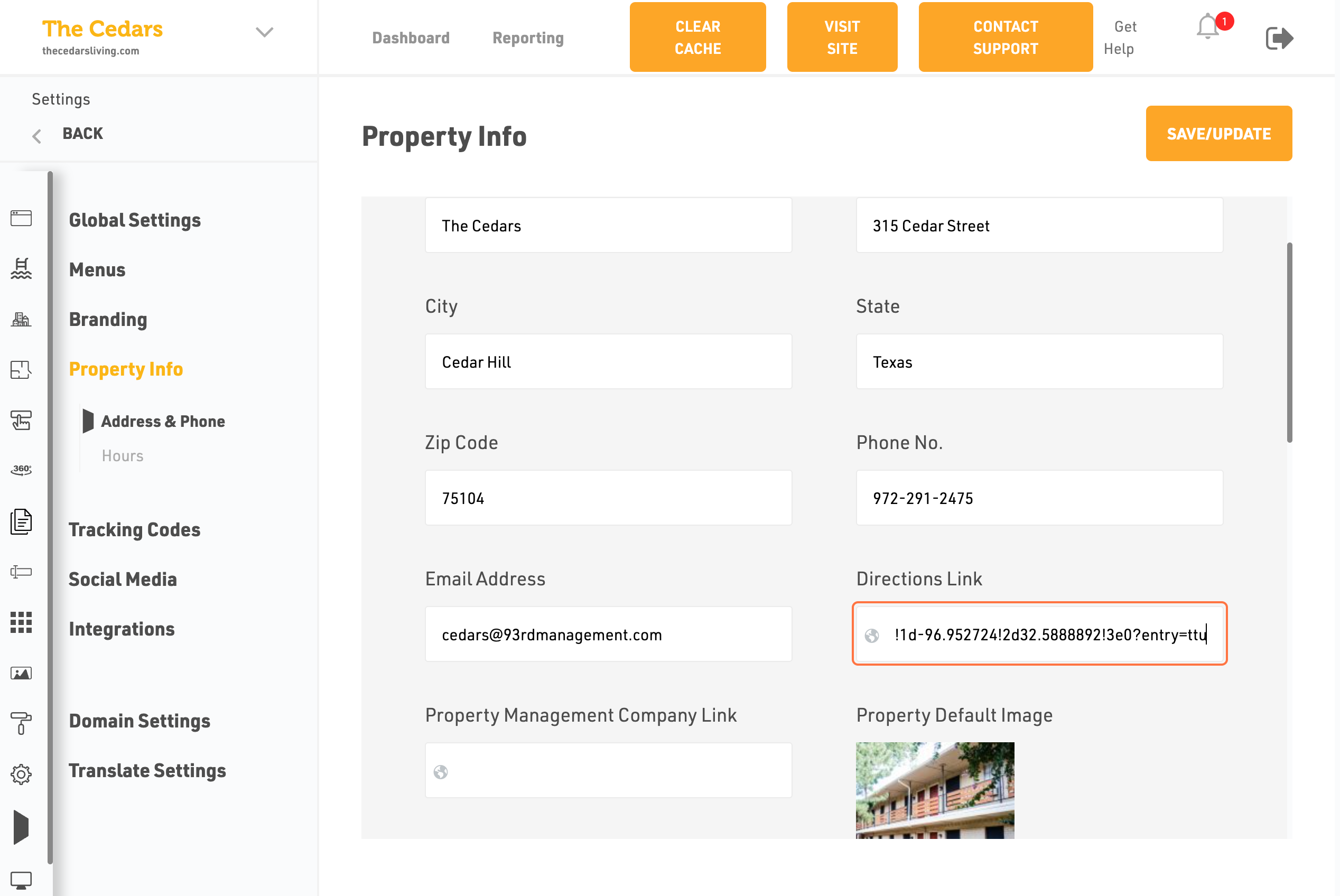
- Click on Directions Link
- Paste your property link in the directions link
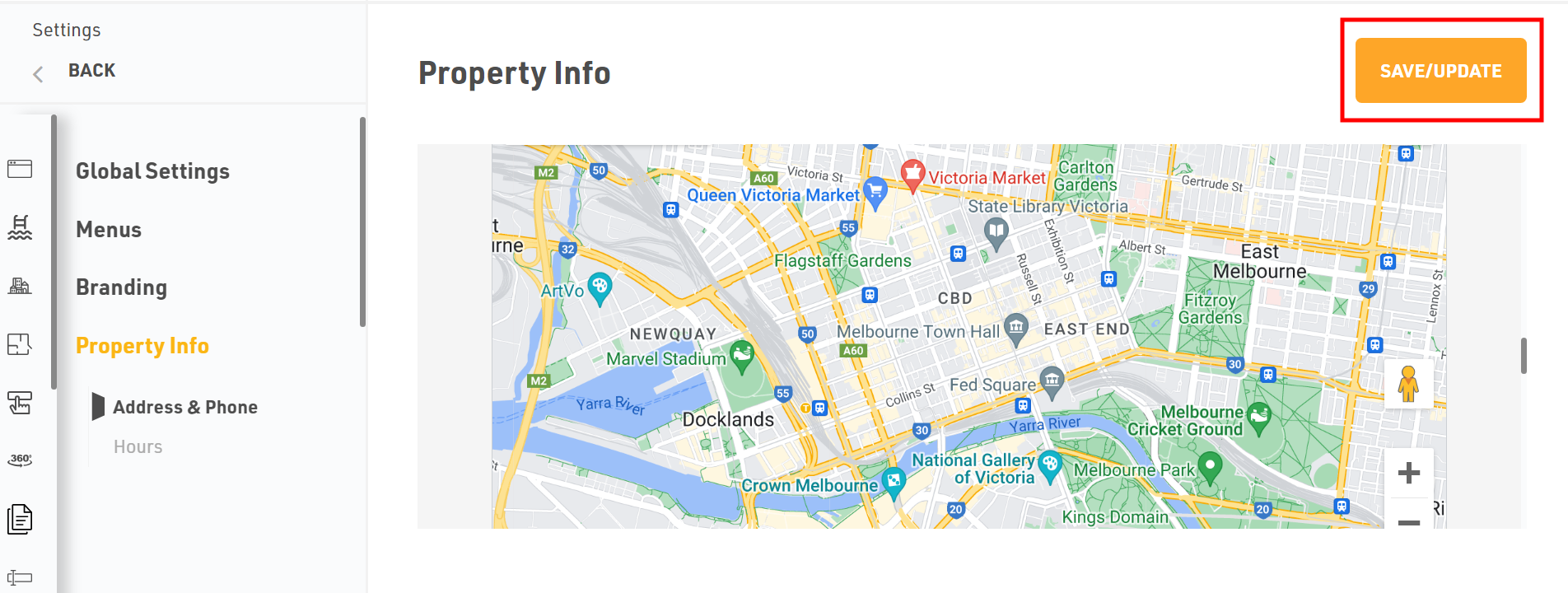
Dont forget to Save/Update
Once you finish everything, click the Save/Update button on top right corner.
Was this article helpful?
Thanks for the feedback.