
How to edit Fonts on your property website?
Steps to Edit Fonts:
- Login to the dashboard of your property website at manage.beswifty.com.
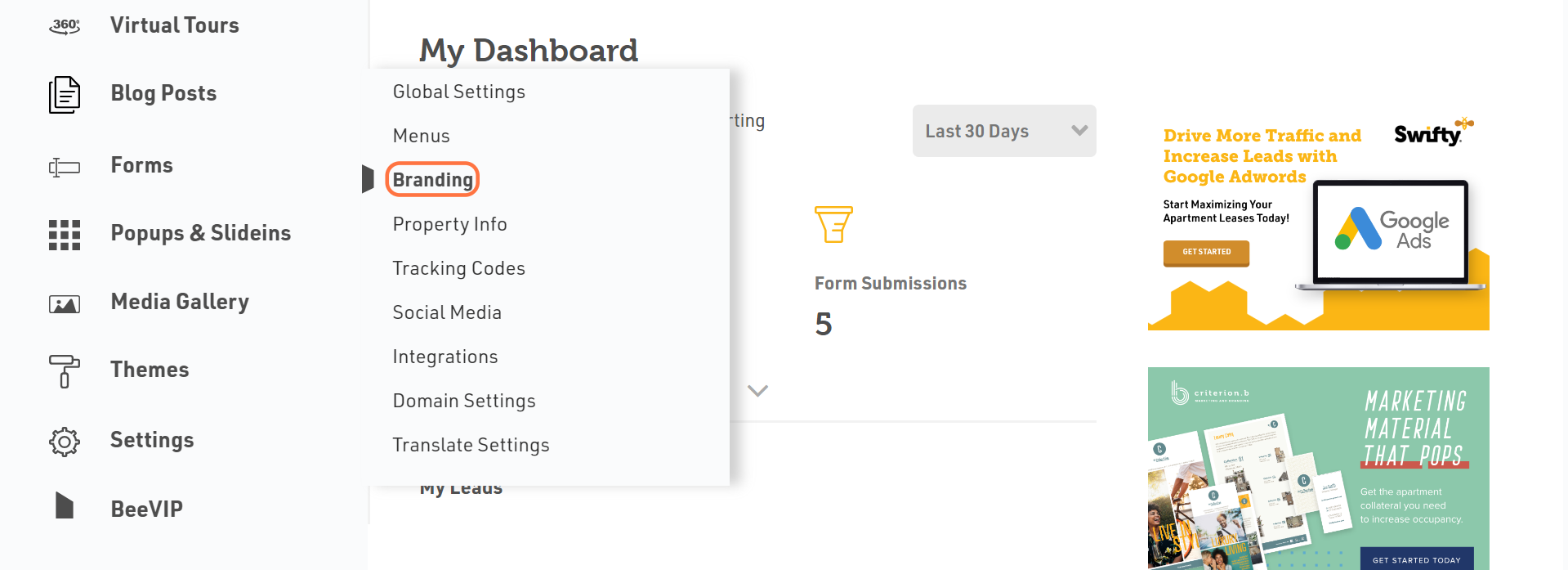
- In the left sidebar, navigate to Settings > Branding.
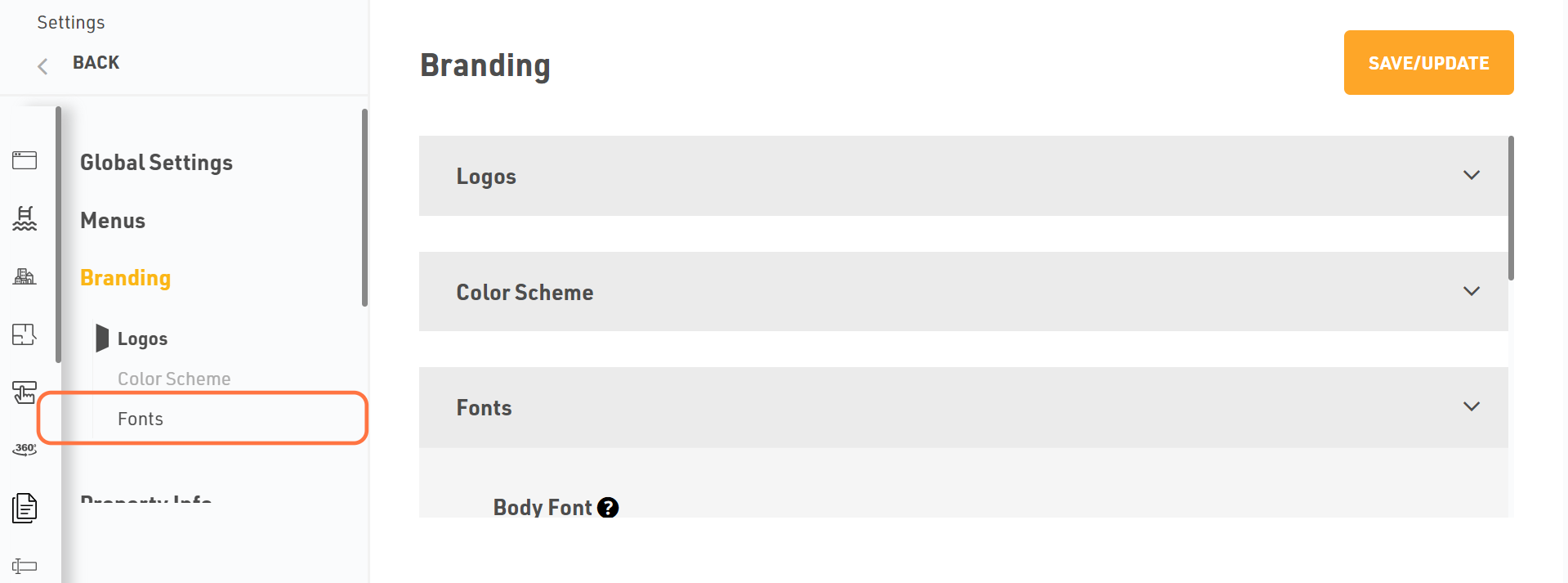
- On the Branding screen, click the Fonts tab.
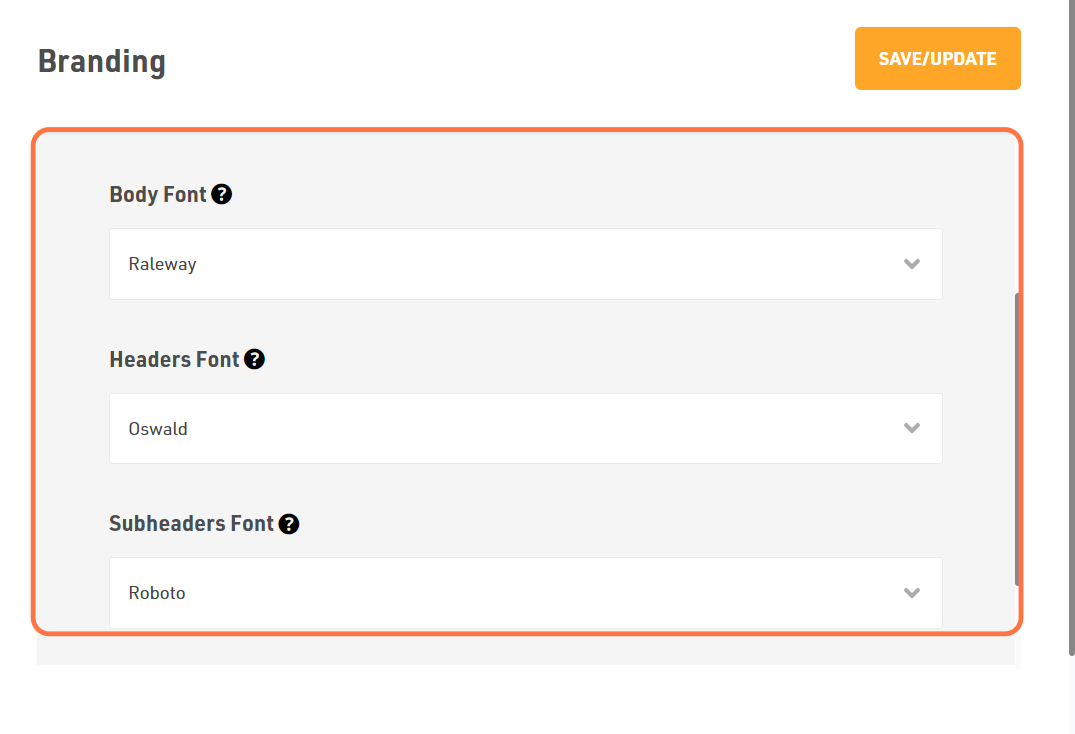
- You will see three fonts: Body Font, Headers Font and Subheaders Font.
- By default, there will be fonts that will be generated automatically after creating website.
- If you wish to change the existing fonts, select the fonts from the drop-down menu as per your choice.
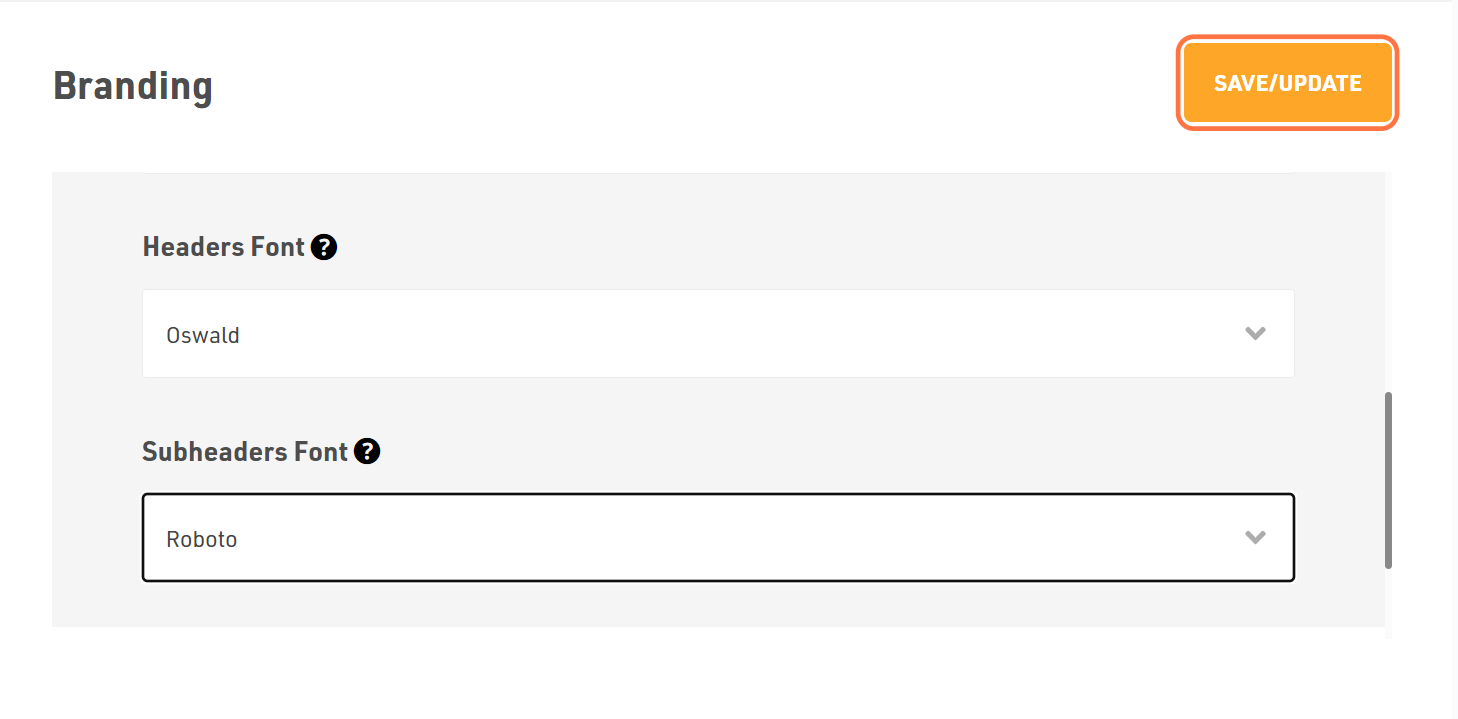
Dont forget to Save/Update
Once you finish everything, click the Save/Update button on the top right corner.
Was this article helpful?
Thanks for the feedback.