
How to Add New Tag?
Steps:
- Login to the dashboard of your property website at manage.beswifty.com.
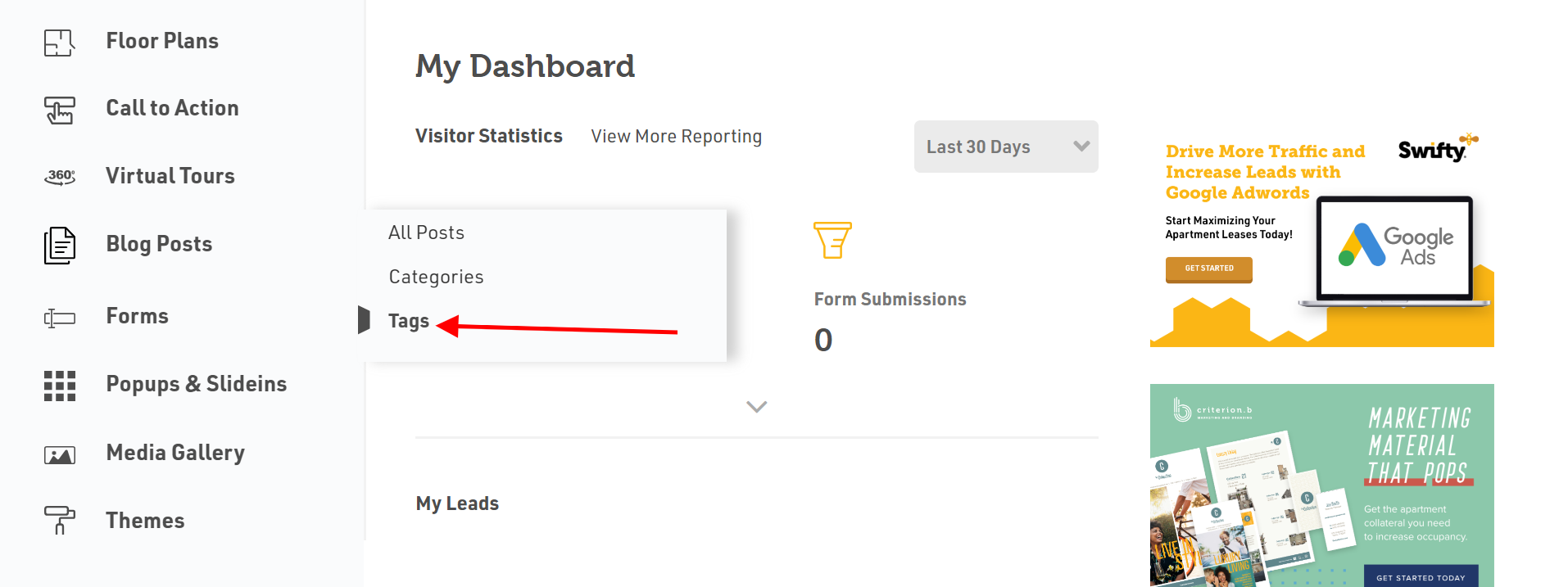
- Navigate to Blog Posts > Tags.
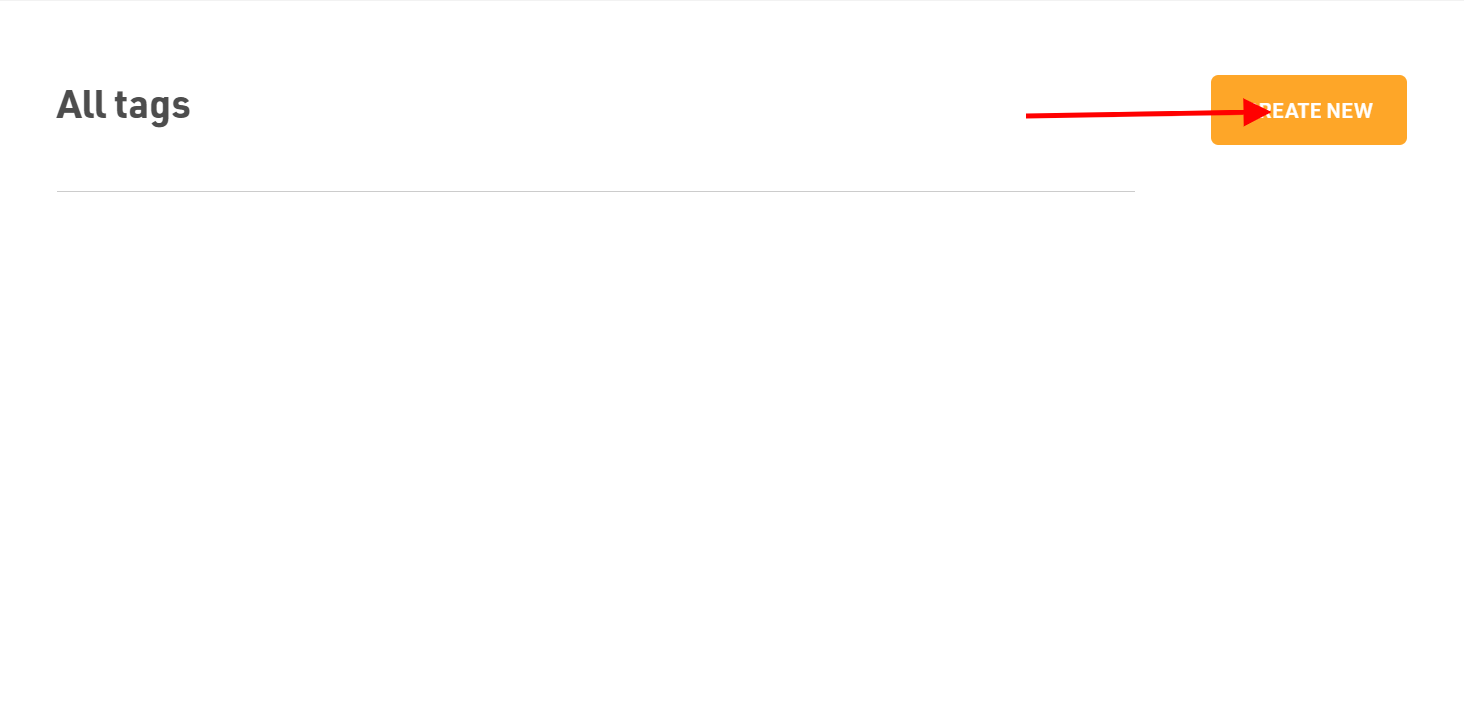
- Click on the Create New button on the top right corner to add new tag.
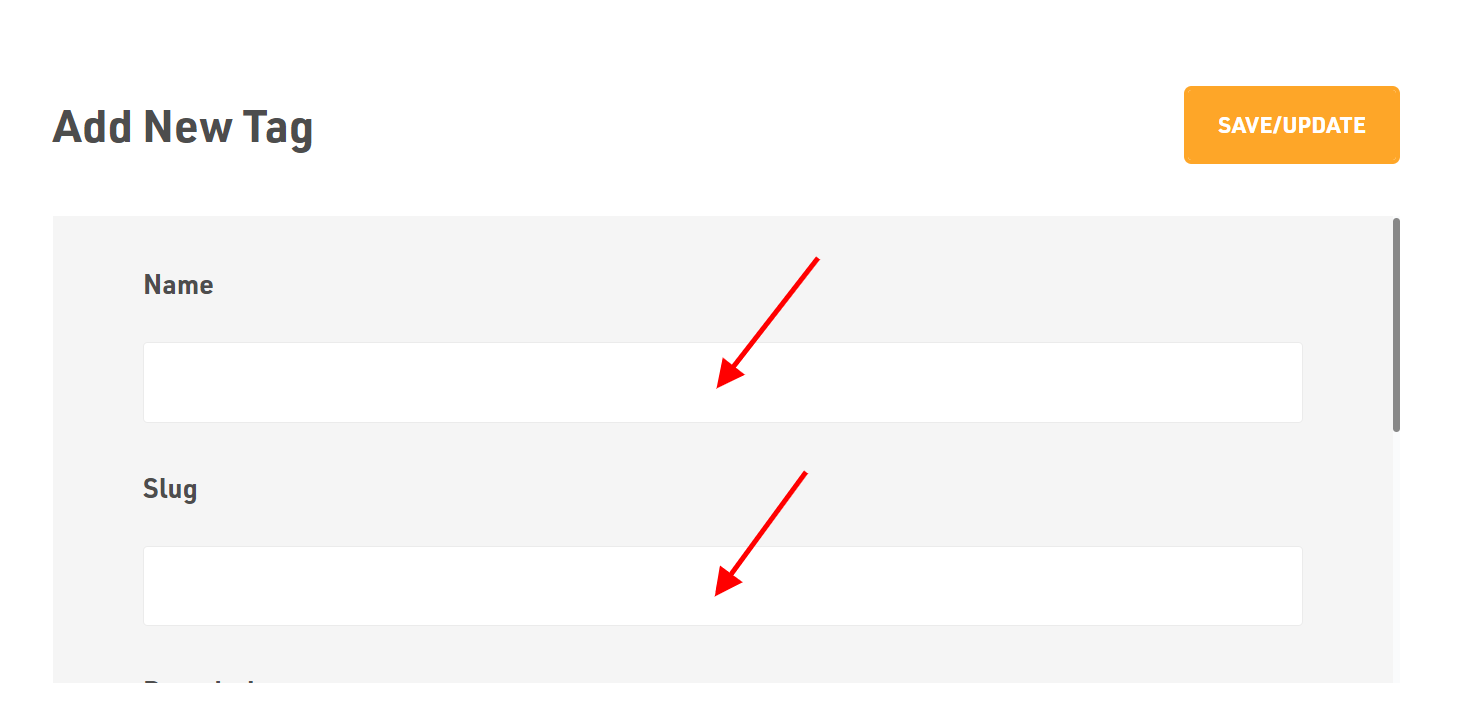
- Input Name for the tag.
- Add the Slug name (i.e., nickname for the tag).
- If you wish to add some Description related to the respective category, you can add it or leave it blank.
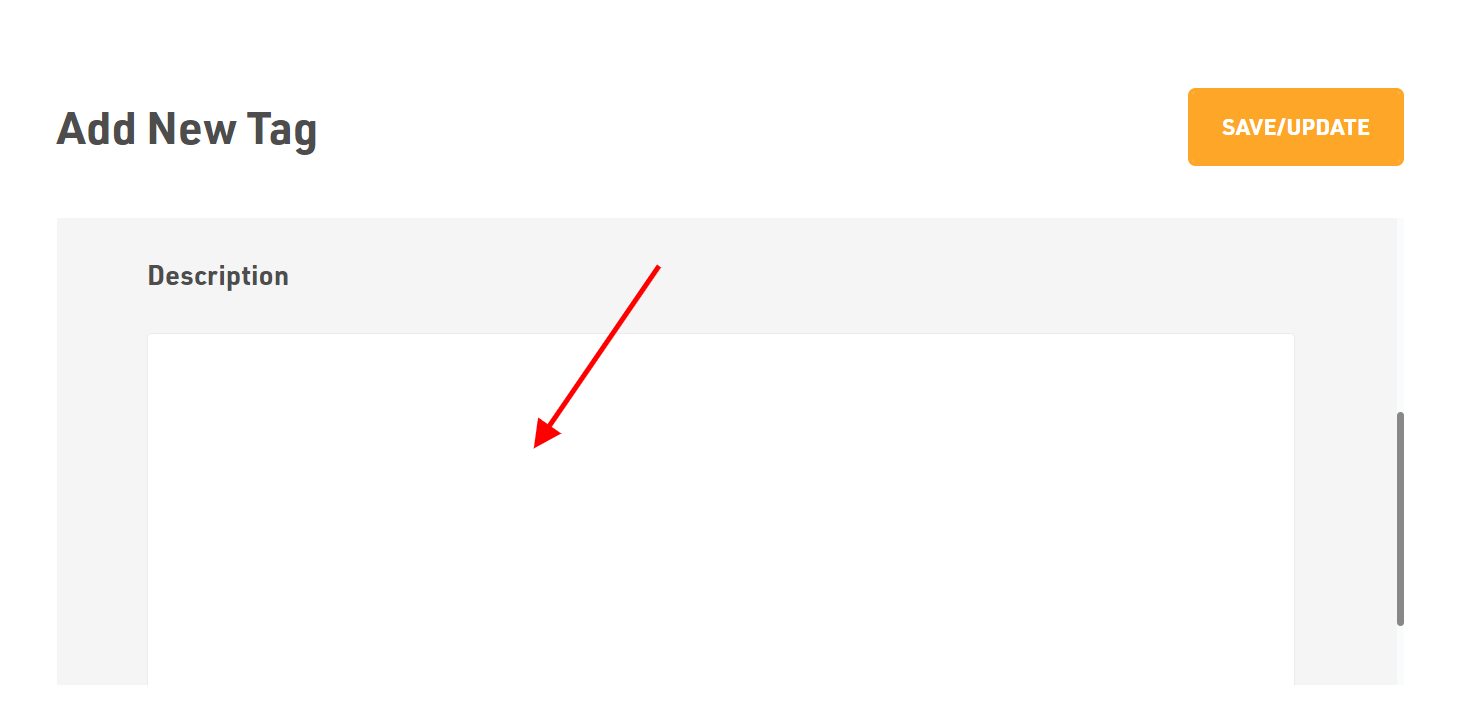
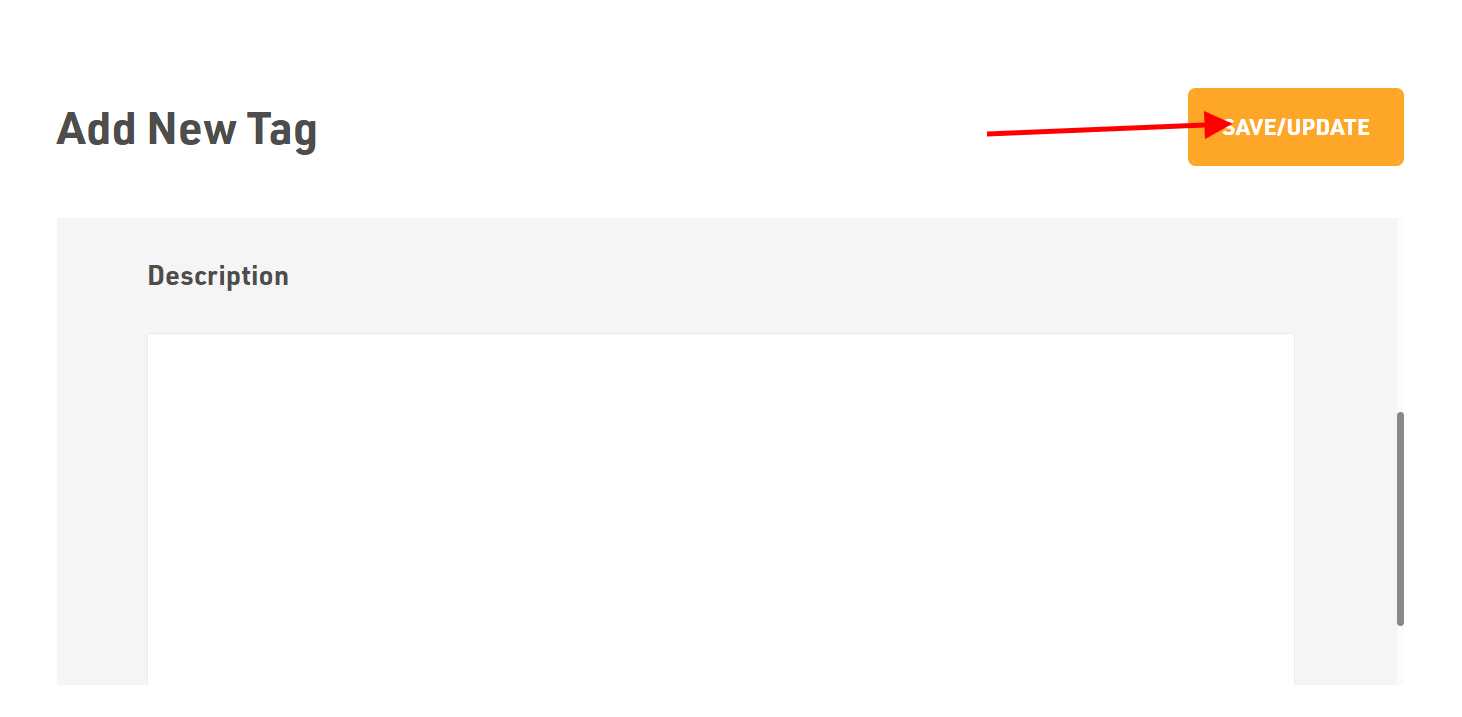
Dont forget to Save/Update
Once you finish everything, click the Save/Update button on top right corner.
Was this article helpful?
Thanks for the feedback.