
How to Enable the Translation in property website?
Steps:
- Login to the Dashboard of your property website at manage.beswifty.com.
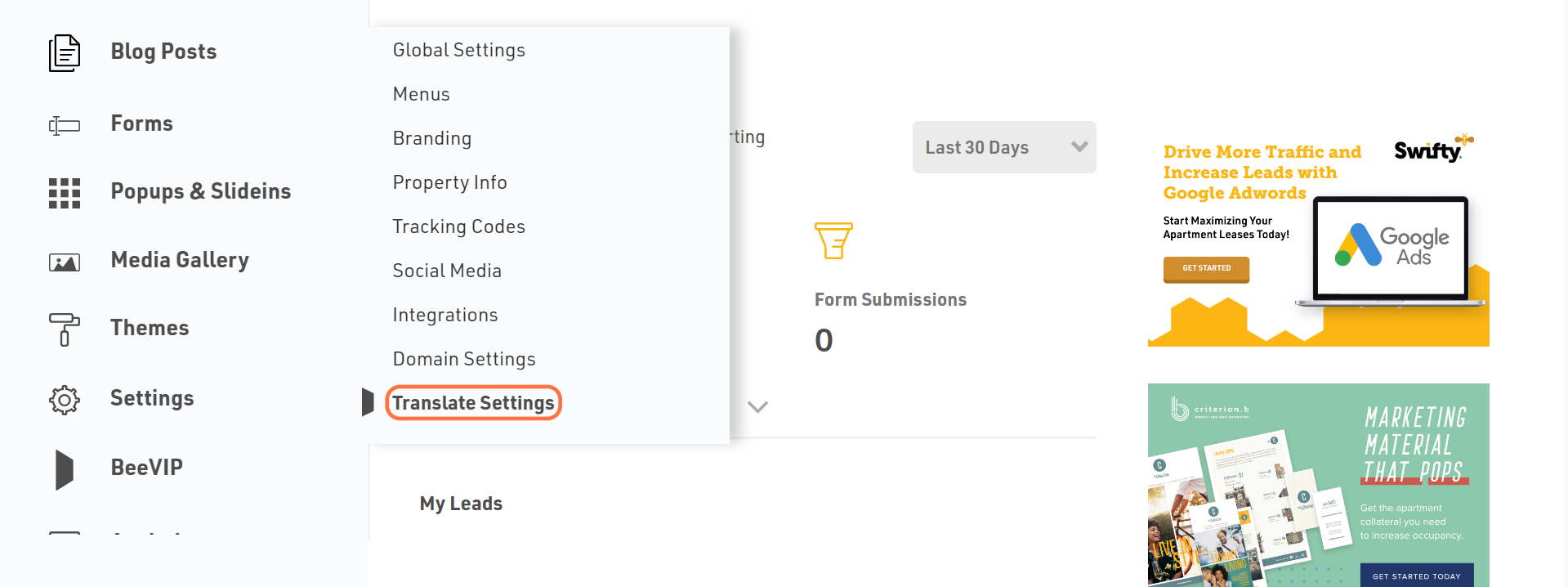
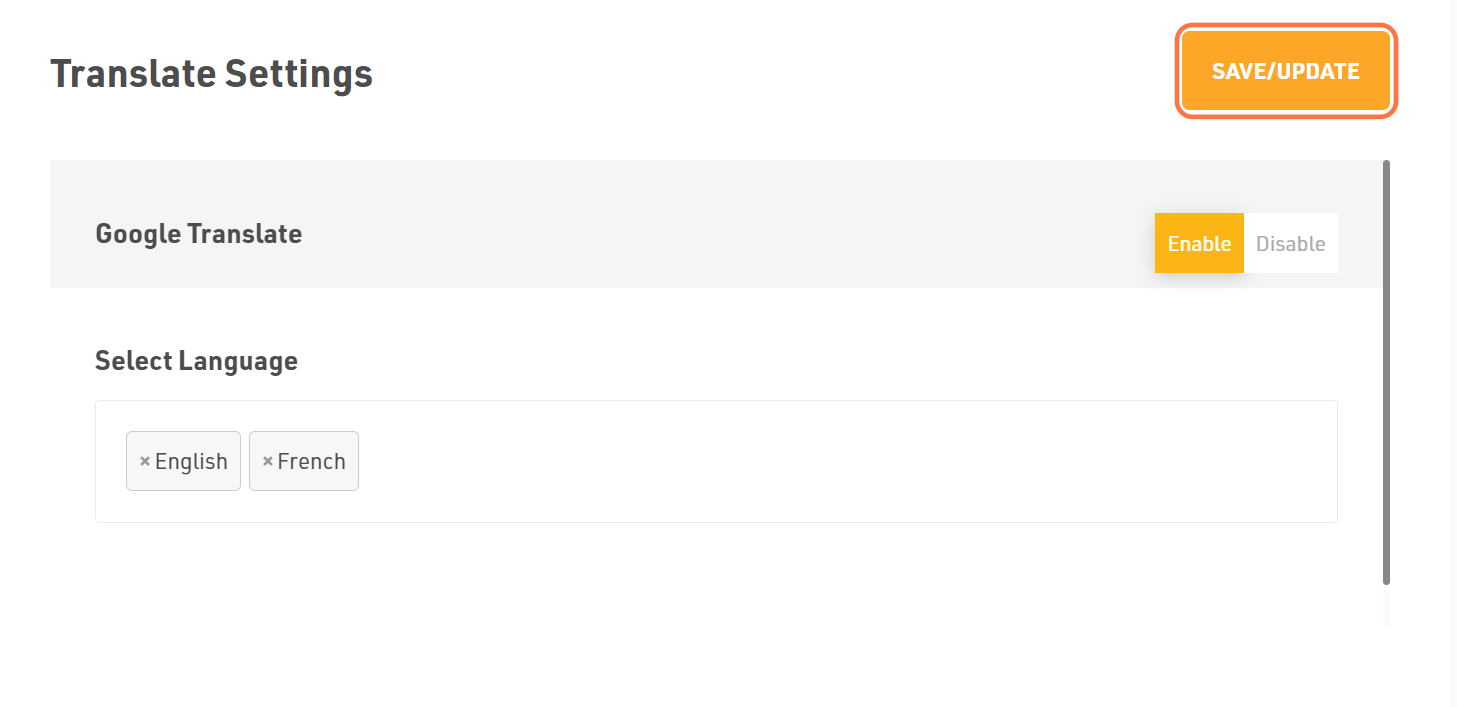
- Navigate to Settings > Translate Settings.
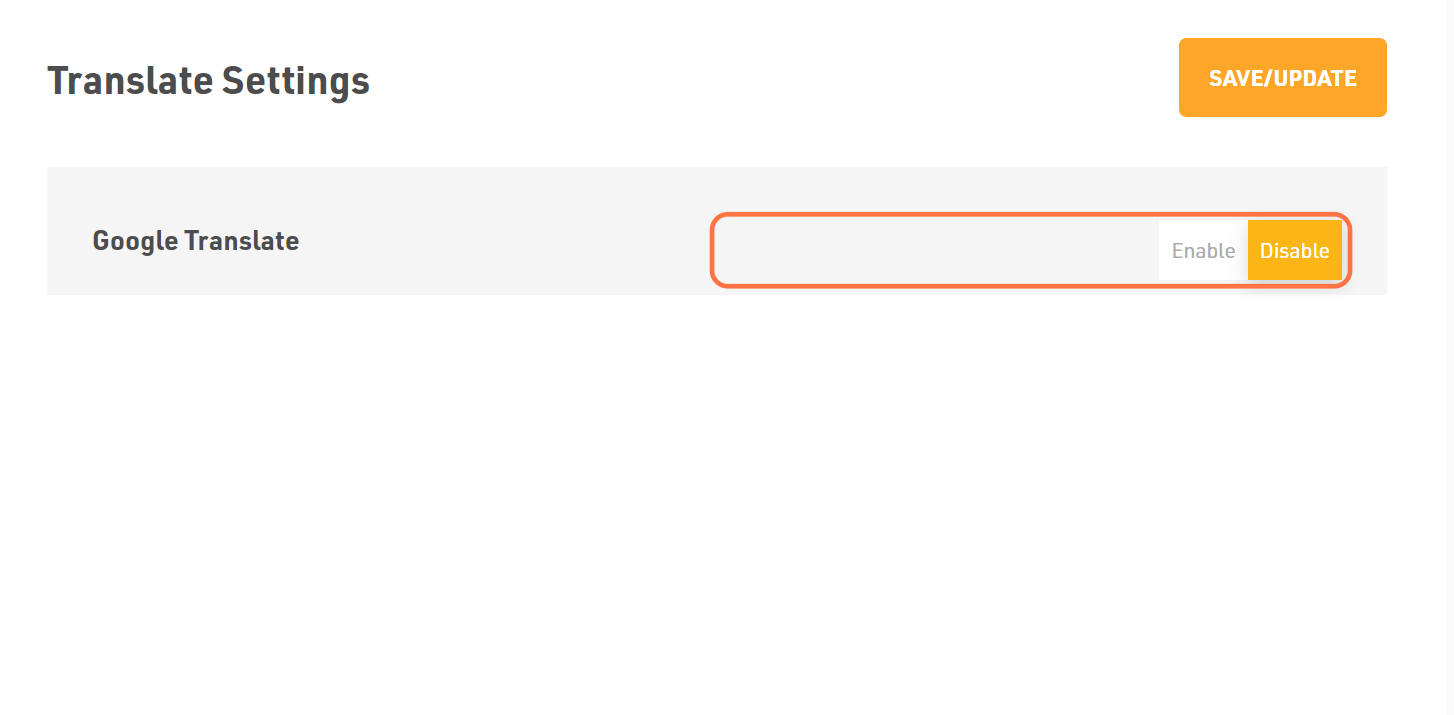
- Toggle Yes for Google Translate.
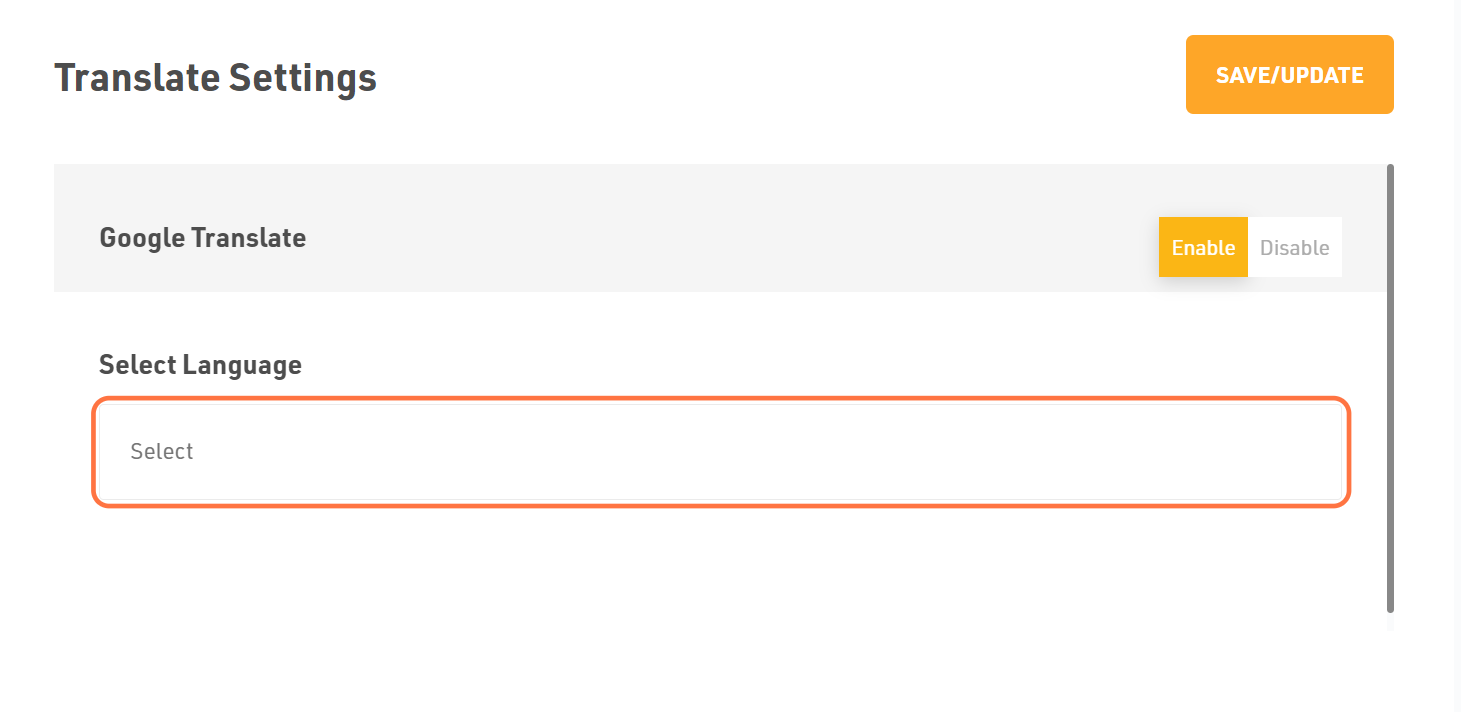
- Select Languages from the drop-down menu you wish to add.
- If you want to remove a particular language, click the (x) button on the left side of the text.
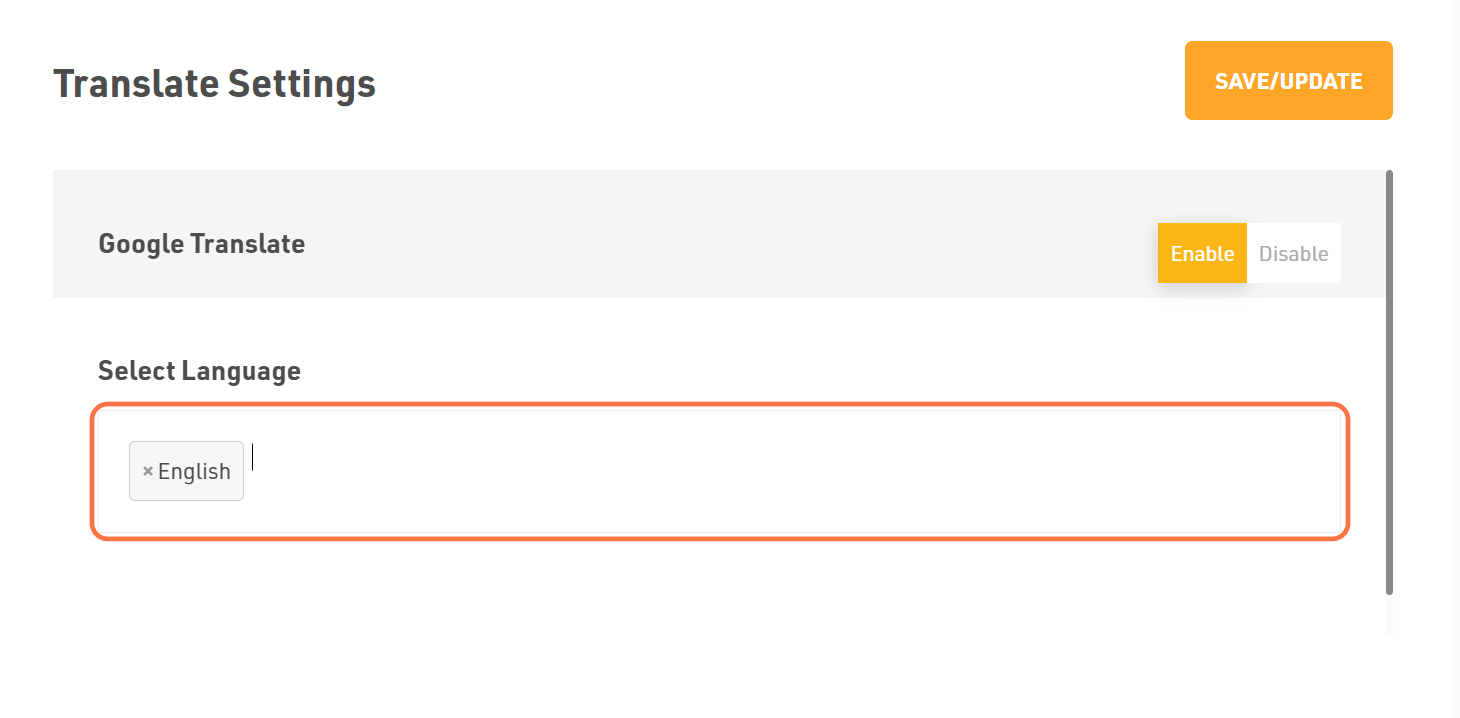
Dont forget to Save/Update
Once you finish everything, click the Save/Update button on top right corner.
Was this article helpful?
Thanks for the feedback.