
How to Add or Edit the Neighborhood map section ?
How to Add Map Zoom?
- Login to the dashboard of your property website at manage.beswifty.com.
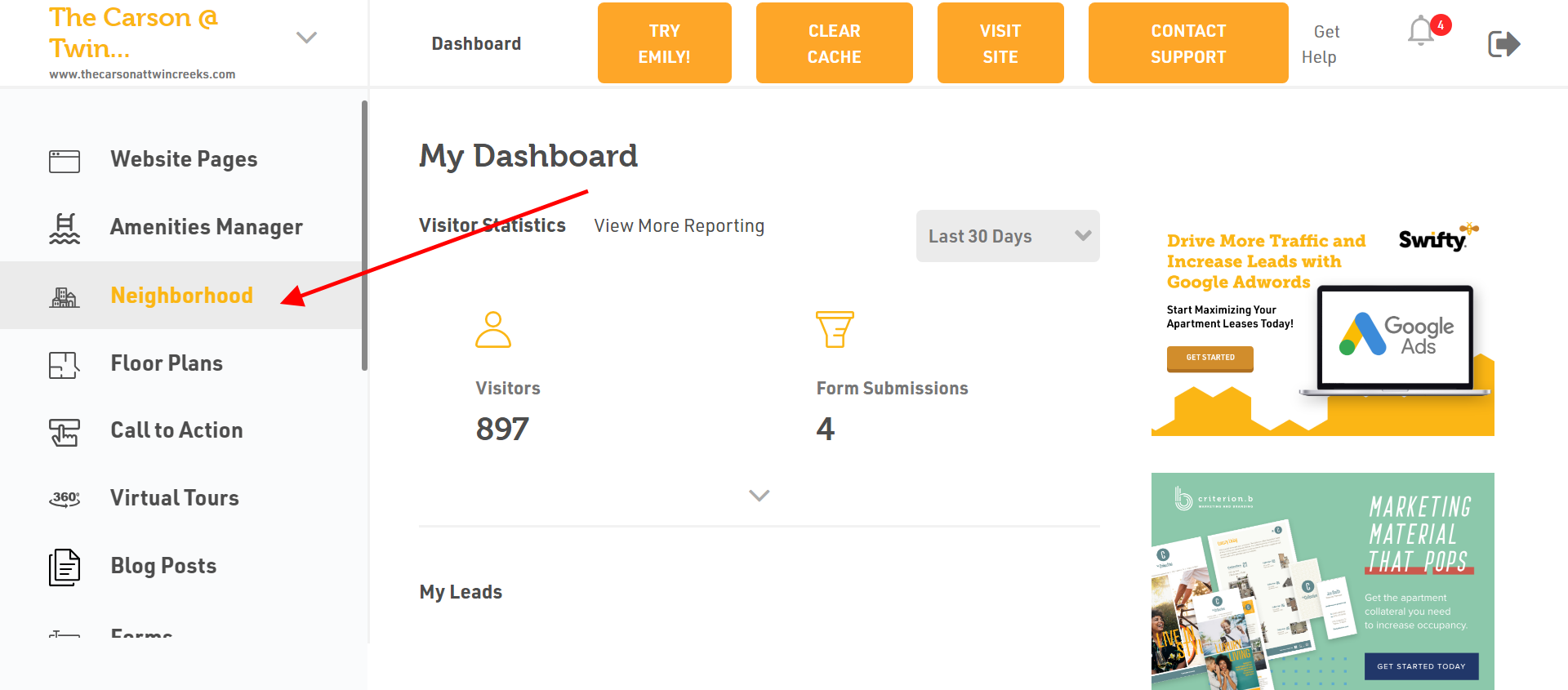
- Navigate to Neighborhood on the left side of the dashboard.
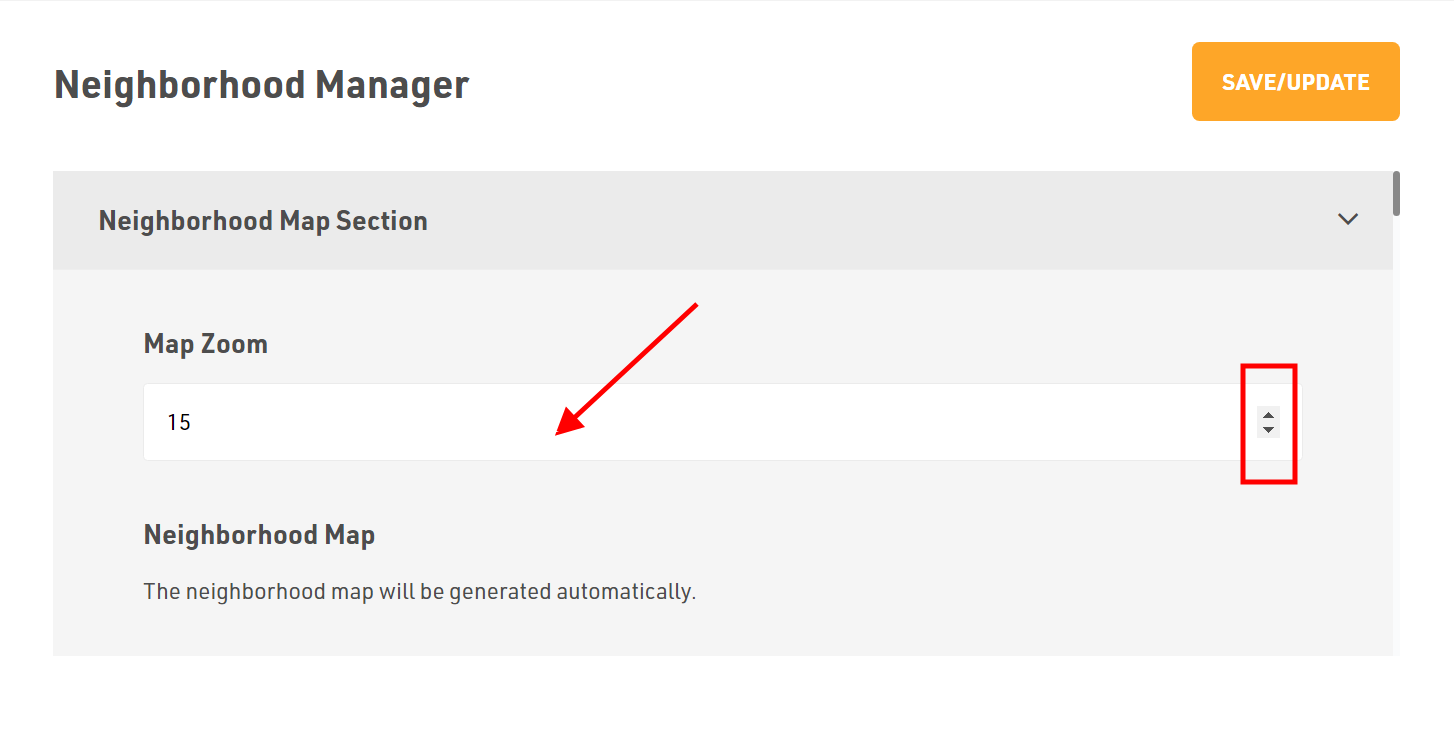
- In Map Zoom, you can adjust the size.
- You can increase or decrease the size using the arrows available on the right side.
How to Add Frontend Categories?
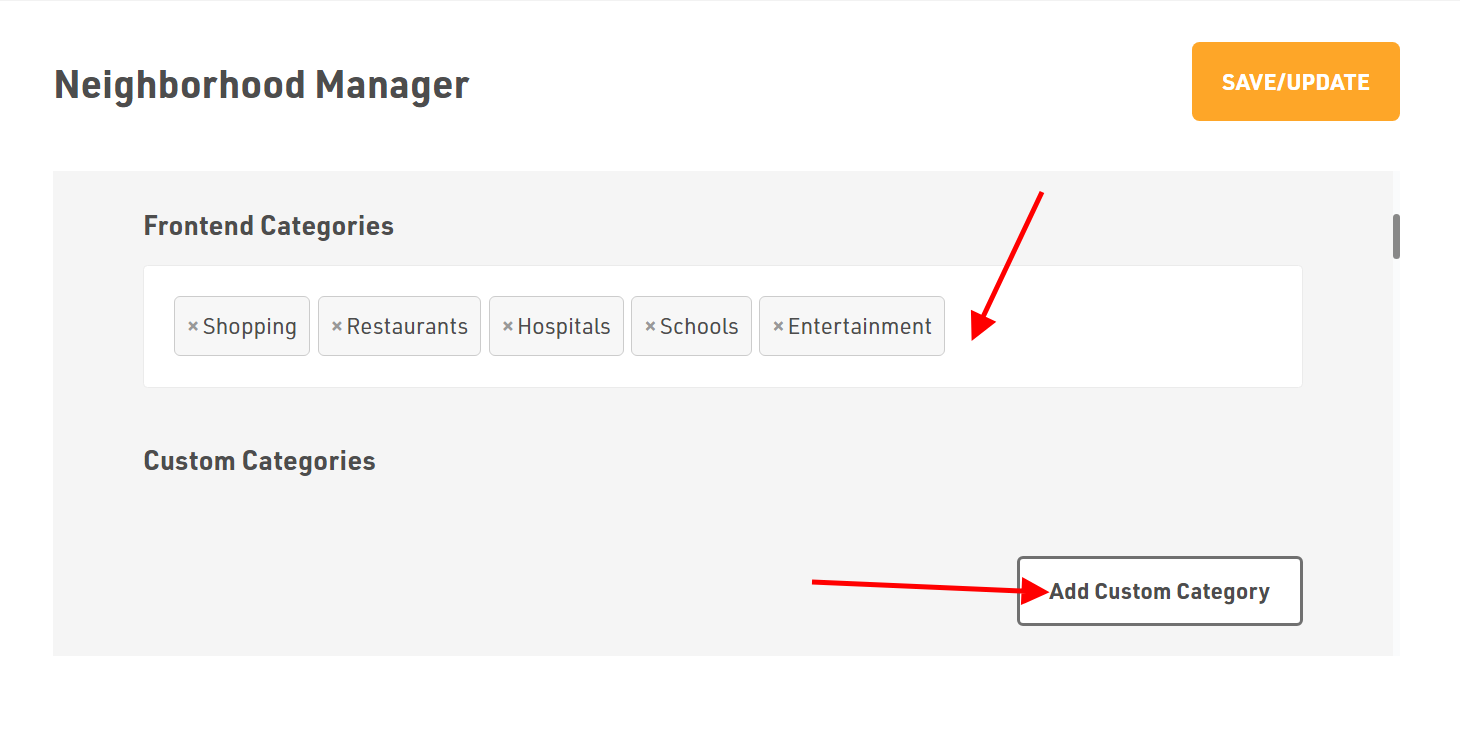
- Add the Frontend Categories from the drop down menu
- To add a Custom Category, click Add Custom Category and type the category as per your requirements.
How to Add Neighborhood Places?
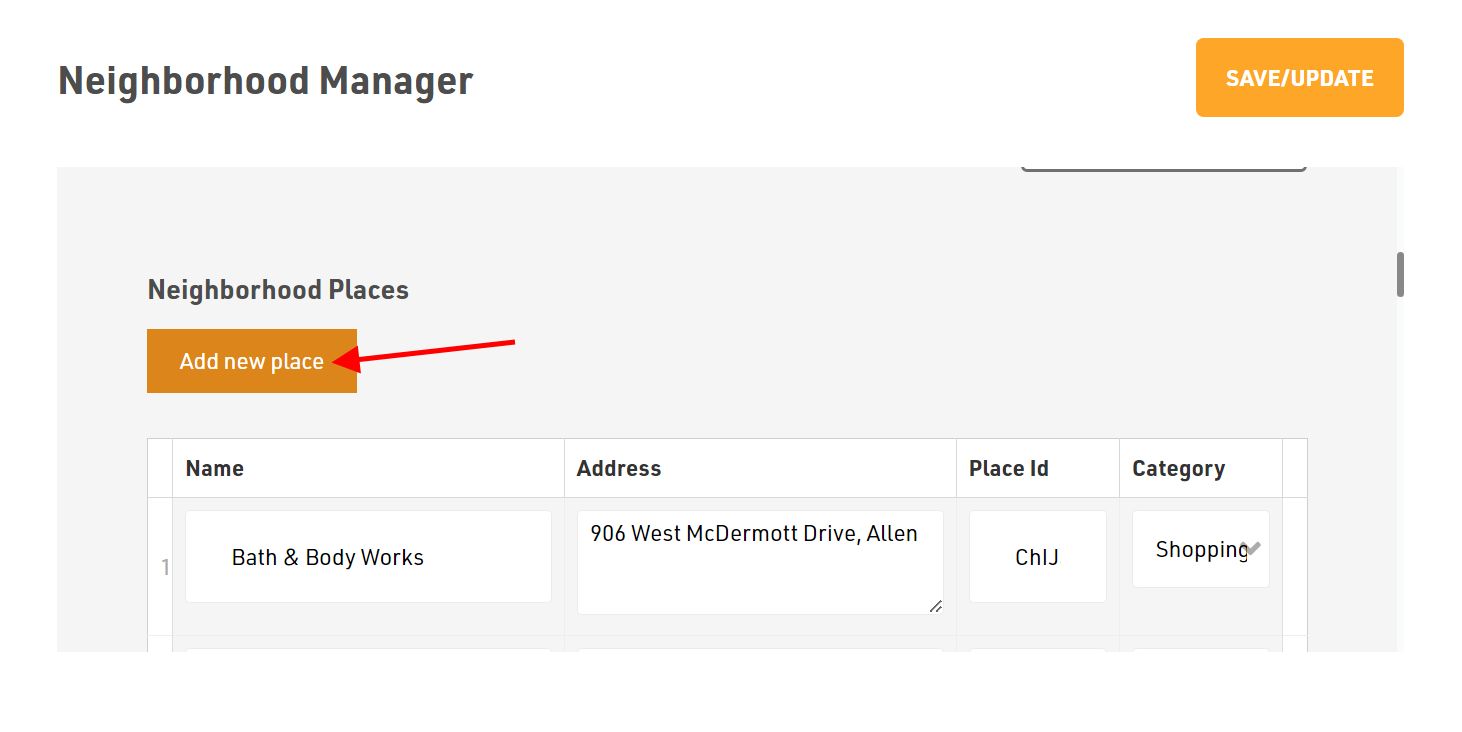
- To add Neighborhood Places, click Add New Place and enter the location.
- After entering the location, click on Add This Place.
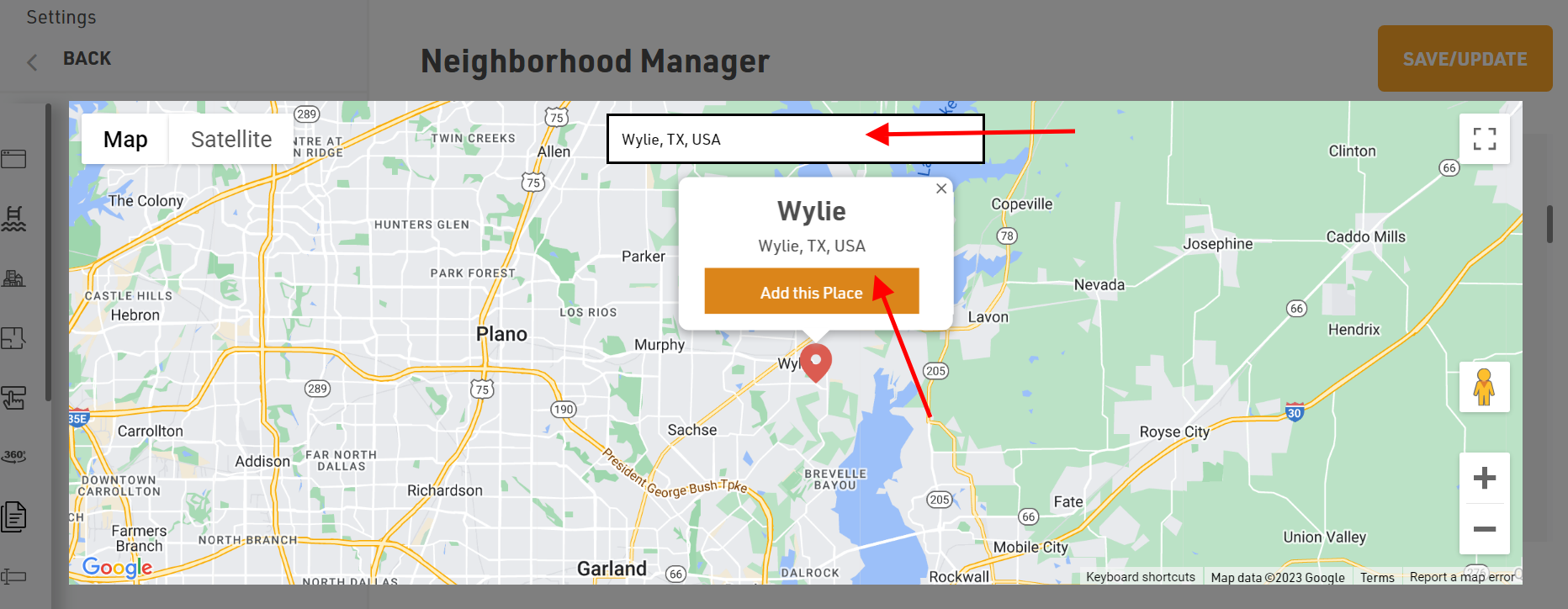
- After adding the location, select the appropriate category.
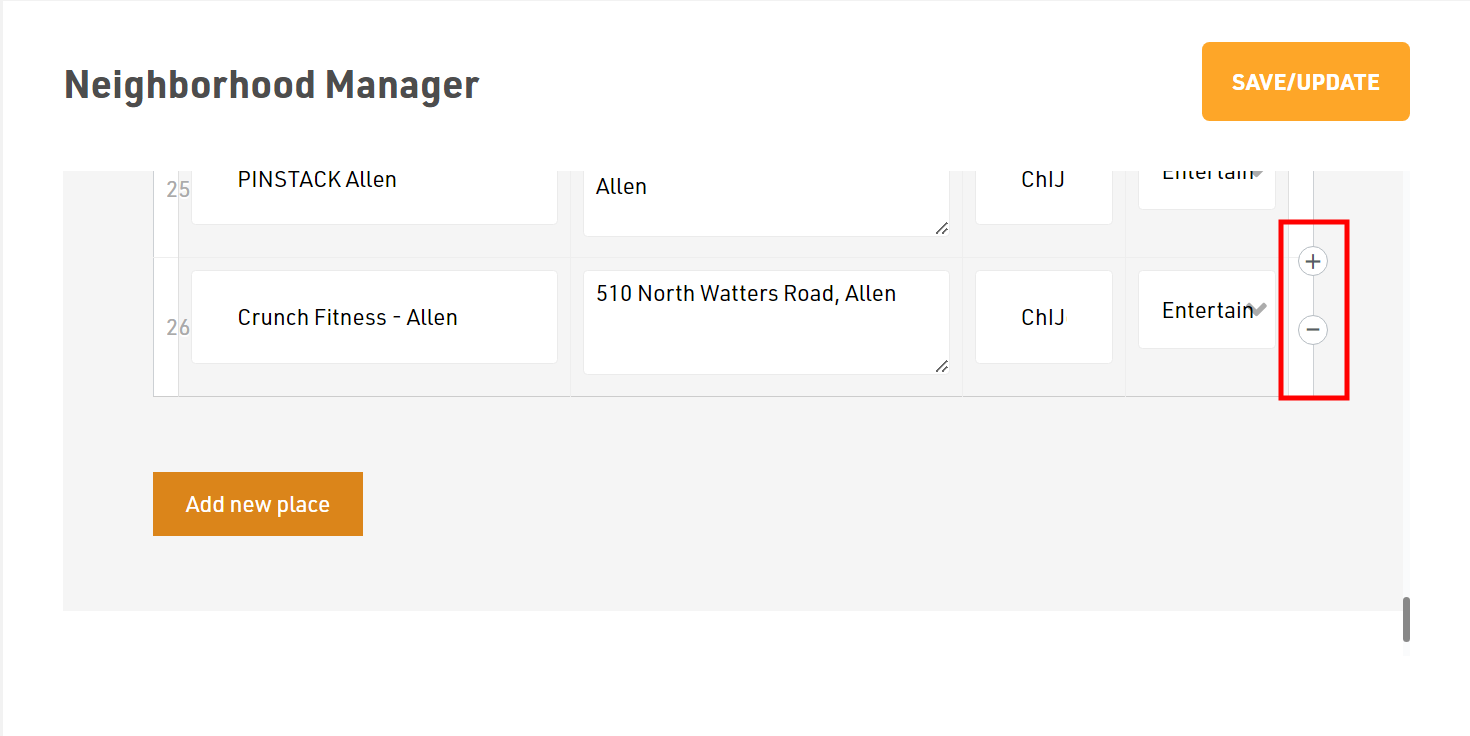
- To add or remove a particular category, click on (+) or (-) sign.
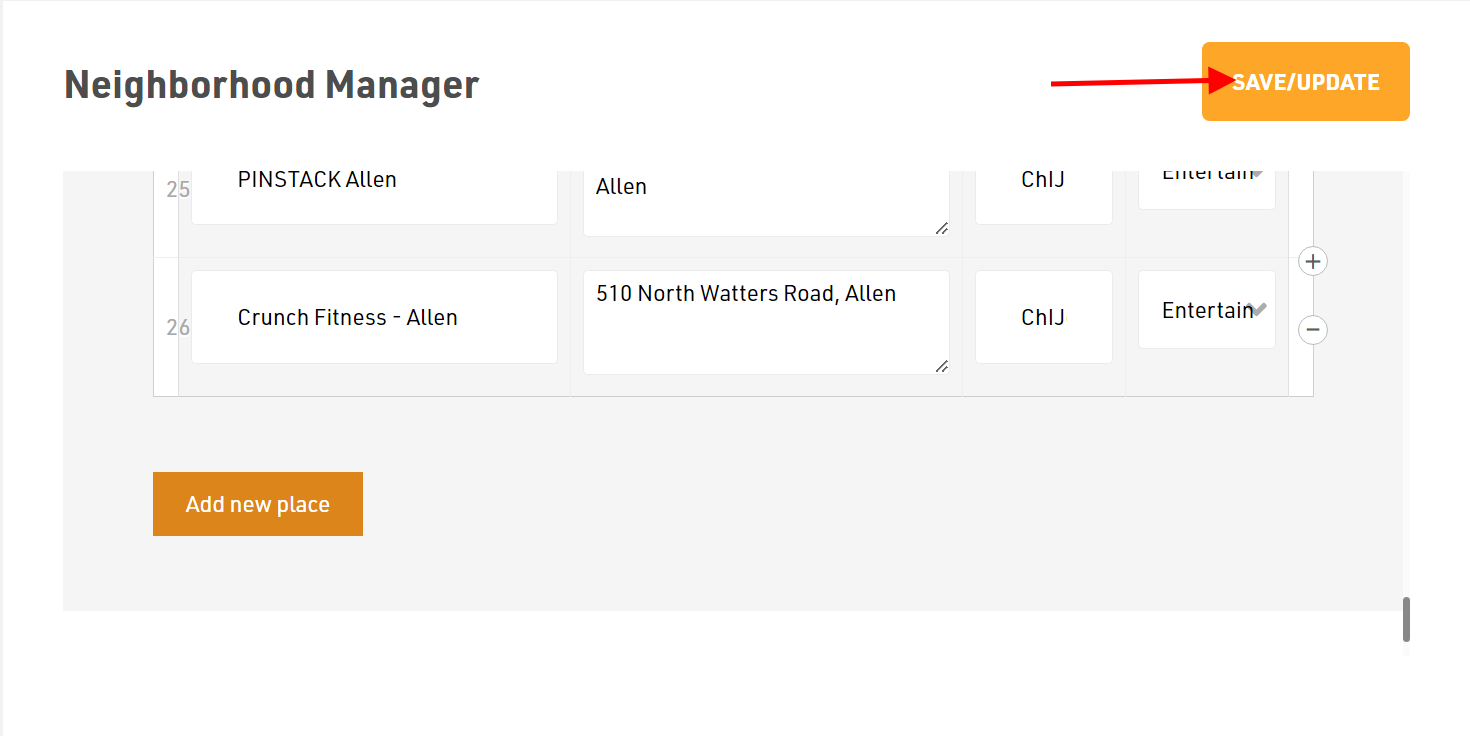
Don't forget to Save/Update
Once finished, click the Save/Update button in the top-right corner.
Was this article helpful?
Thanks for the feedback.