
How to Add or Edit the Mobile Template Setting ?
- Login to the Beswifty to your property website at manage.beswifty.com.
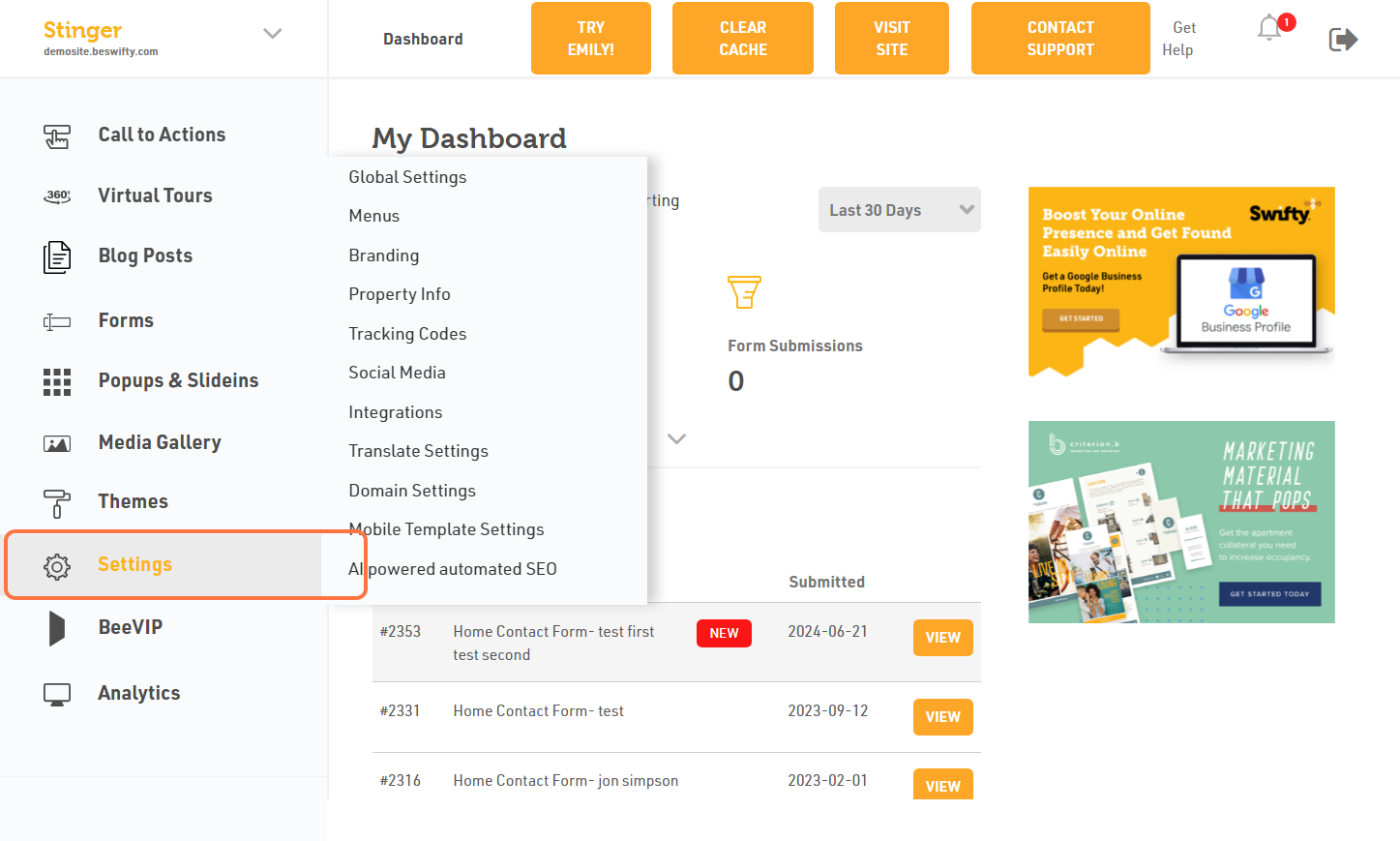
- Click on Settings.
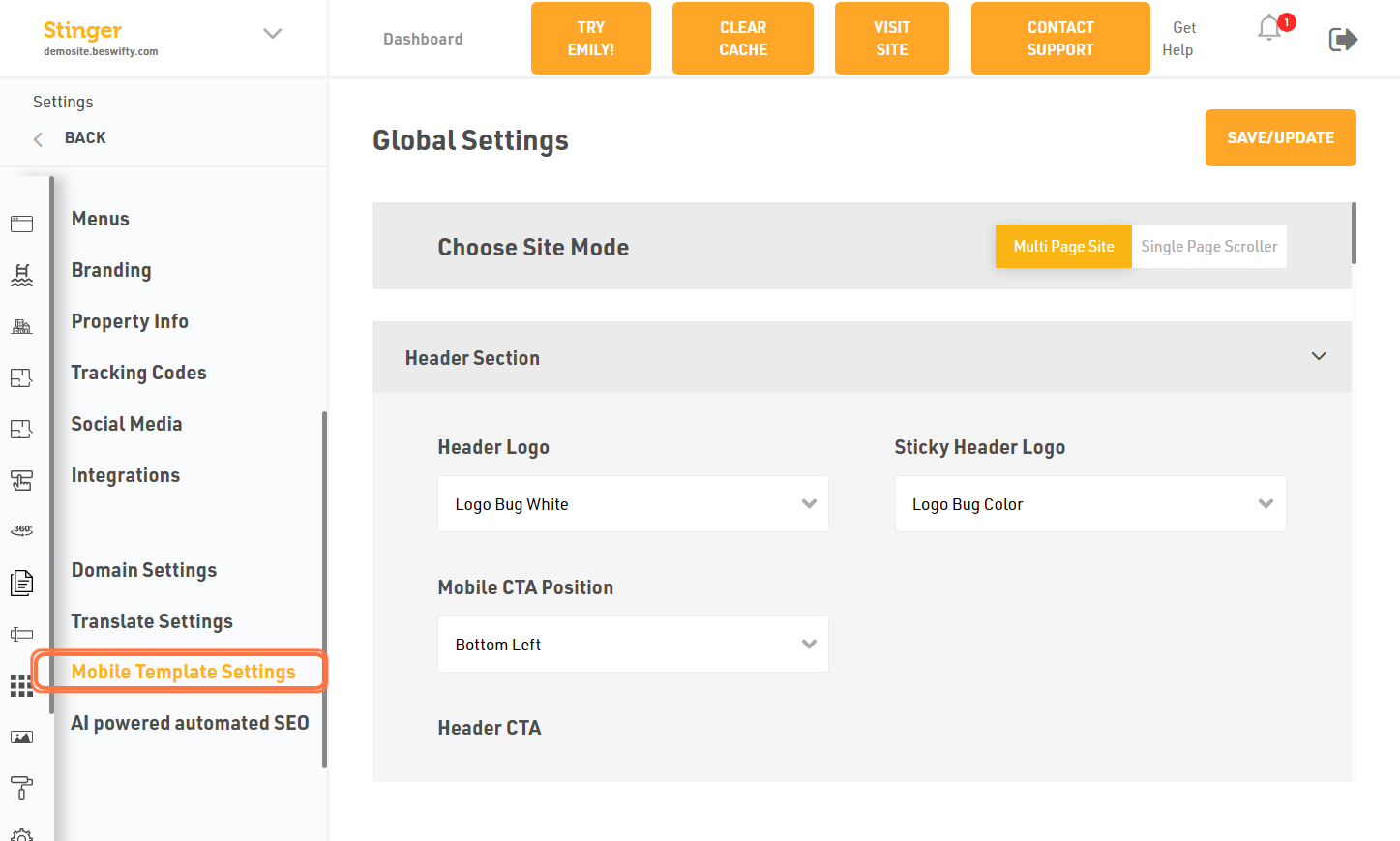
- Click on Mobile Template Settings.
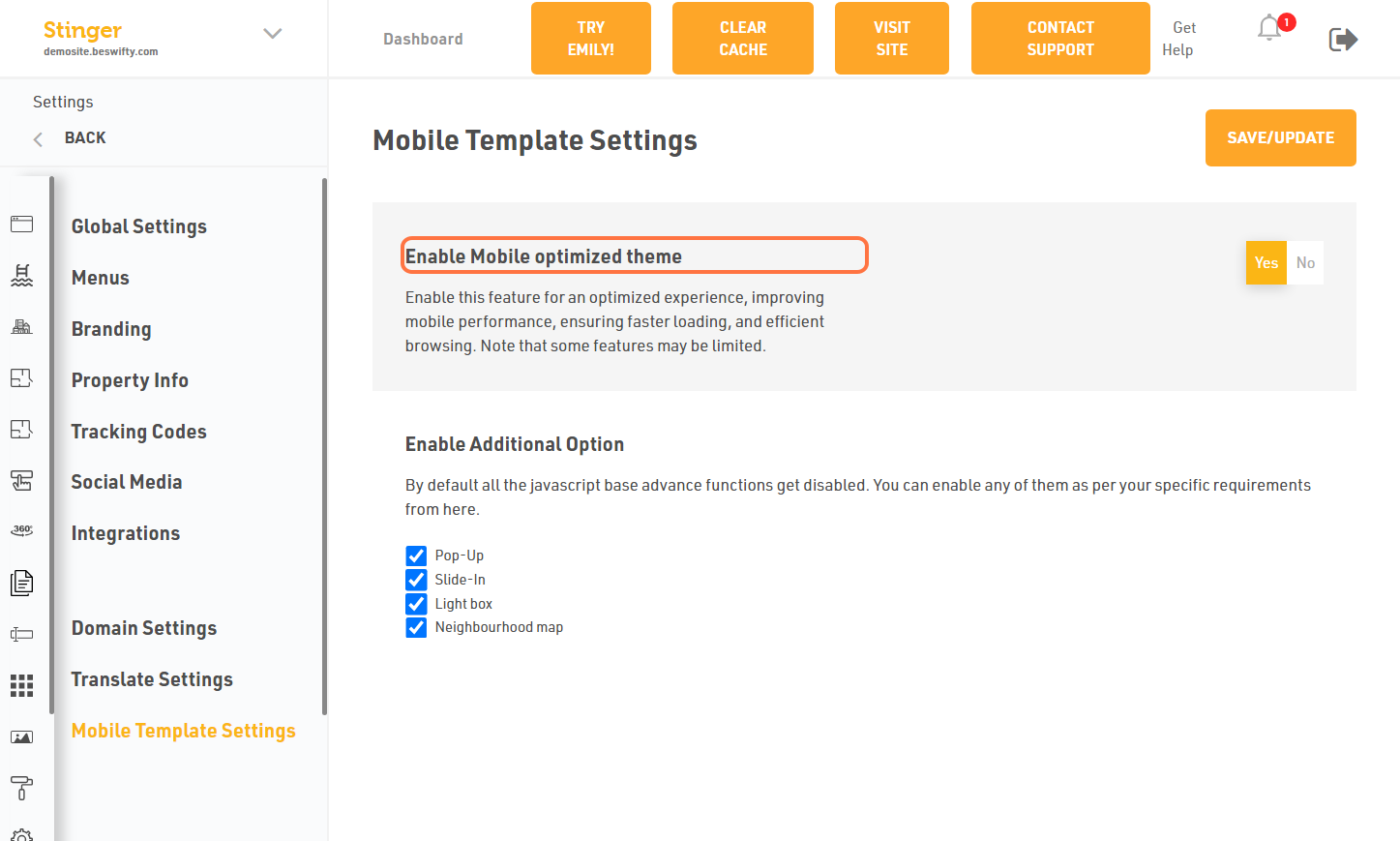
- Check Enable Mobile optimized theme.
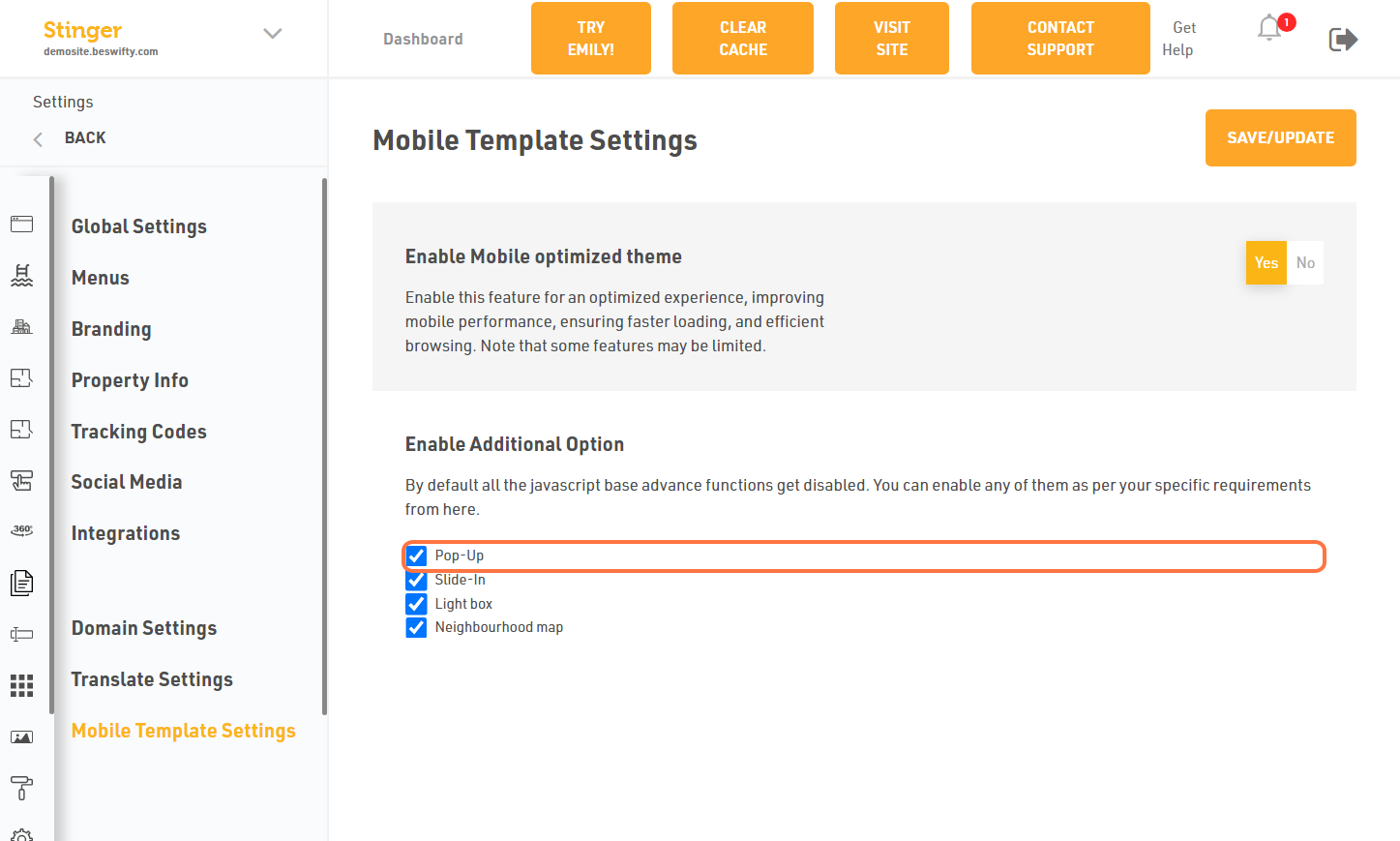
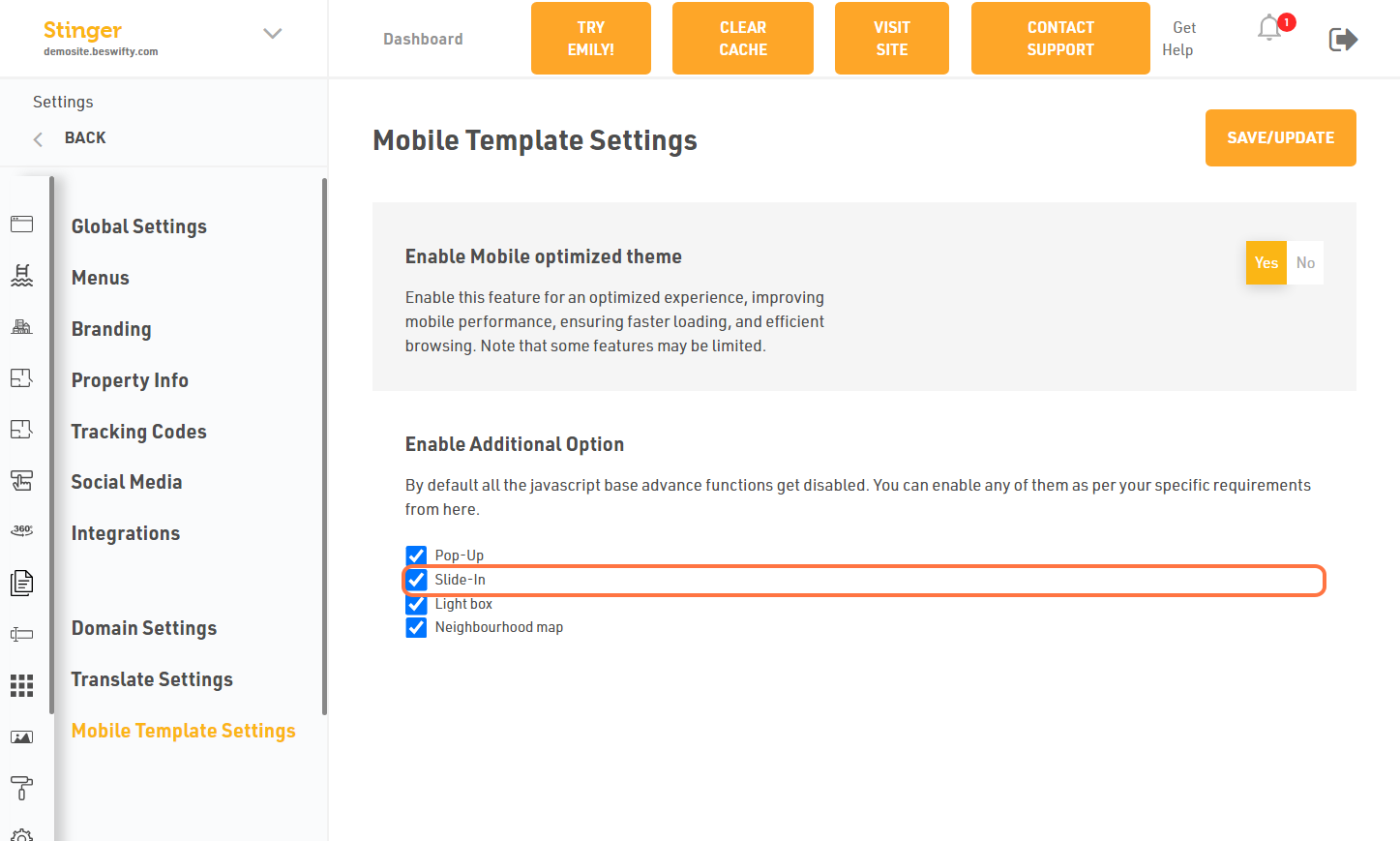
- Click on Pop-Up then you can add also pop up in mobile.
- Click on Slide-In then you can add also pop up in mobile.
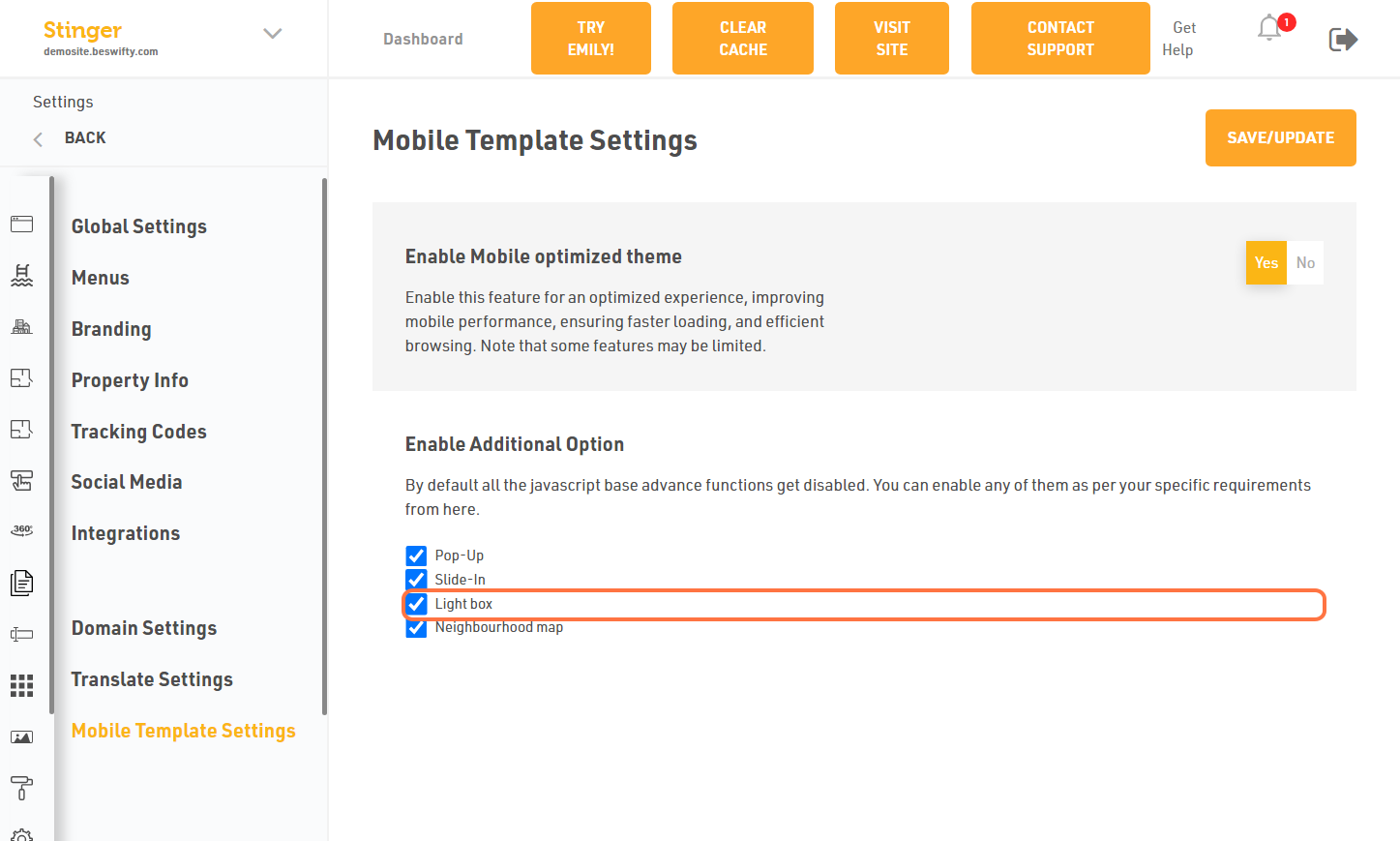
- Click on Light box then you can add also pop up in mobile.
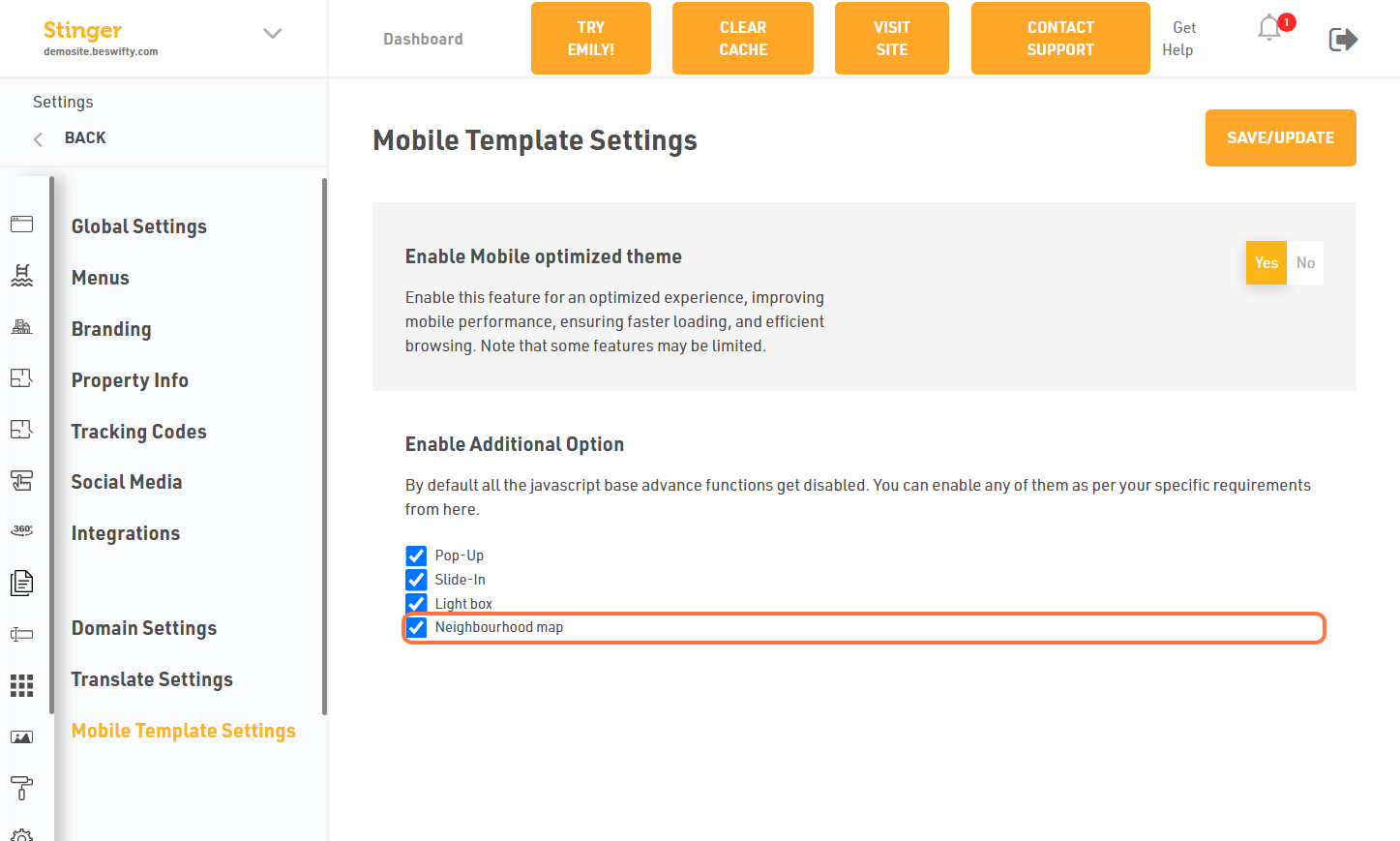
- Click on Neighbourhood map then you can add also pop up in mobile.
Don't forget to Save/Update
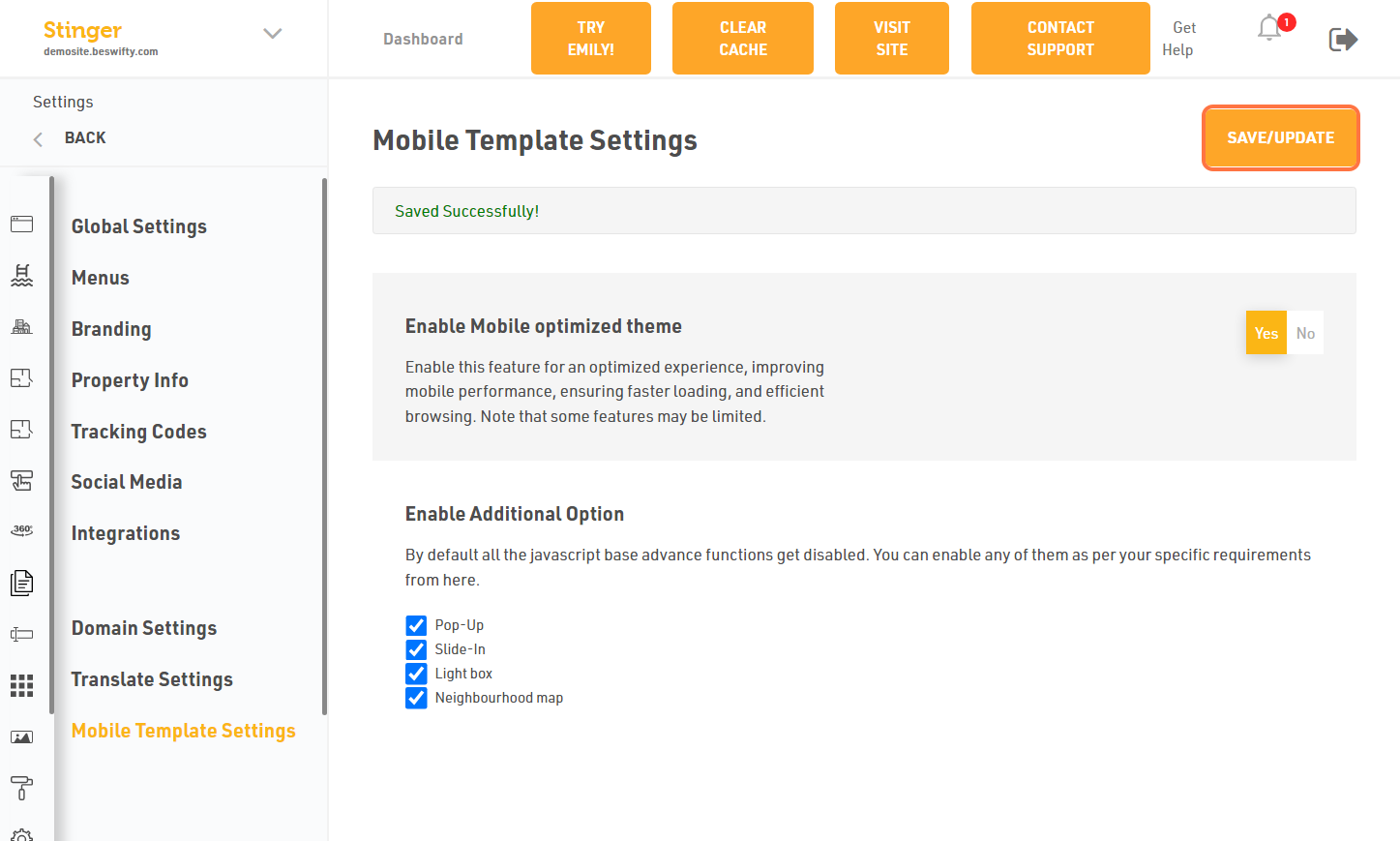
Once you finish everything, click the Save/Update button on top right corner.
Watch the video in Attachment to know more
Was this article helpful?
Thanks for the feedback.