
How to Add or Edit the AI powered automated SEO?
Login to the Beswifty to your property website at manage.beswifty.com.
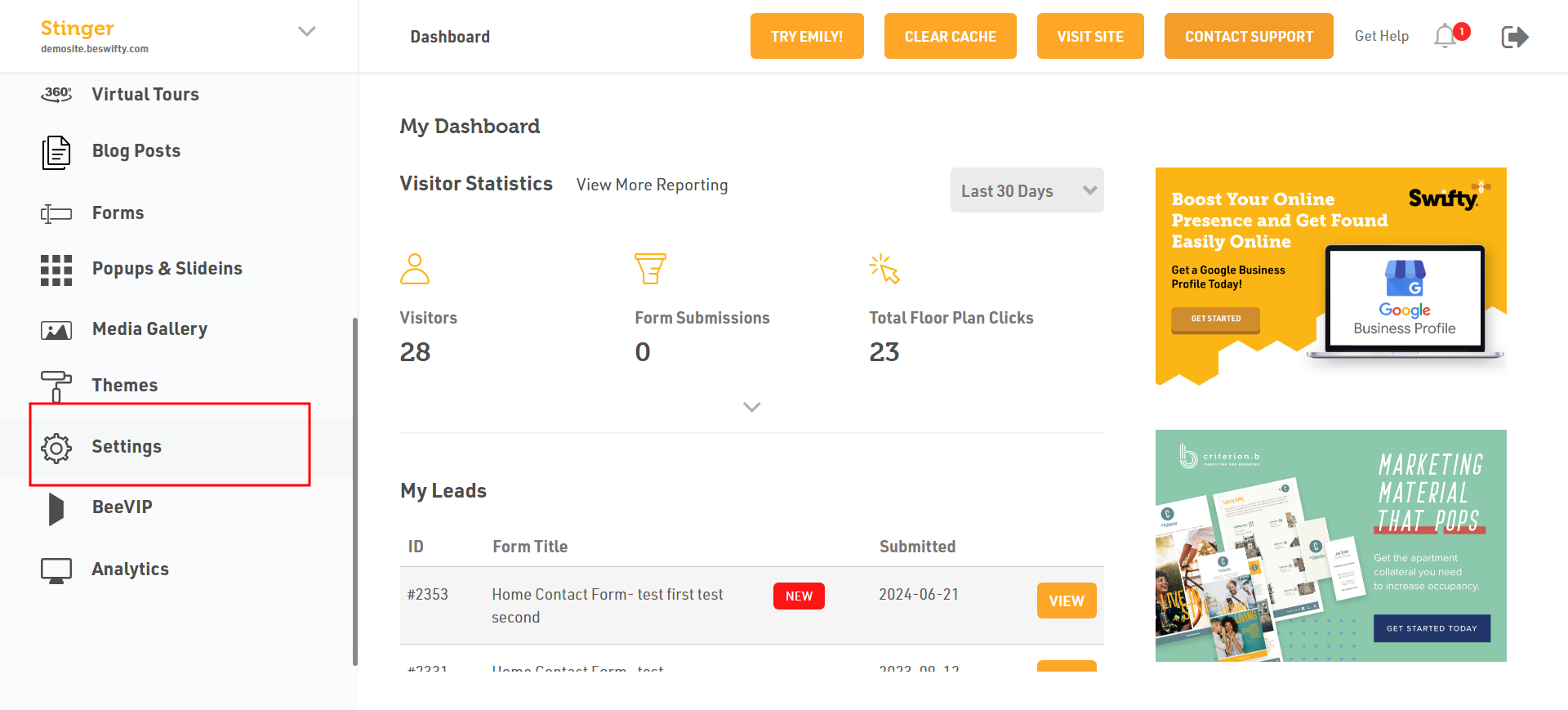
Click on Settings.
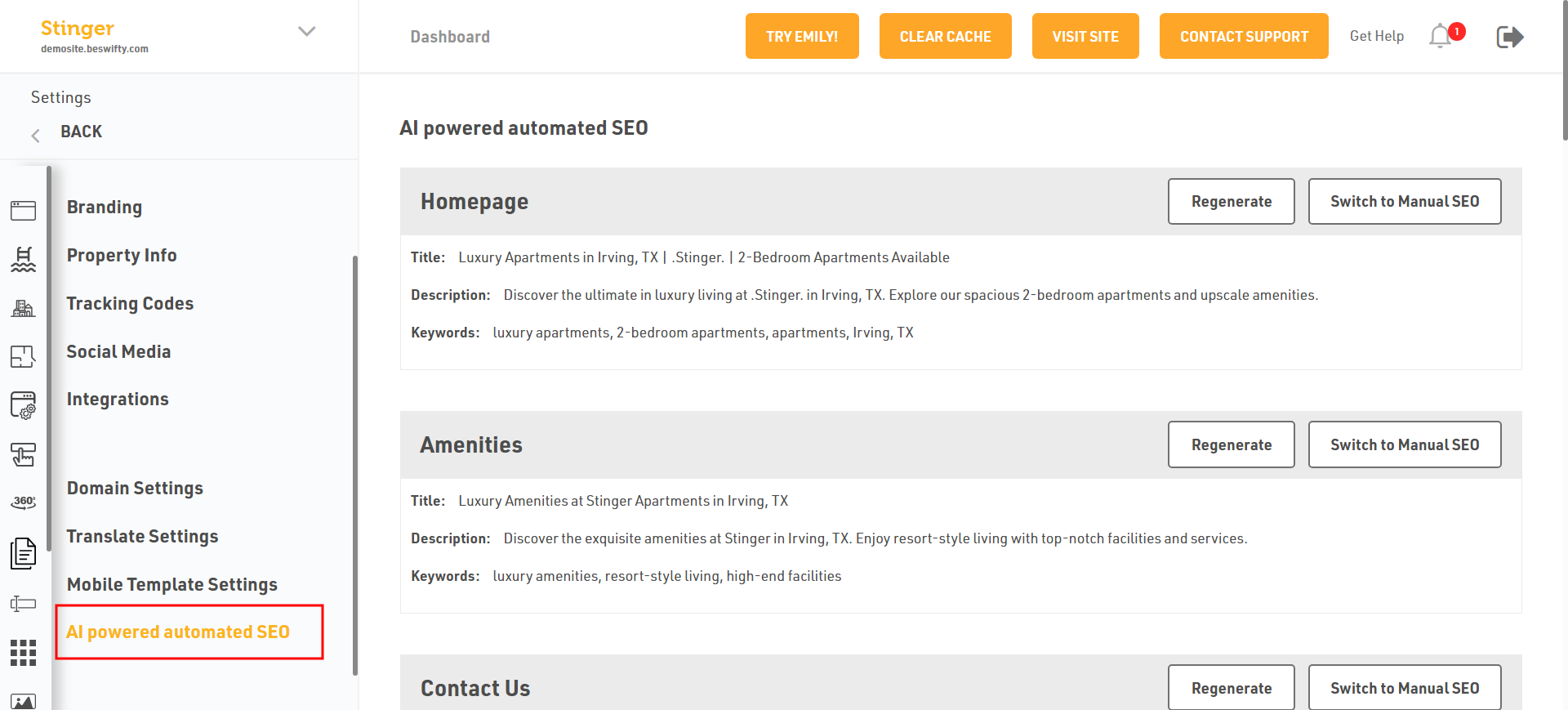
Click on AI powered automated SEO.
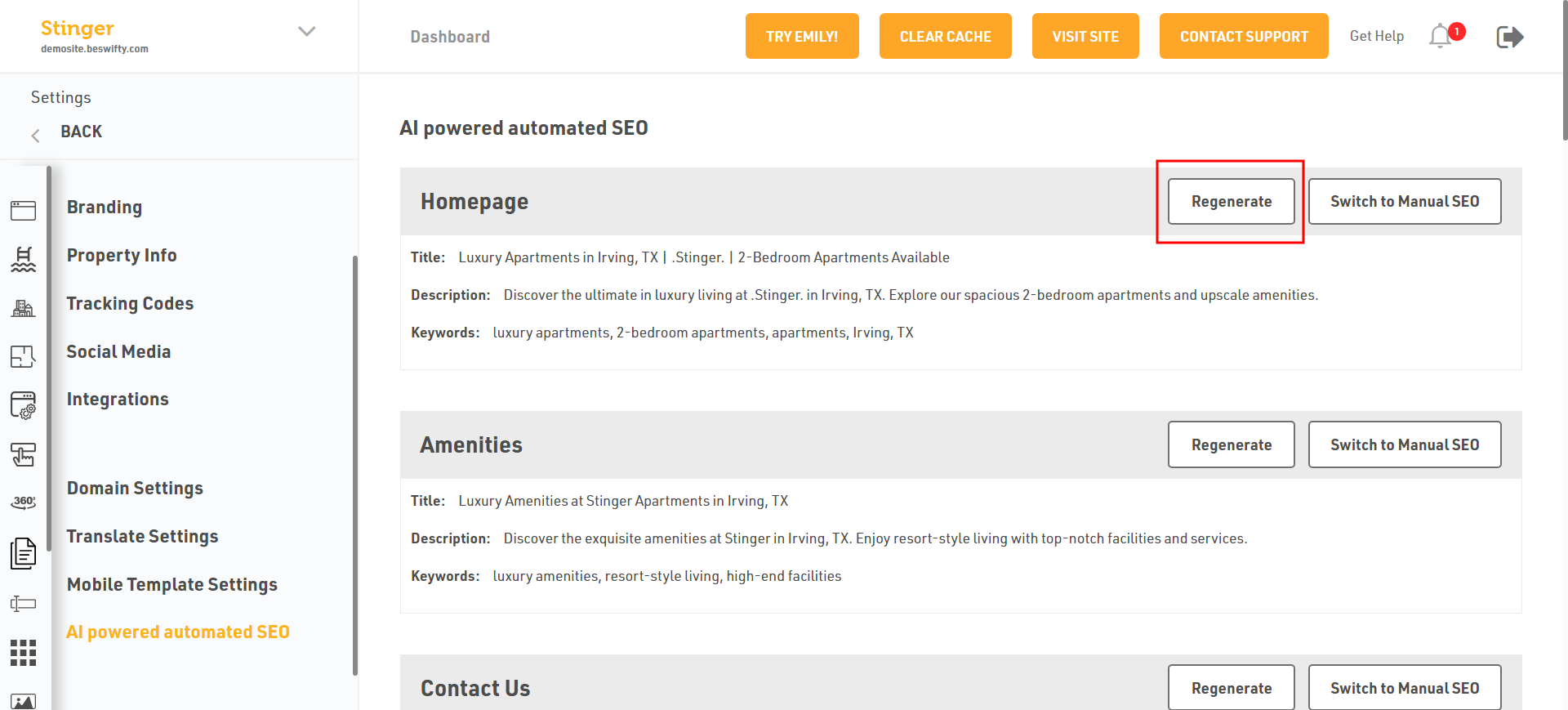
Then you can auto Regenerate your Title, Description, or Keywords in Homepage or Amenities in otherpages.
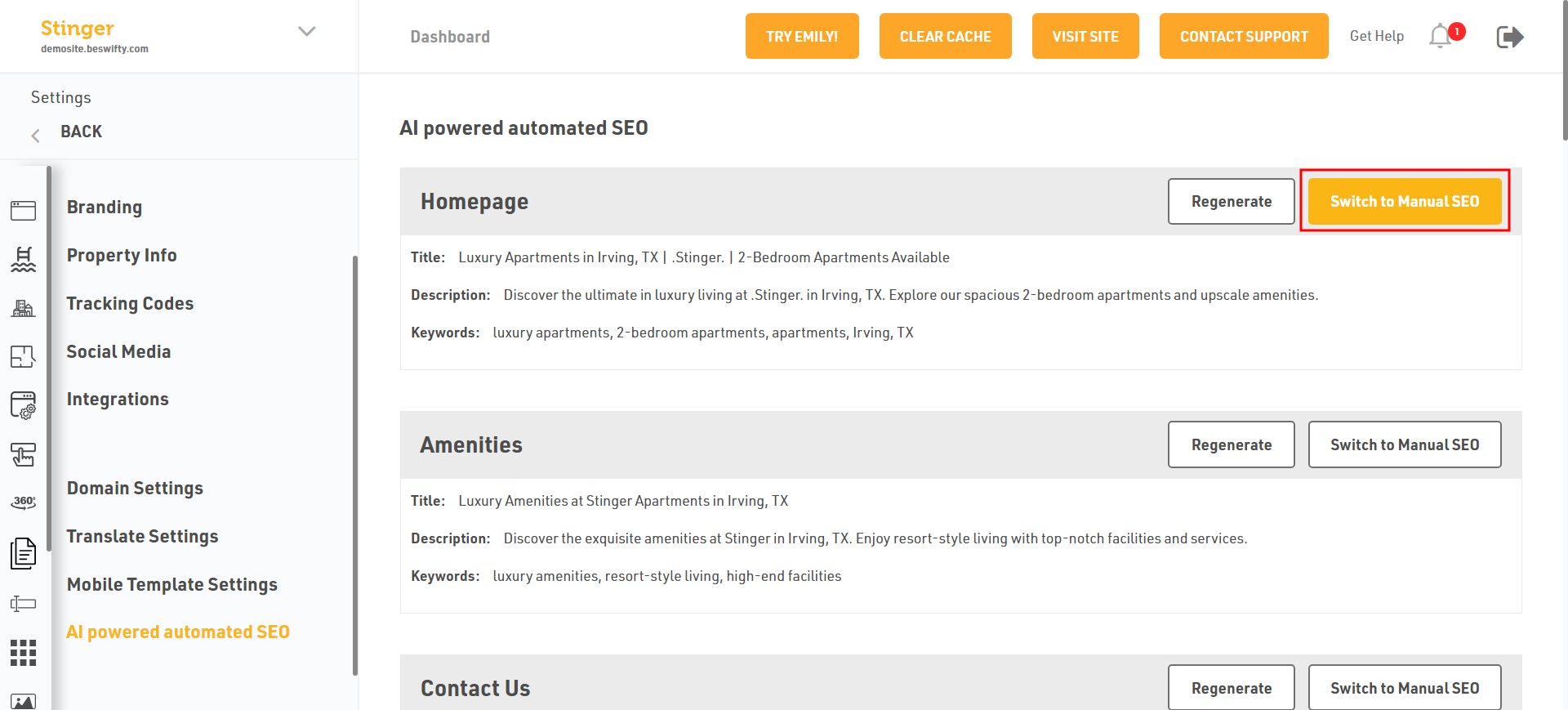
And you can Switch to Manual SCO in Homepage or Amenities in otherpages.
Click on Search Engine Optimization (SCO).
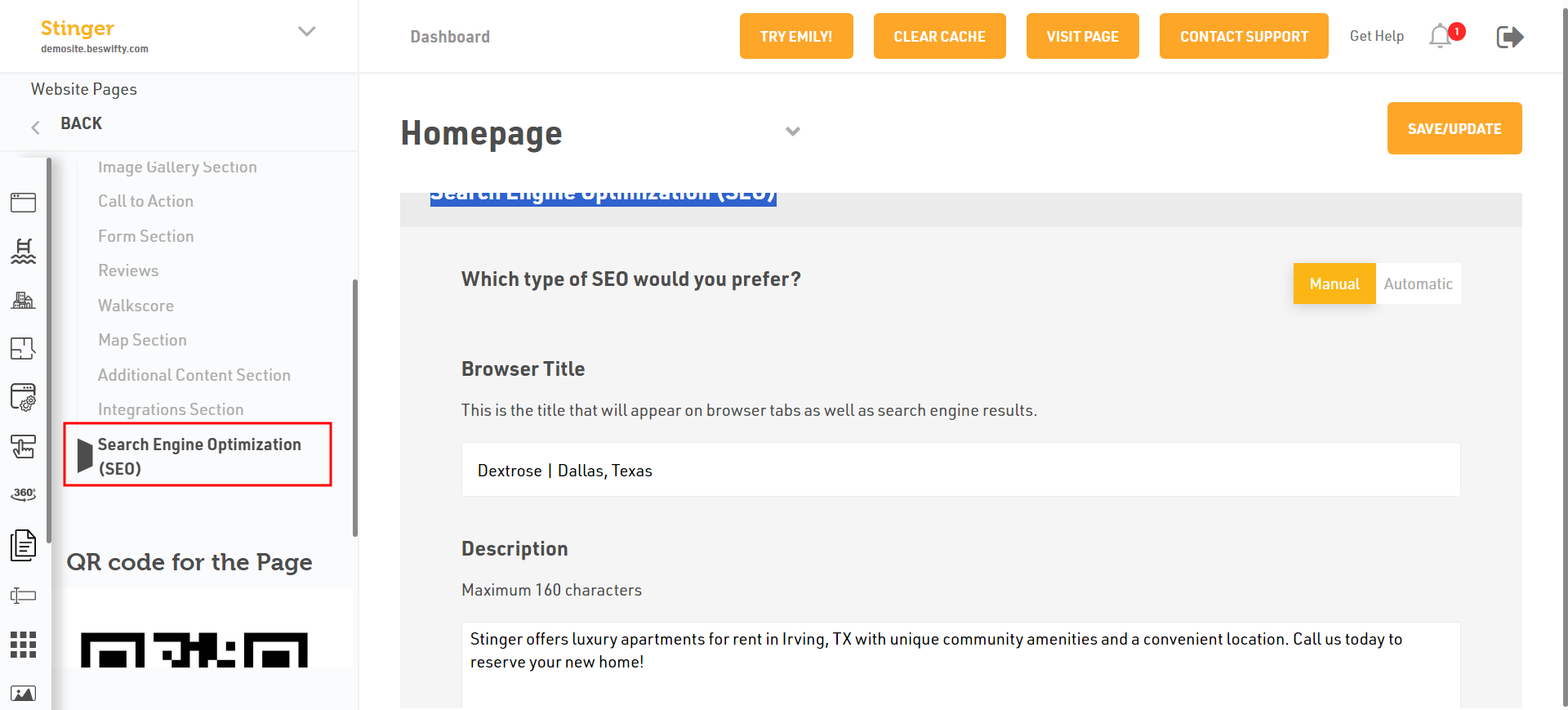
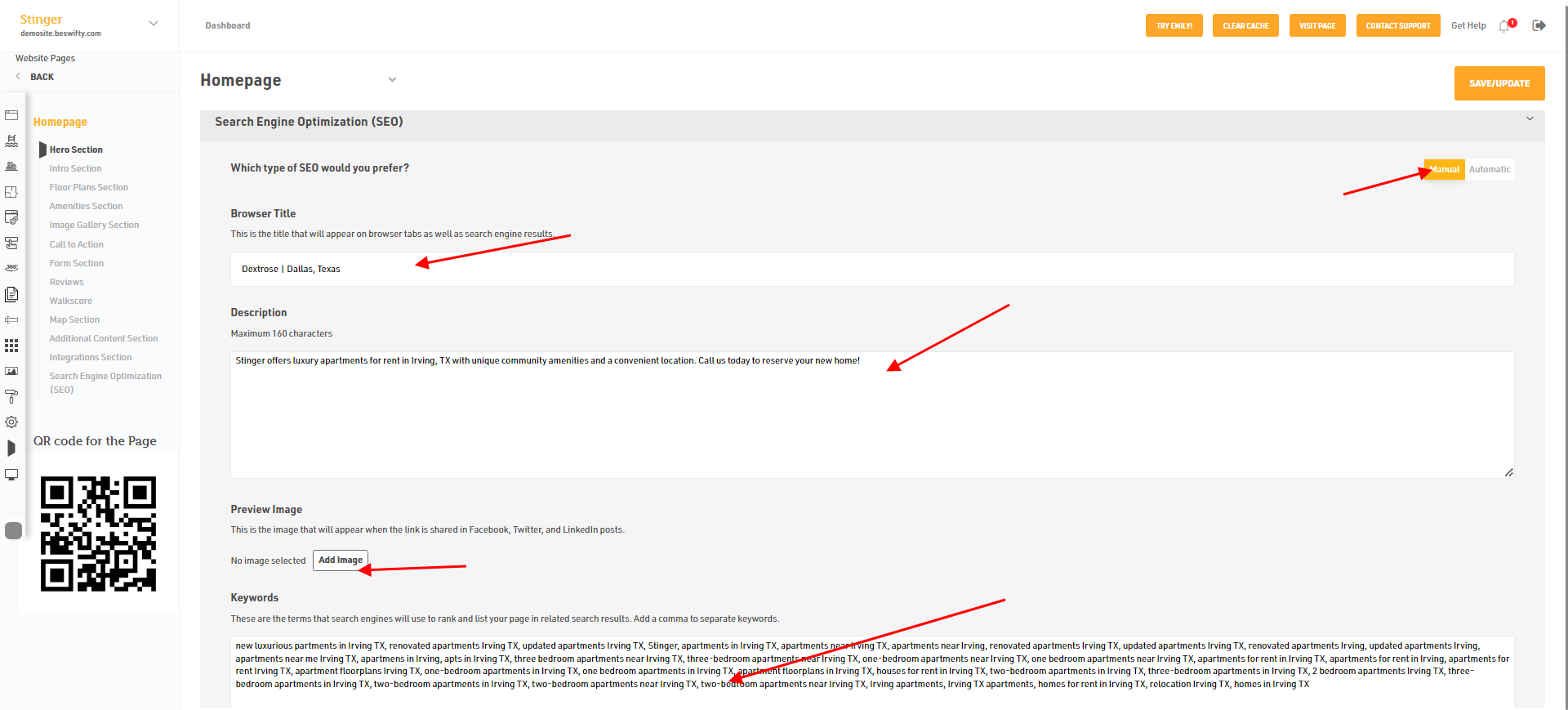
If you click on Switch to manual SCO after you automatic switch your website dashboard page, then you can add your Title, Description or Keywords or Add Image.
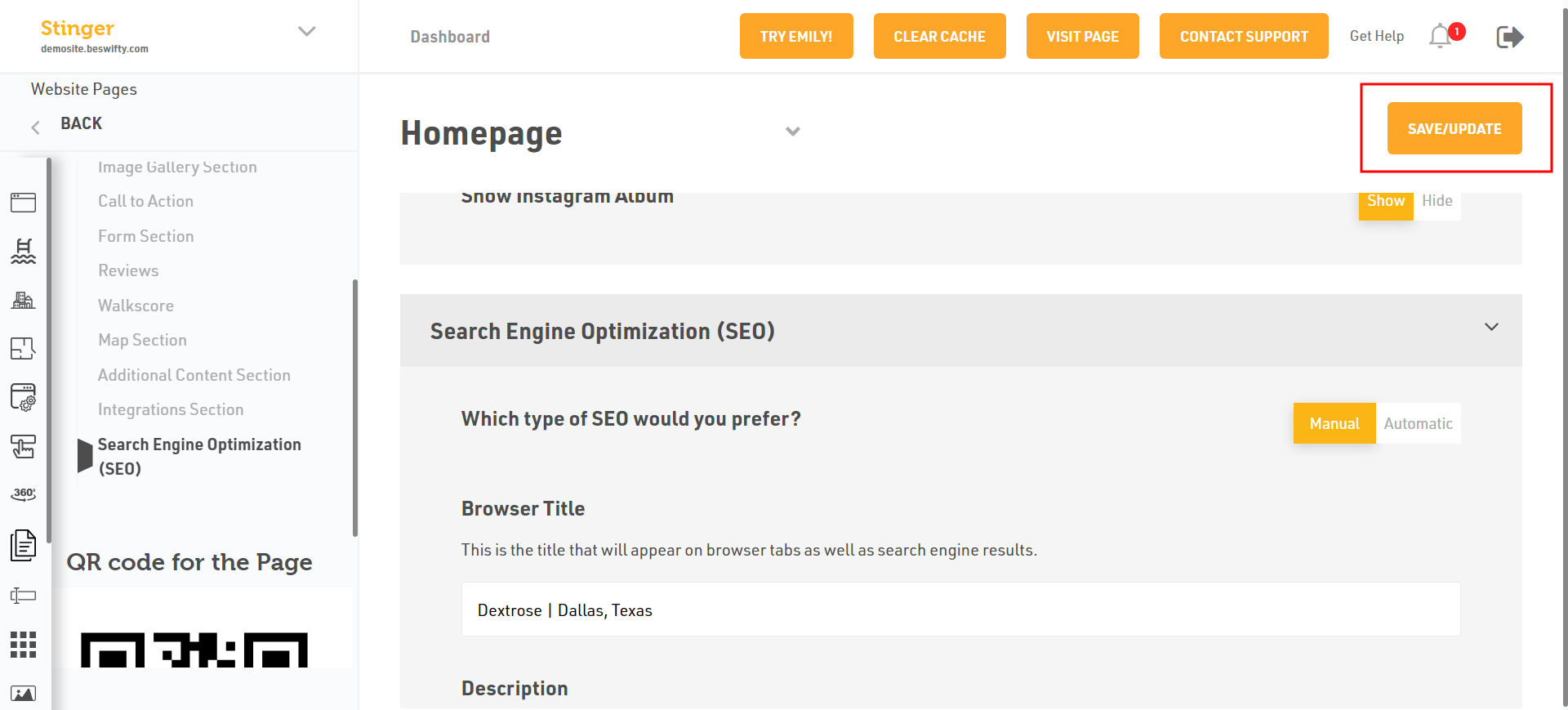
Don't forget to Save/Update.
Once you finish everything, click the Save/Update button on top right corner.
Was this article helpful?
Thanks for the feedback.