
How to Add or Edit Terms and Conditions Page?
- Login to the dashboard of your property website at manage.beswifty.com.
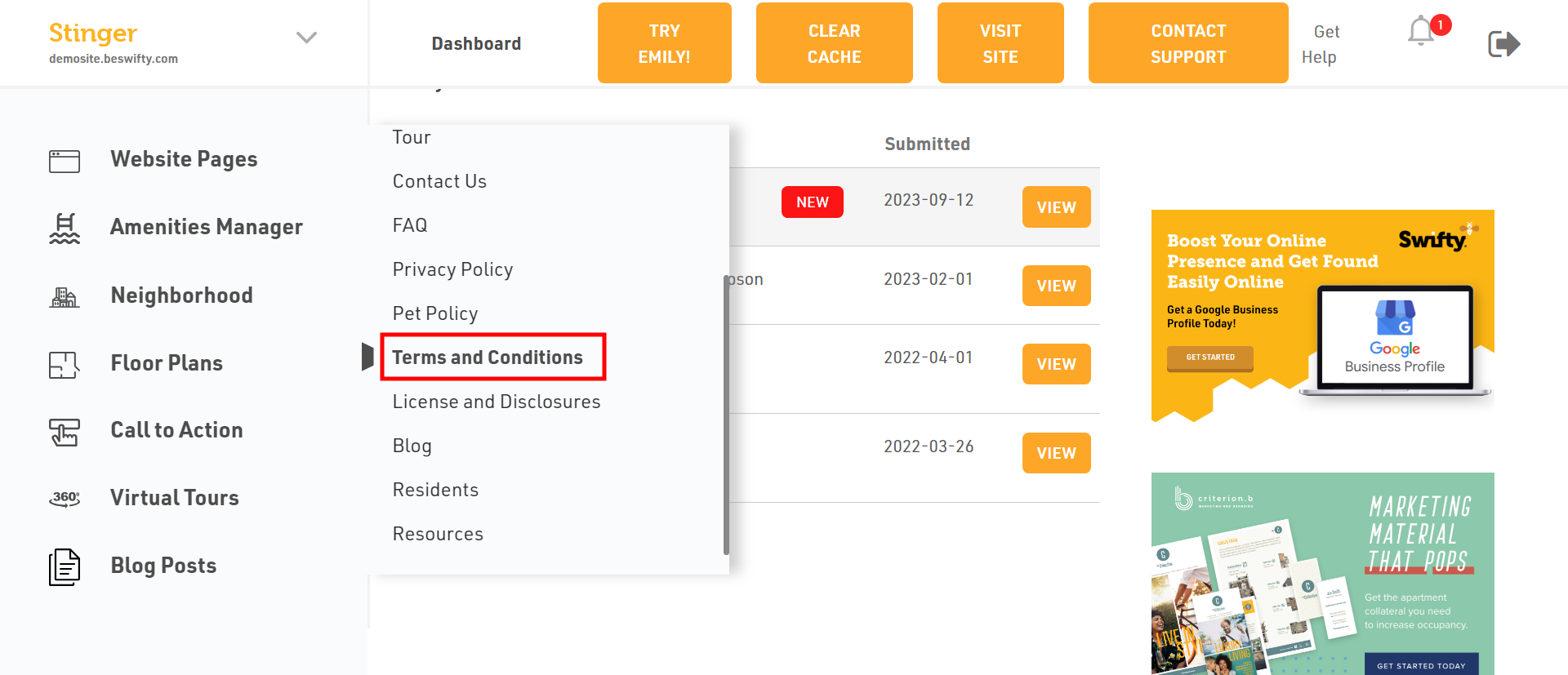
- In the left sidebar, navigate to Websites Pages > Terms and Conditions
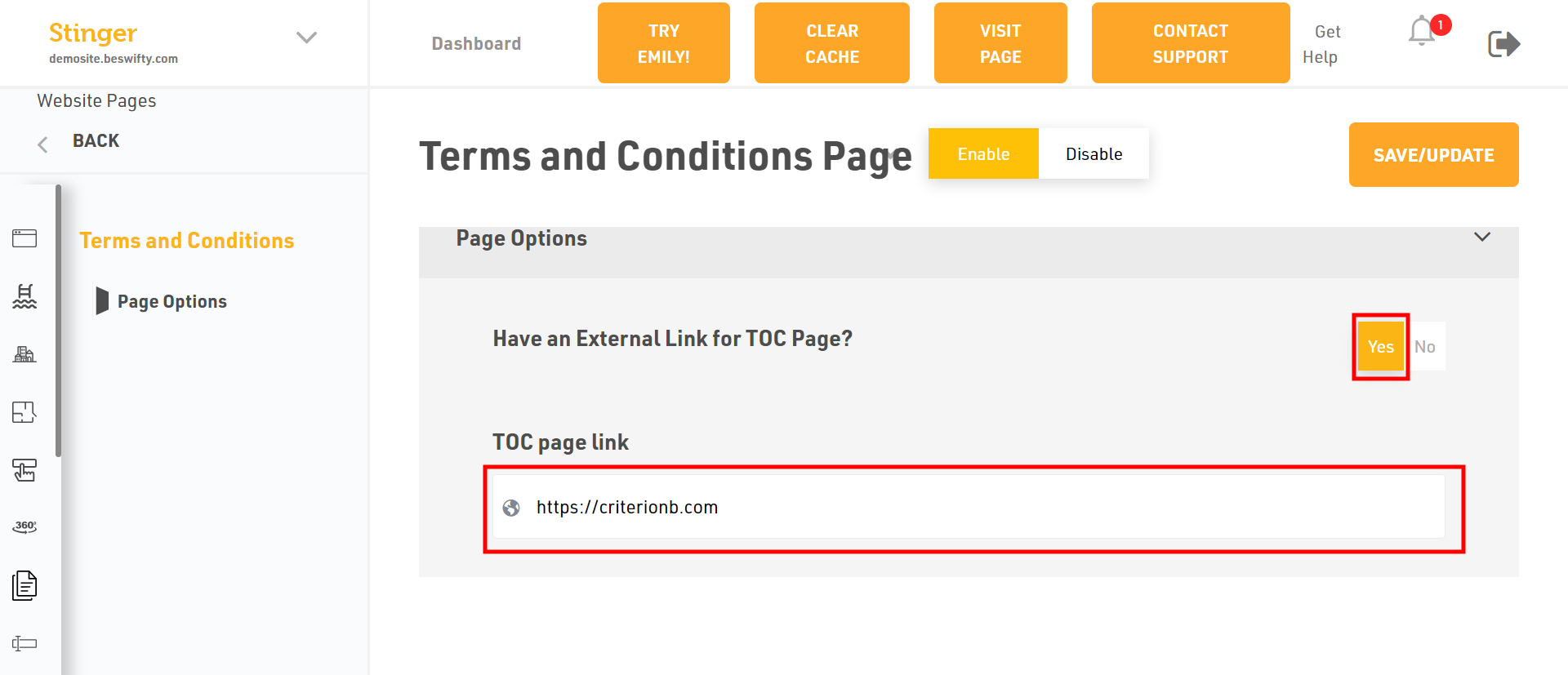
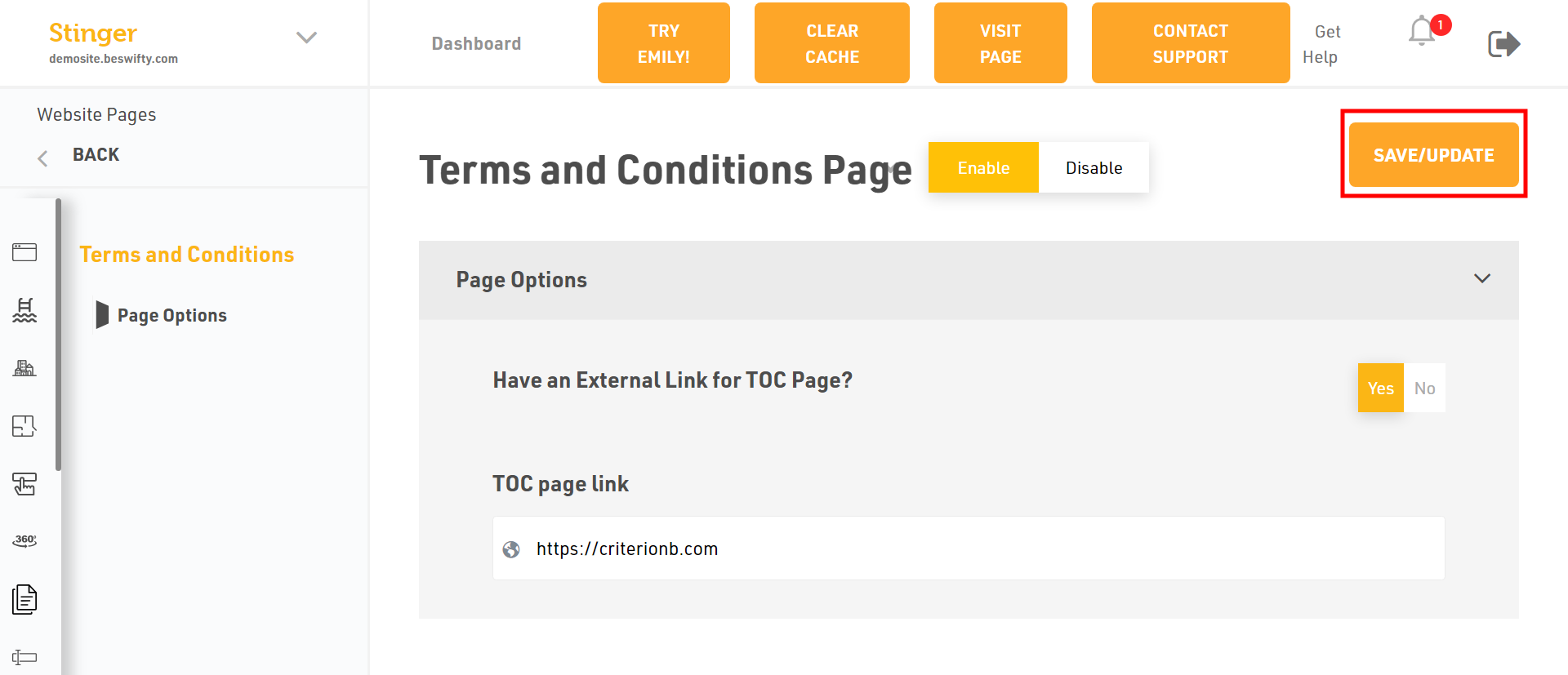
- If you have an External link of Terms and Conditions page, just paste it on the box.
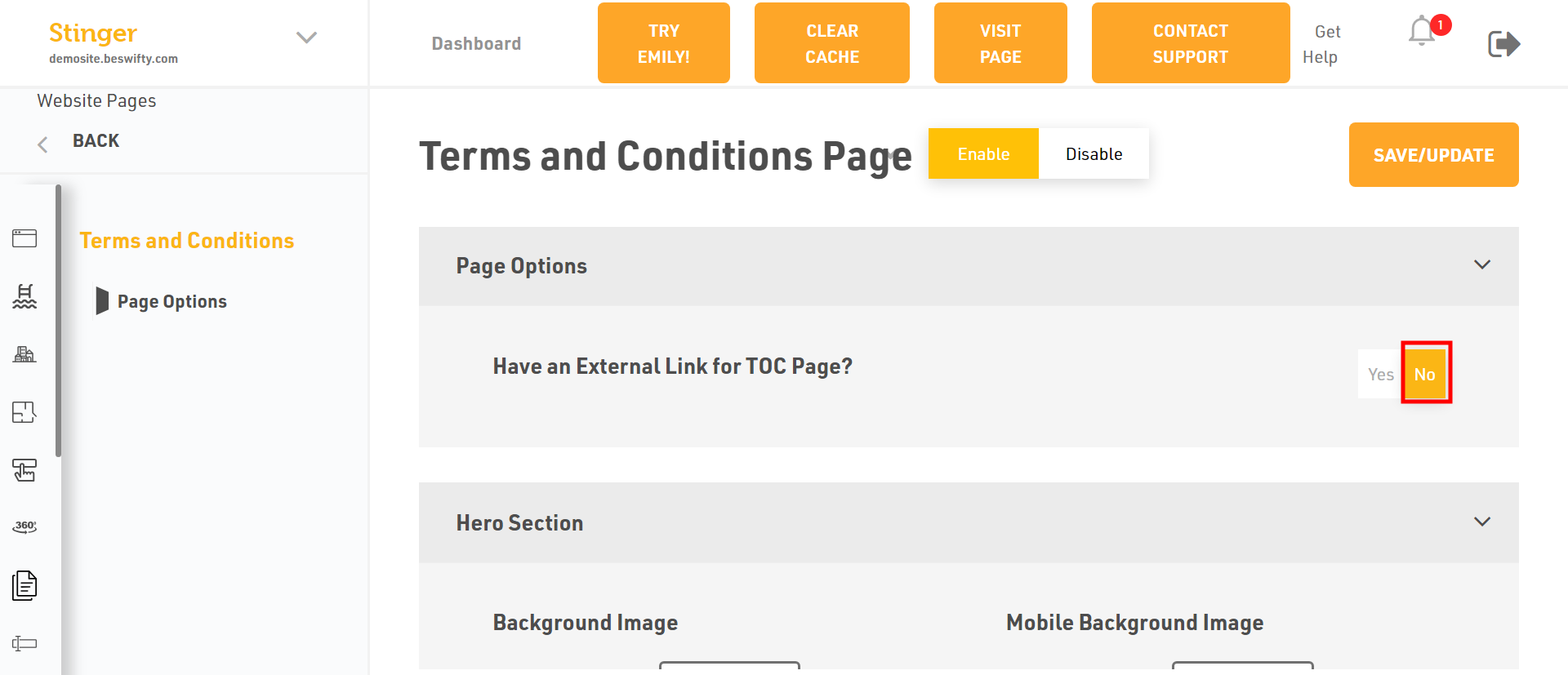
- Or select NO if you do not want to paste the link of terms and conditions.
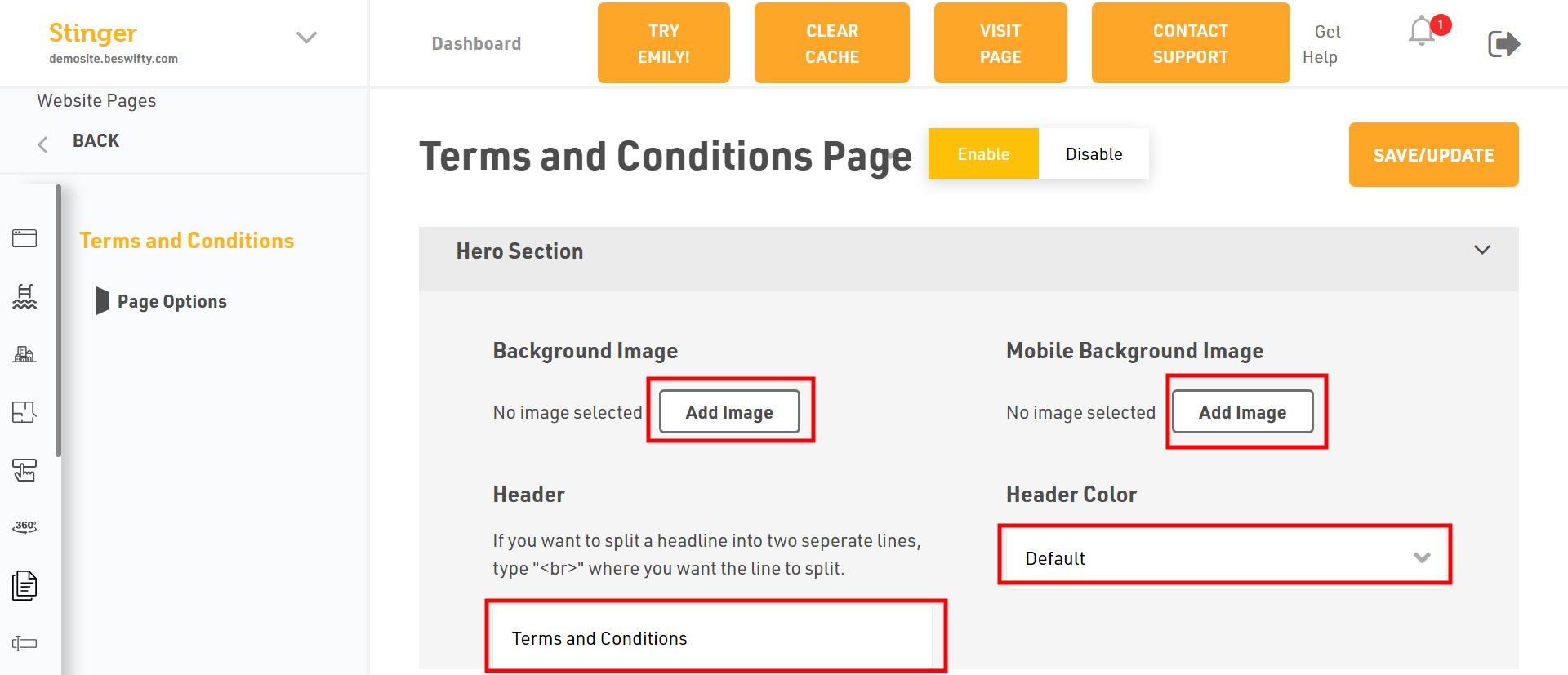
- To add the background image and mobile background image, Click on Add Image.
- Then, to provide a header to the page and if you wish to change the header colour, click on dropdown menu and you will get two options of colour i.e.white or default.
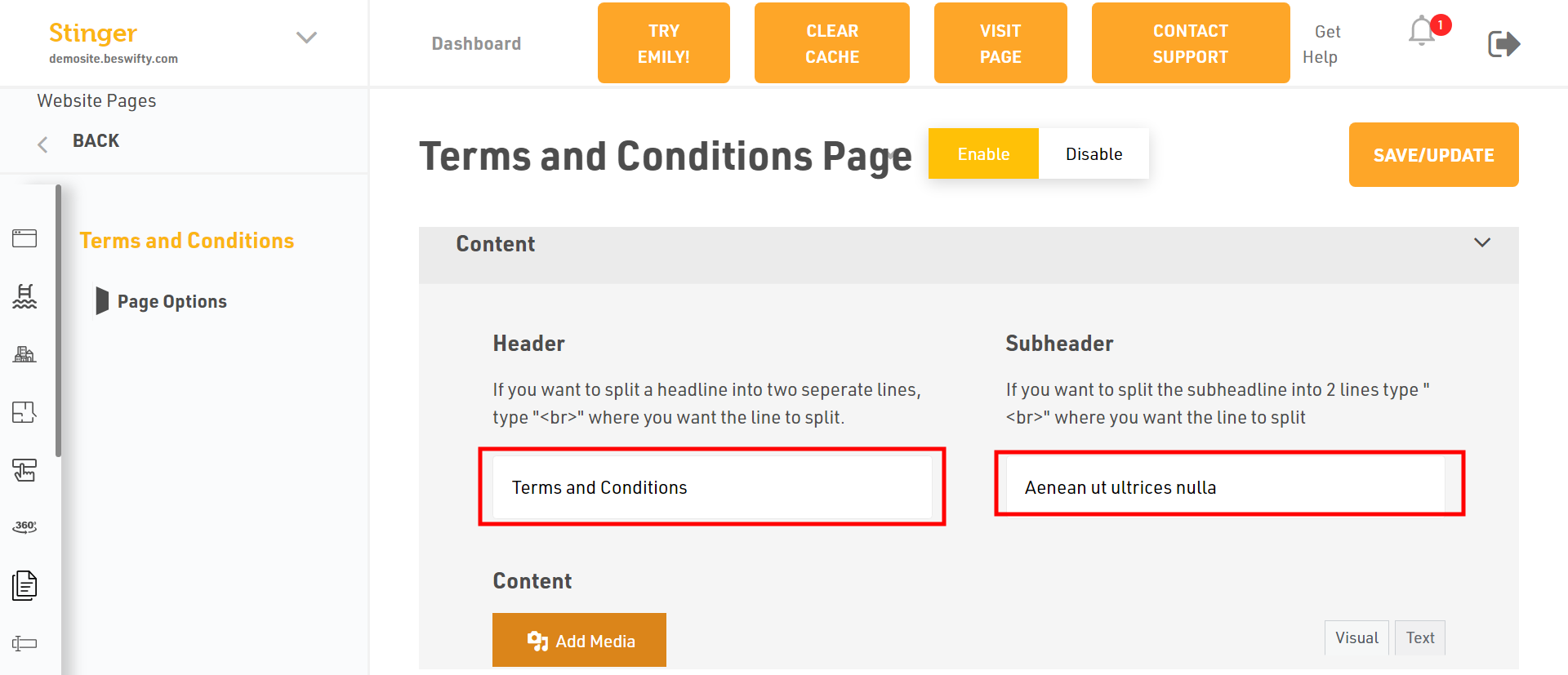
- In content section, write the header and subheader.
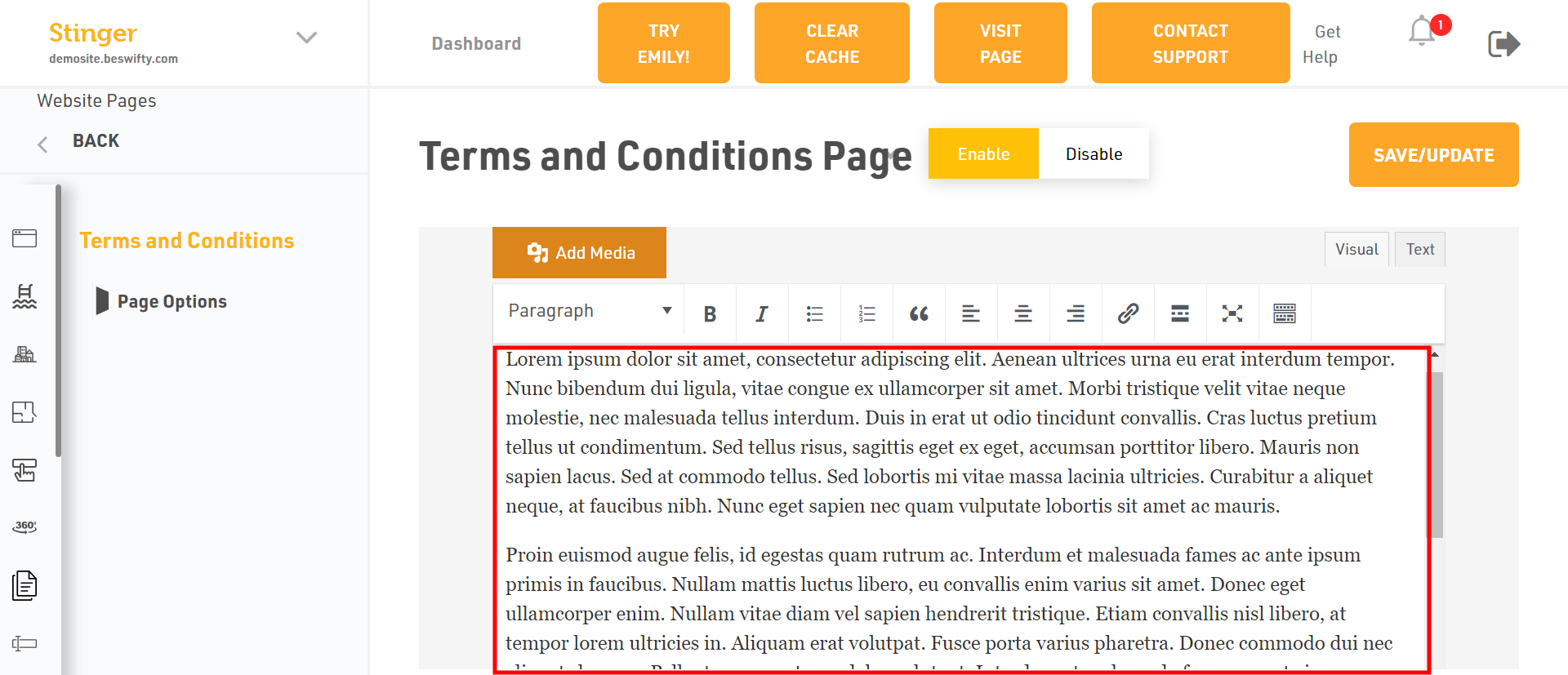
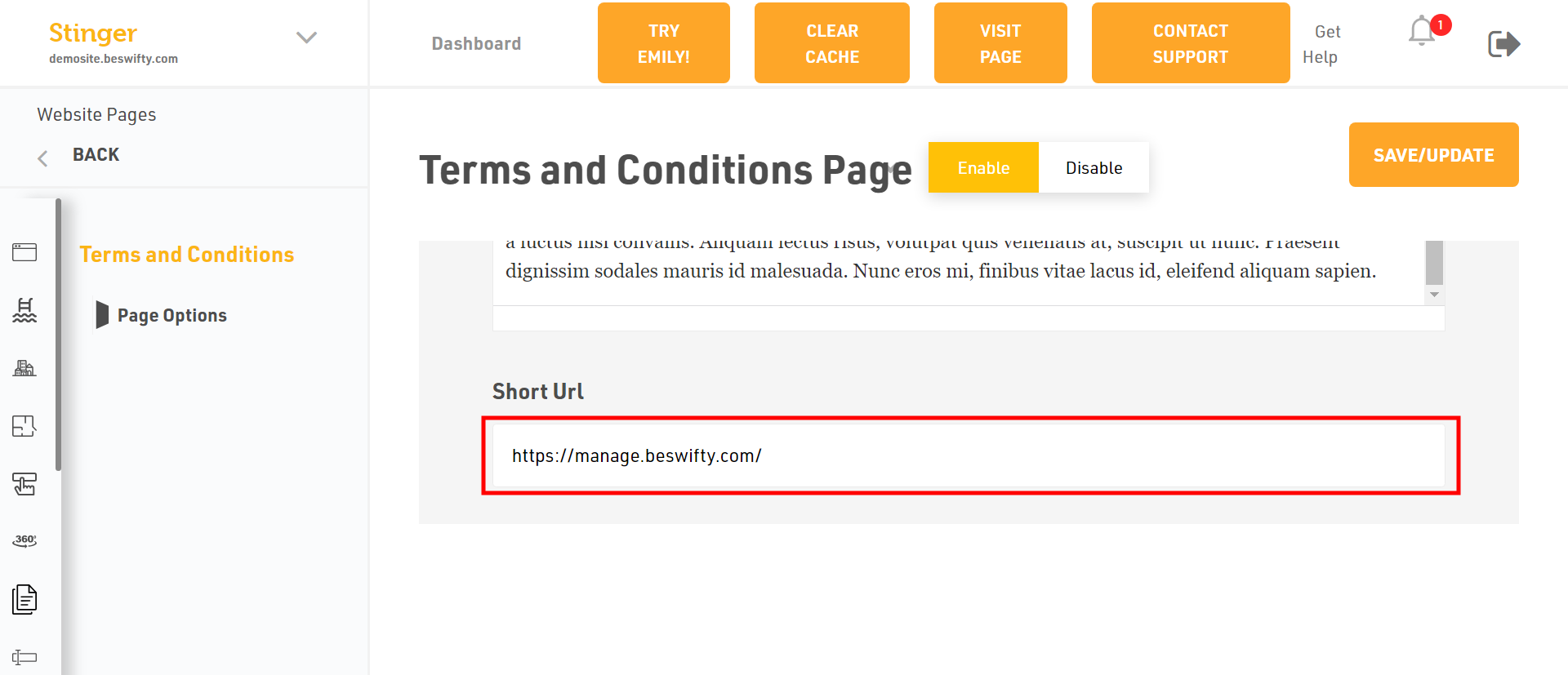
- Type the description and paste the URL.
Don't forget to Save/UpdateMake sure to click the Save/Update button on top right corner once you finish everything
Was this article helpful?
Thanks for the feedback.