
How to add images in Media Library on your website?
How to add a New Folder
- Login to the dashboard of your property website at manage.beswifty.com.
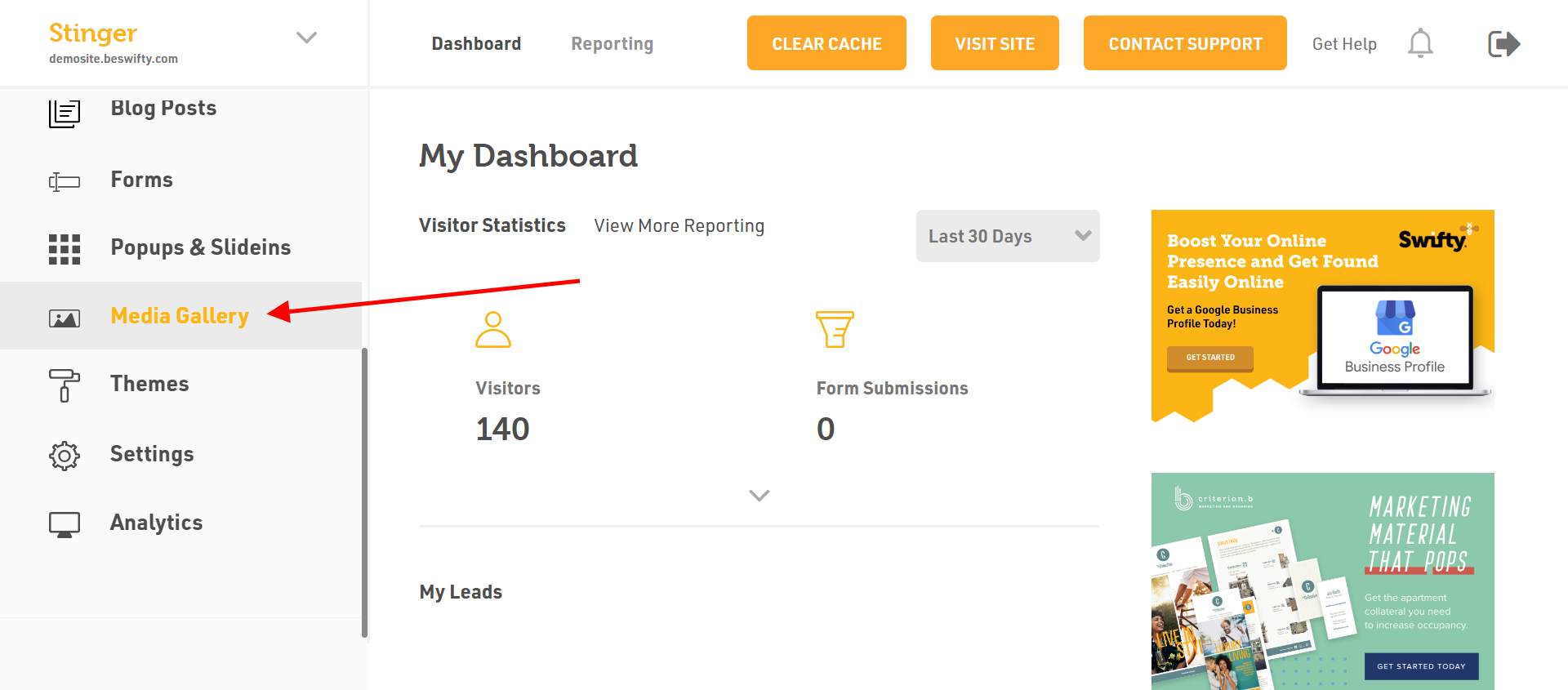
- In the left sidebar, navigate to Media Gallery.
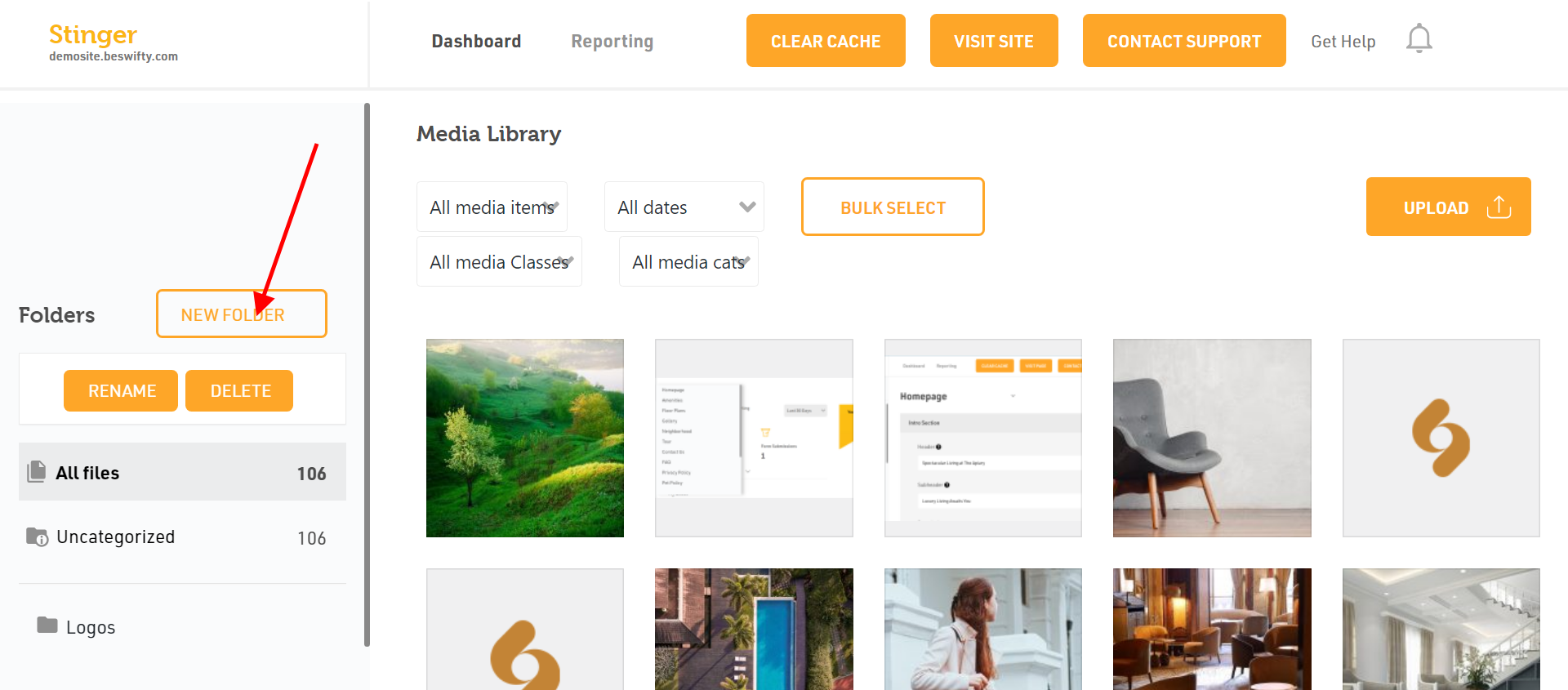
- To add a new folder in Media Library, click on "New Folder" on the left side of the page.
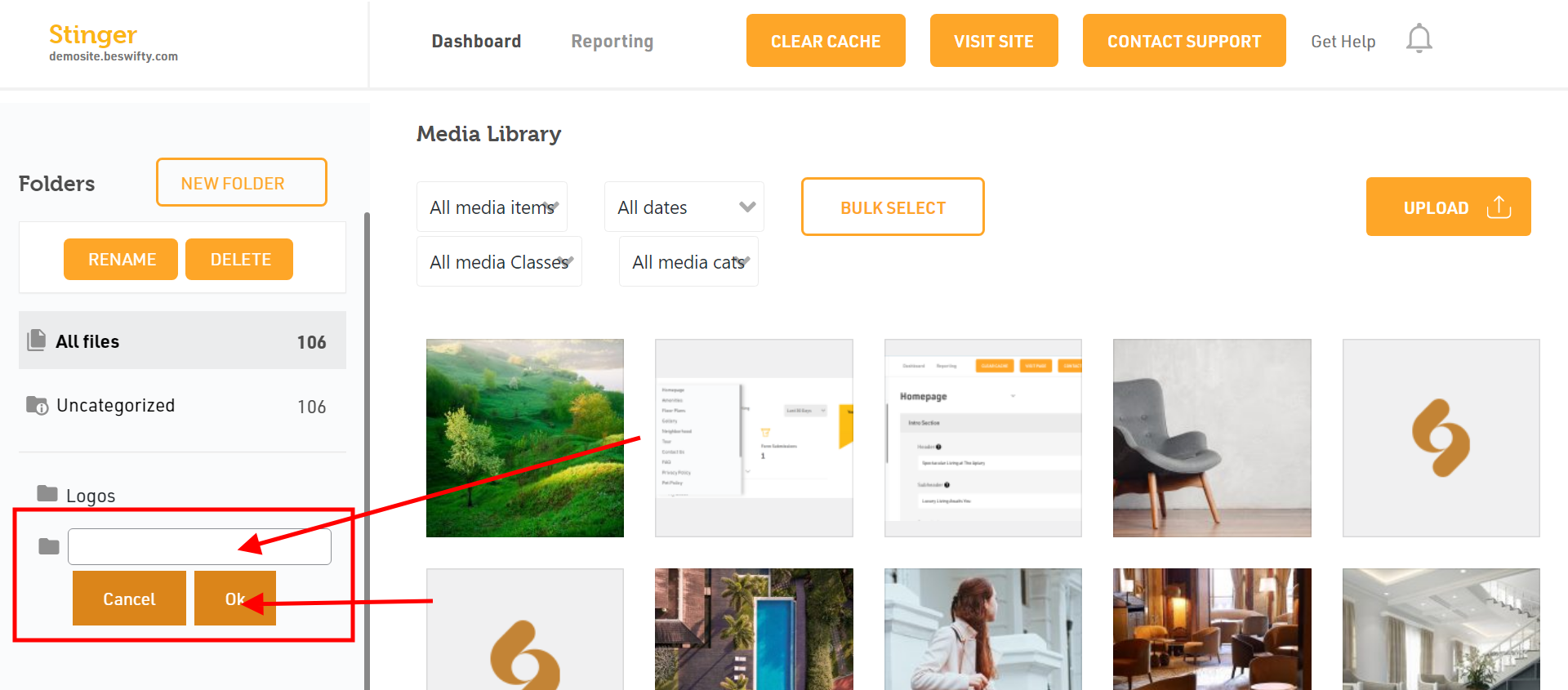
- Once you click New Folder, it will take you to the field mentioned below. Enter the name of the folder that you would like to add to your media library, (e.g., Kitchen Photos). Once done, click on the “OK” tab.
- You will now see the New Folder added to your list.
- Next, select a category that you would like to add to your media library from the given list.
How to upload Images?
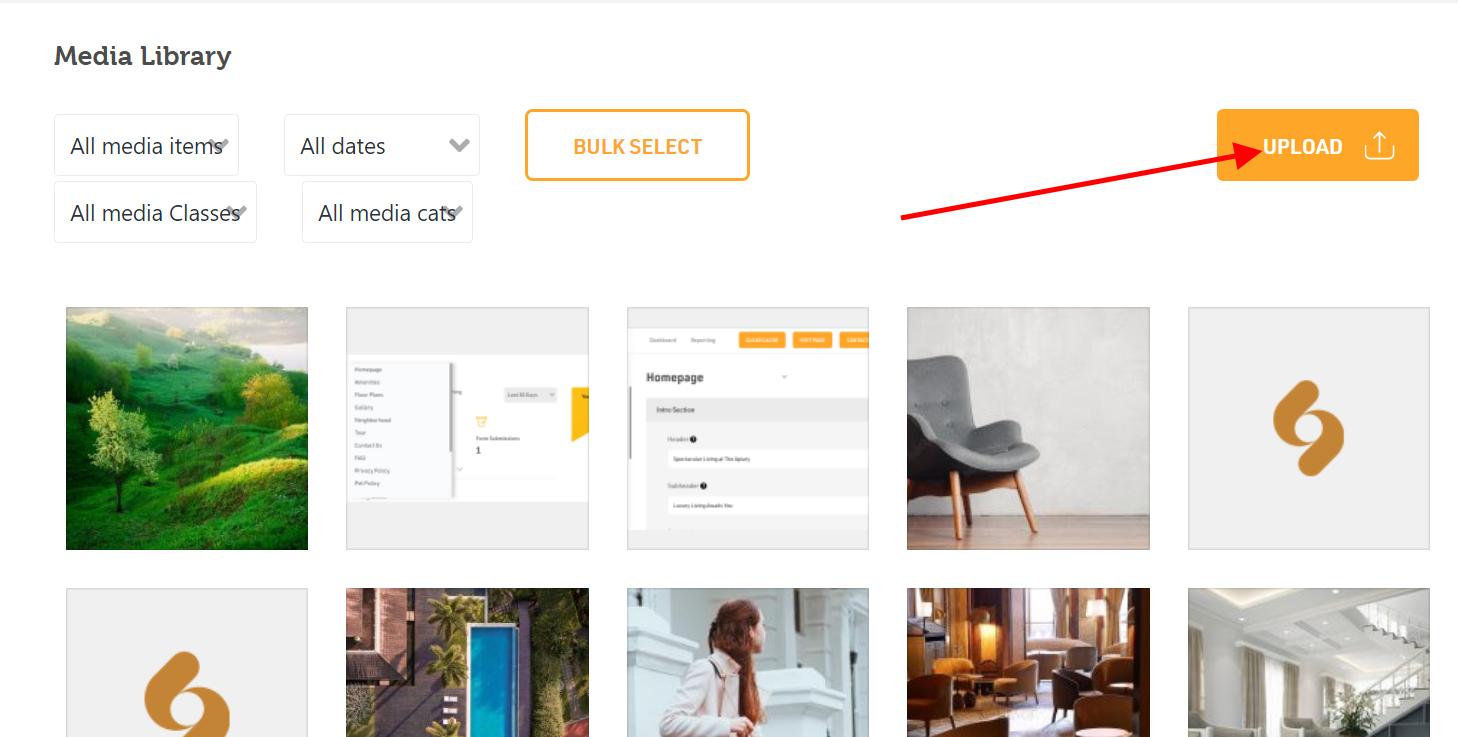
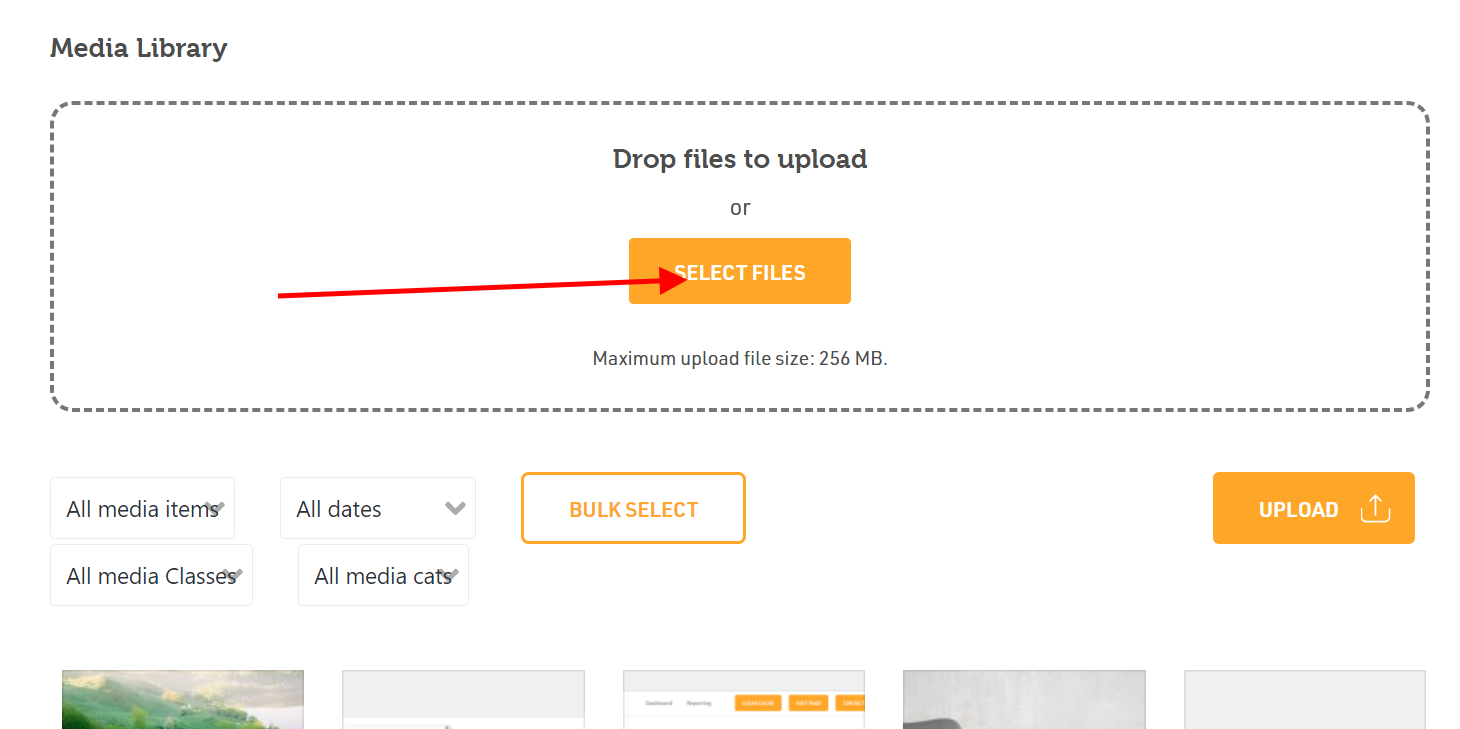
- To upload media that you would like to add to your website, click on “Upload”.
- Next click on “Select Files” and add files from your device. You can even drag and drop files from your device. Please note: Maximum upload file size should not exceed 256 MB.
How to delete Media from your library
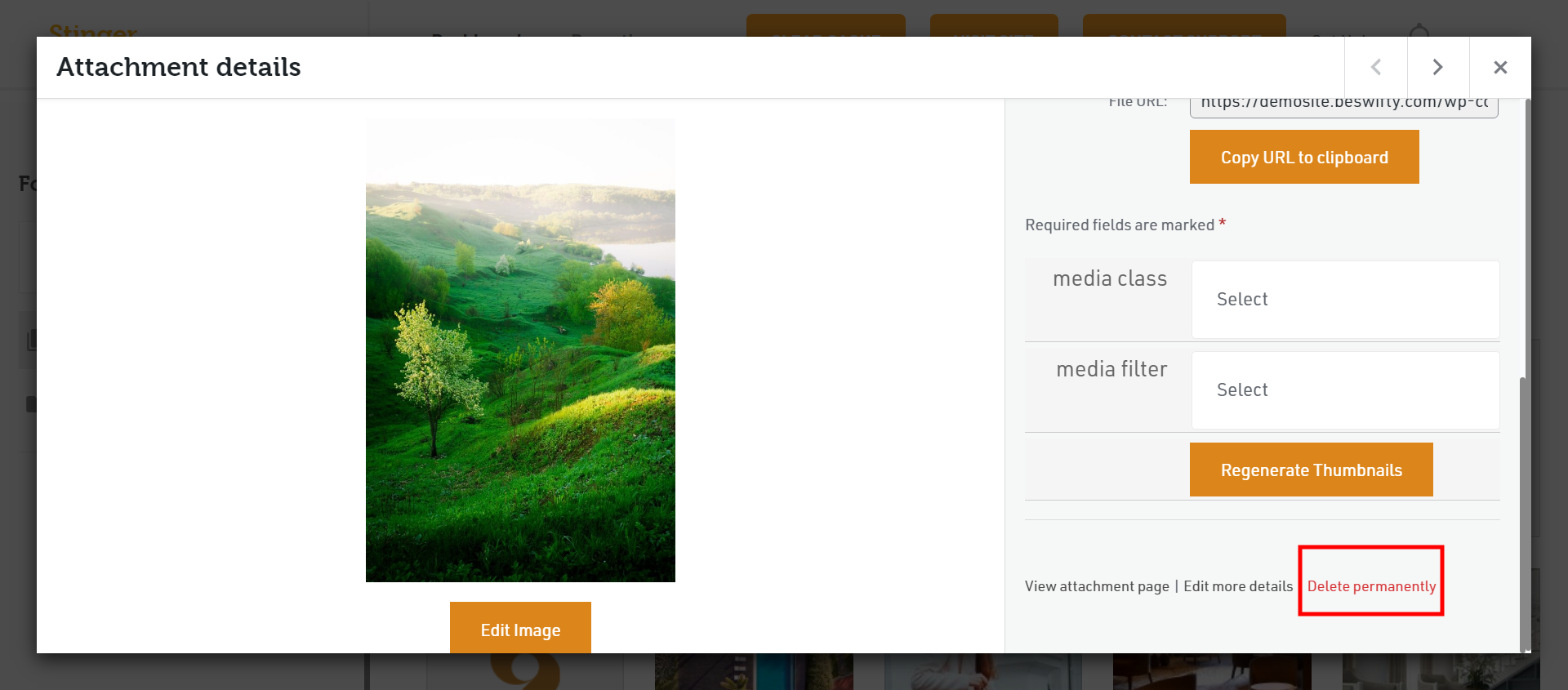
- To delete a specific media file, choose the file you want to delete.
- After you have selected the file, scroll down and then click on “Delete Permanently”.
How to delete Bulk Media Files from the library
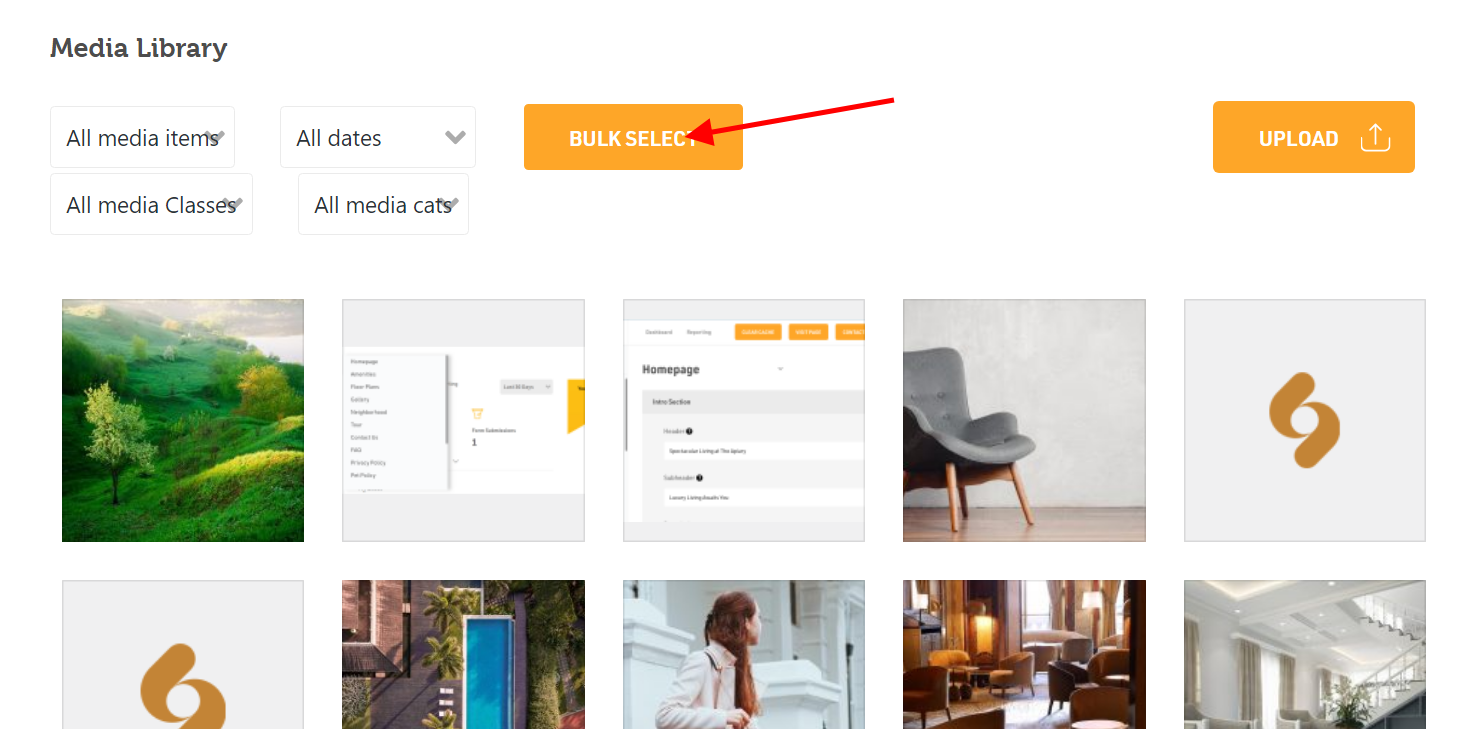
- Firstly click on “Bulk Select”.
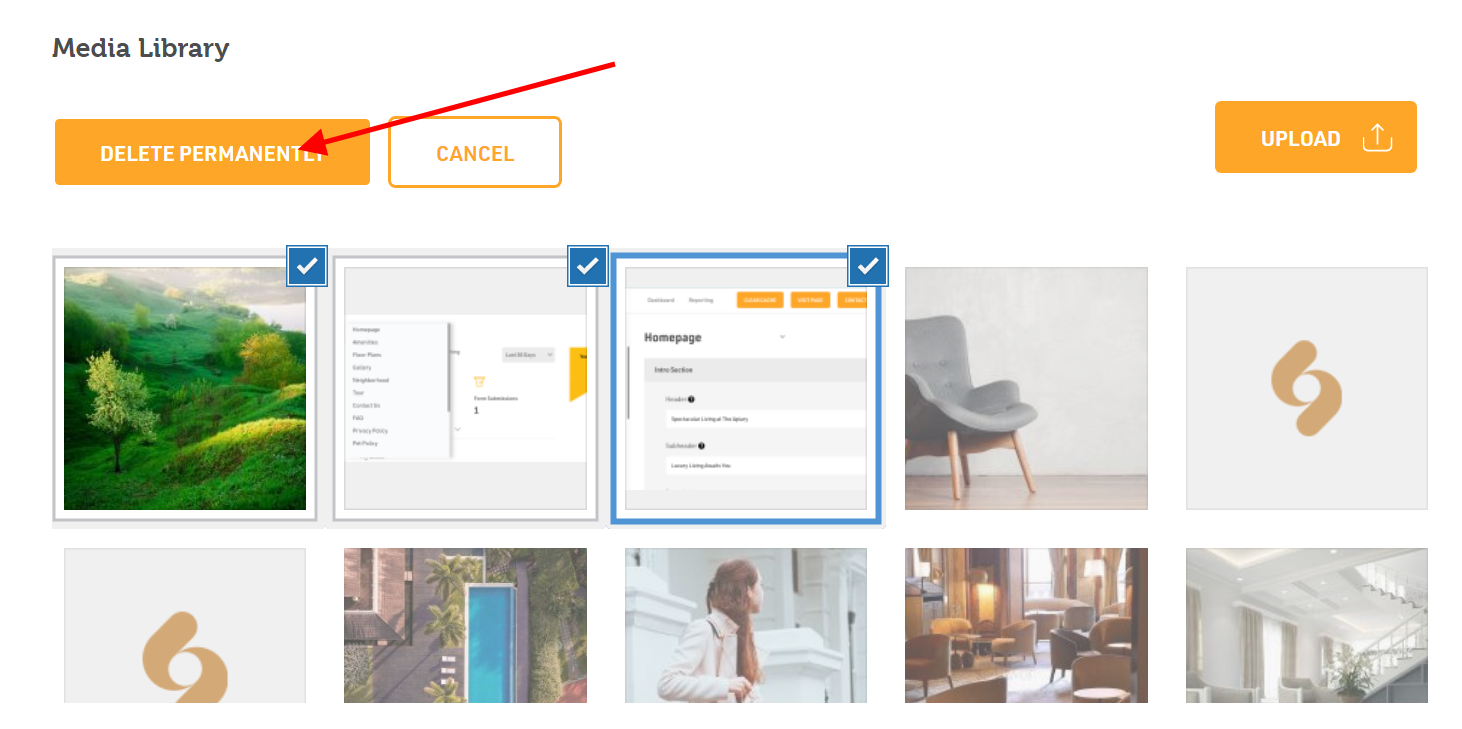
- Choose the multiple files you wish to delete, then click on “Delete Permanently”.
Was this article helpful?
Thanks for the feedback.