
How to add BeeVIP
How to add a new partner
Login to the dashboard of your property website at manage.beswifty.com.
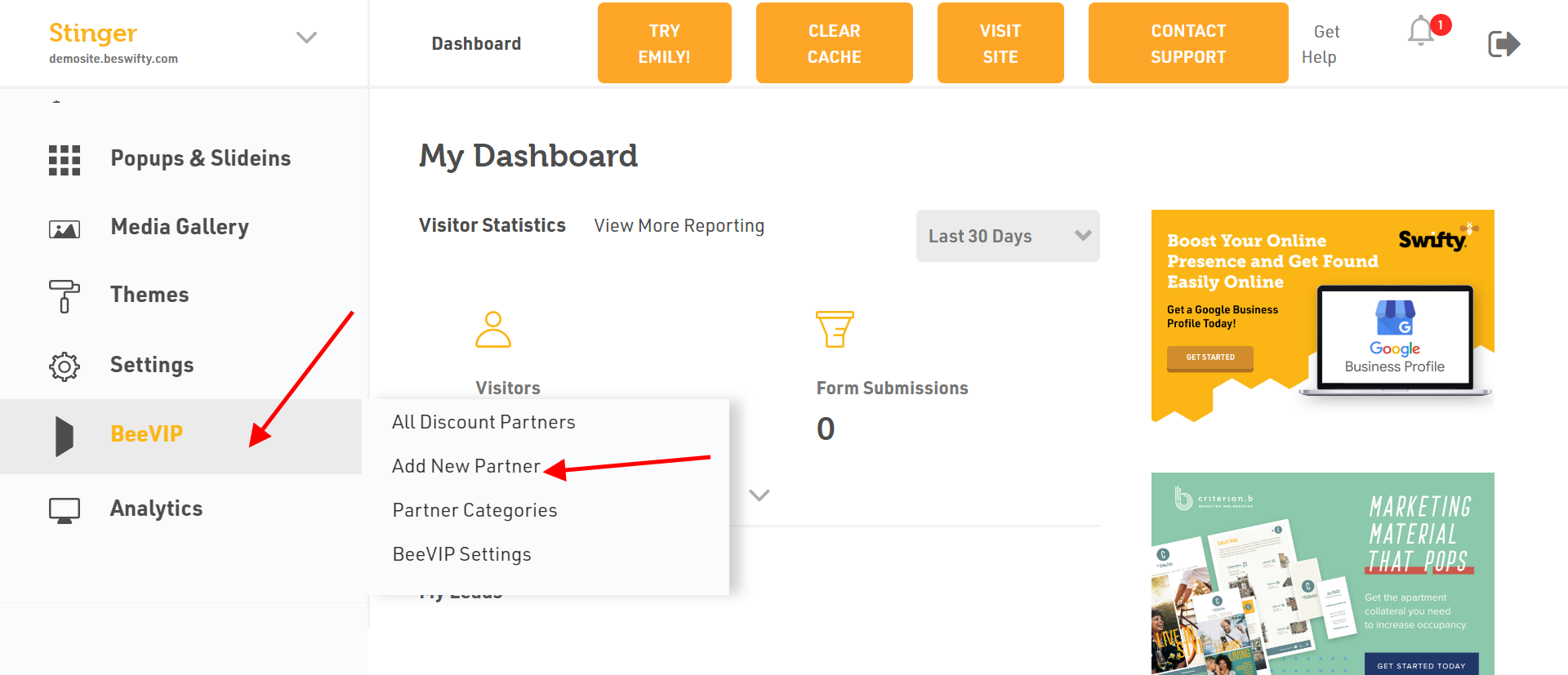
Navigate to BeeVIP > Add New Partner.
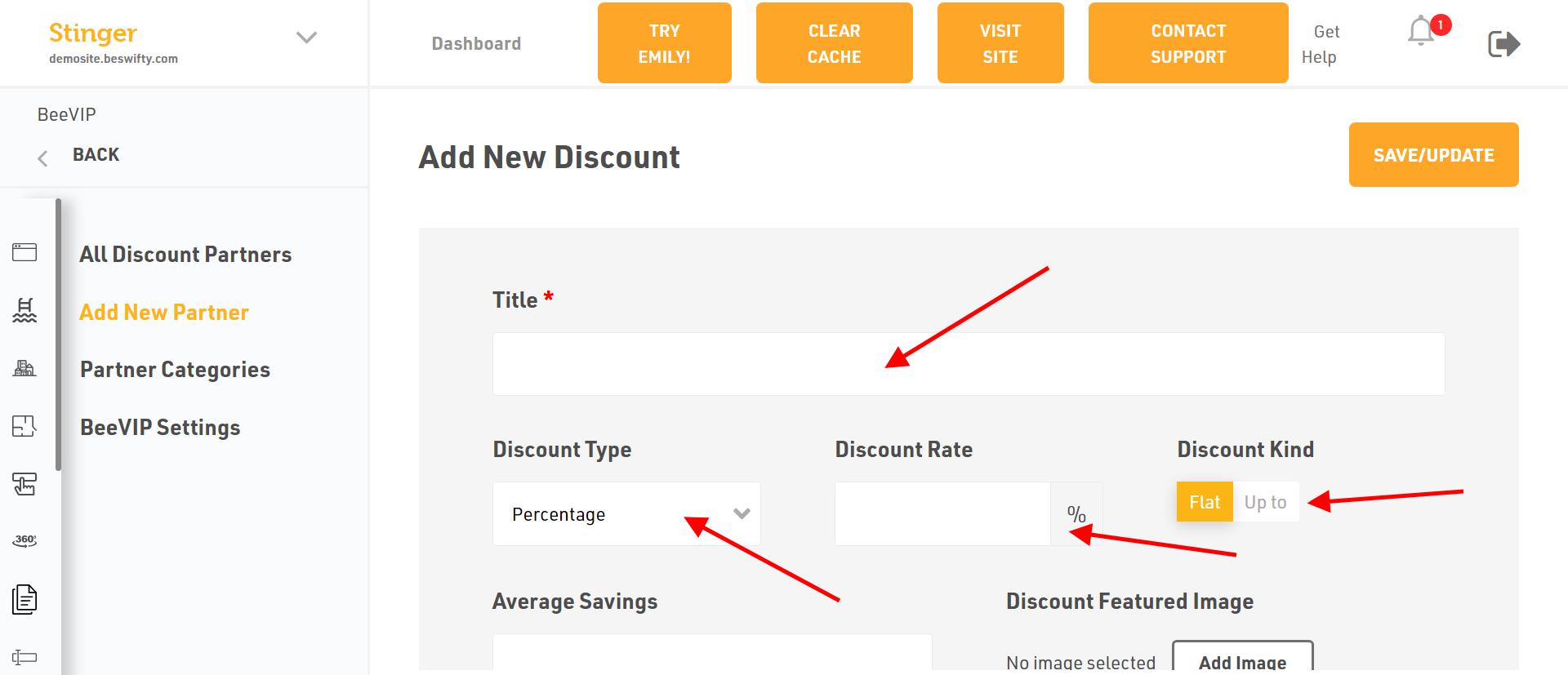
Add the Title as per your own choice.
Select the Discount Percentage from the drop down menu.
Type the Discount Rate according to your product.
Select the Discount Kind.
Enter the Average Savings as per the product.
Add the Discount Featured Image by clicking on Add Image and upload the required file from the device.
Similarly, add the Discount Listing Image by clicking on Add Image and upload the required file from the device.
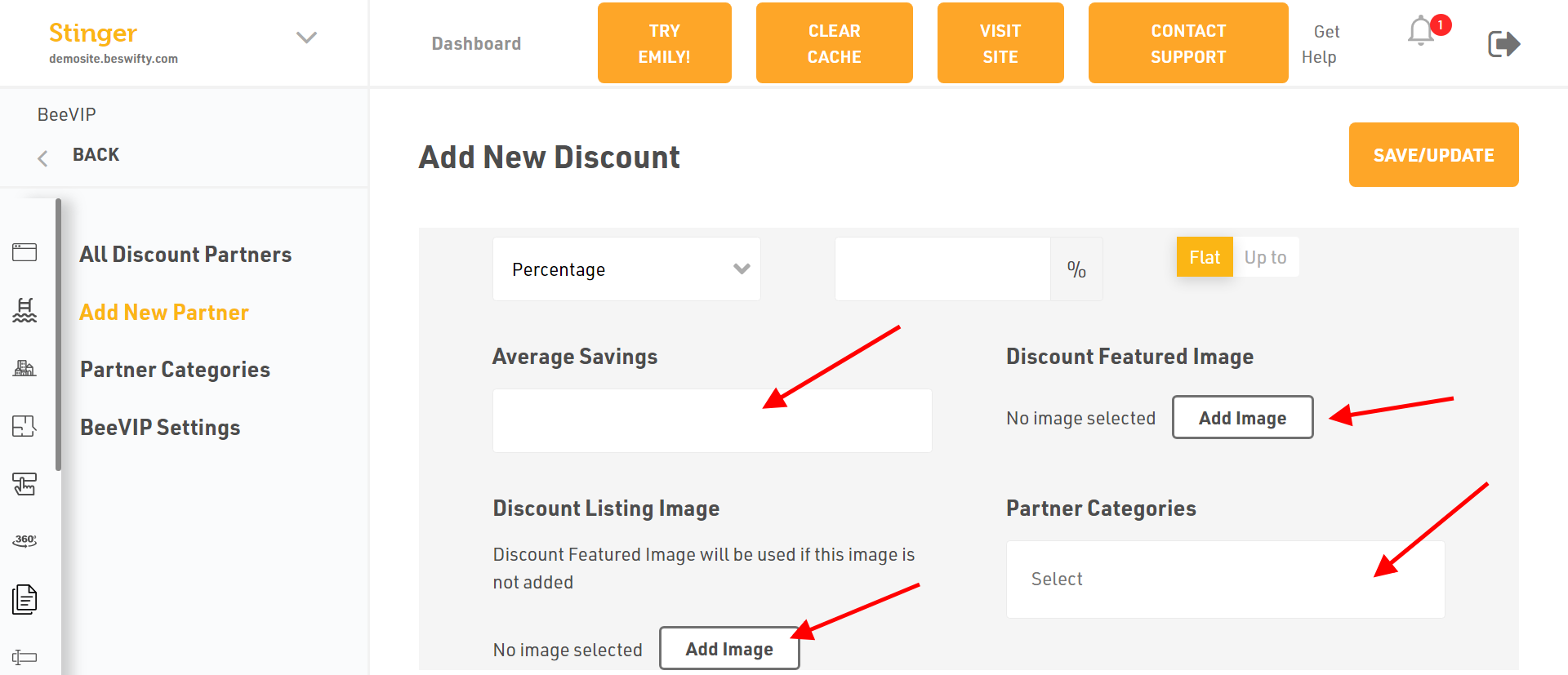
Select the Partner Categories from the drop-down menu.
To know how to add Partner Categories, refer to our article on How to add a Partner Categories
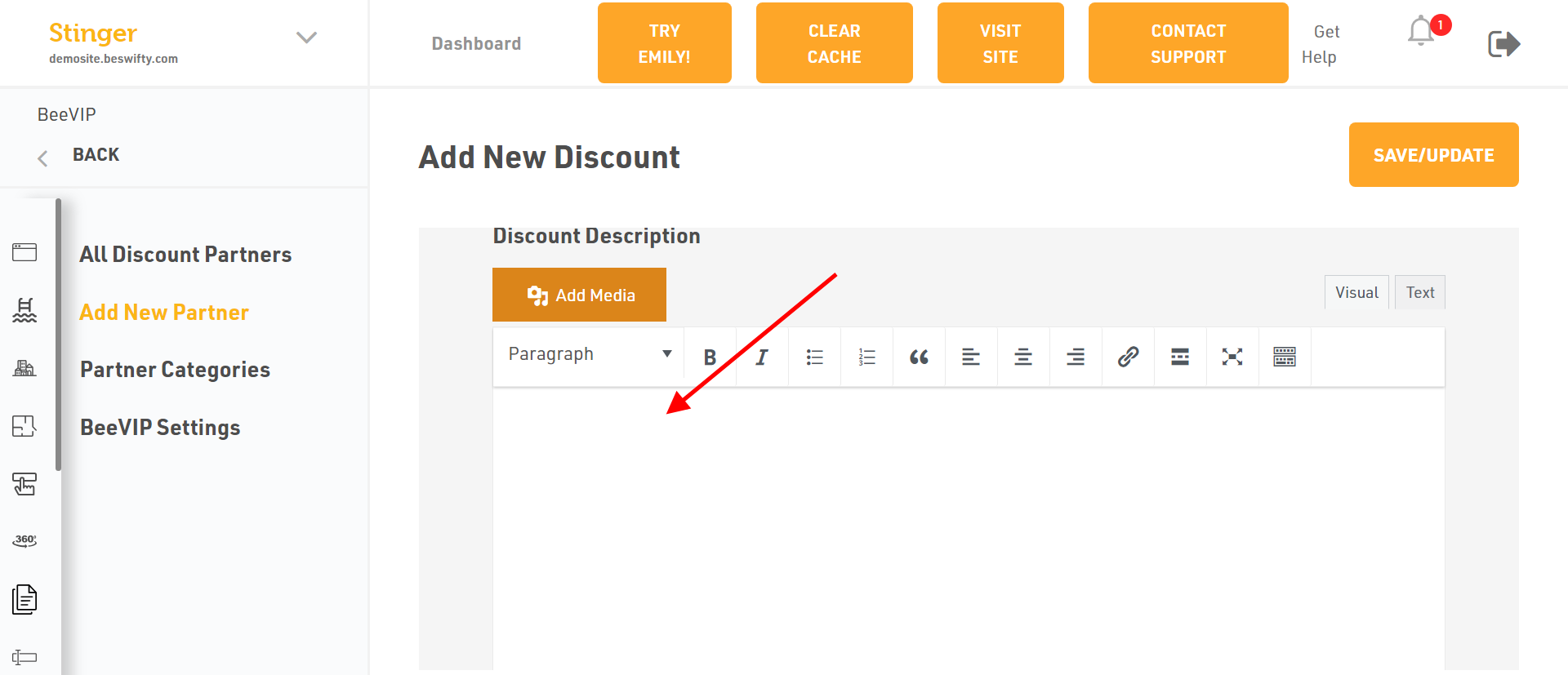
Add the Discount Description if you wish to and you can even edit the article using the options provided.
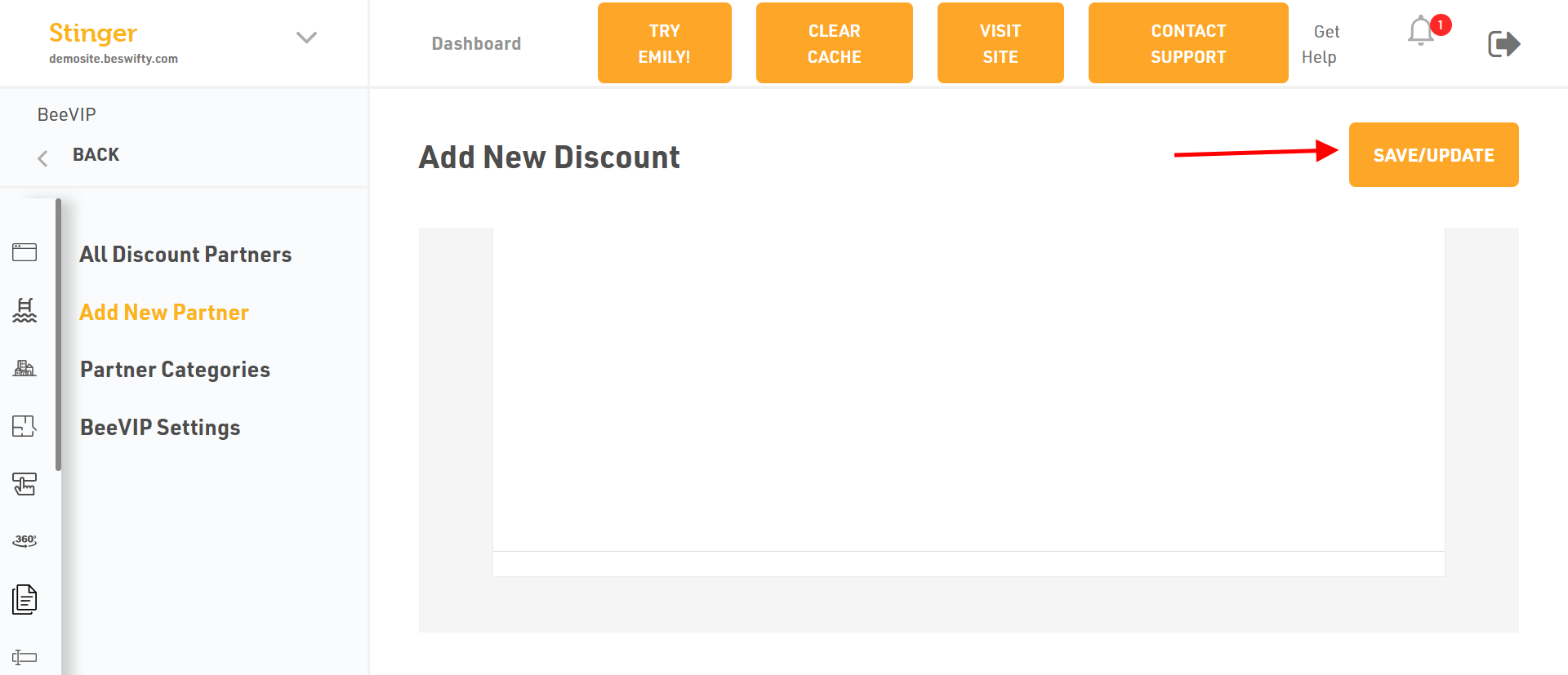
Dont forget to Save/Update
Once you finish everything, click the Save/Update button on top right corner.
Was this article helpful?
Thanks for the feedback.