
How to Add or Edit Blog Page?
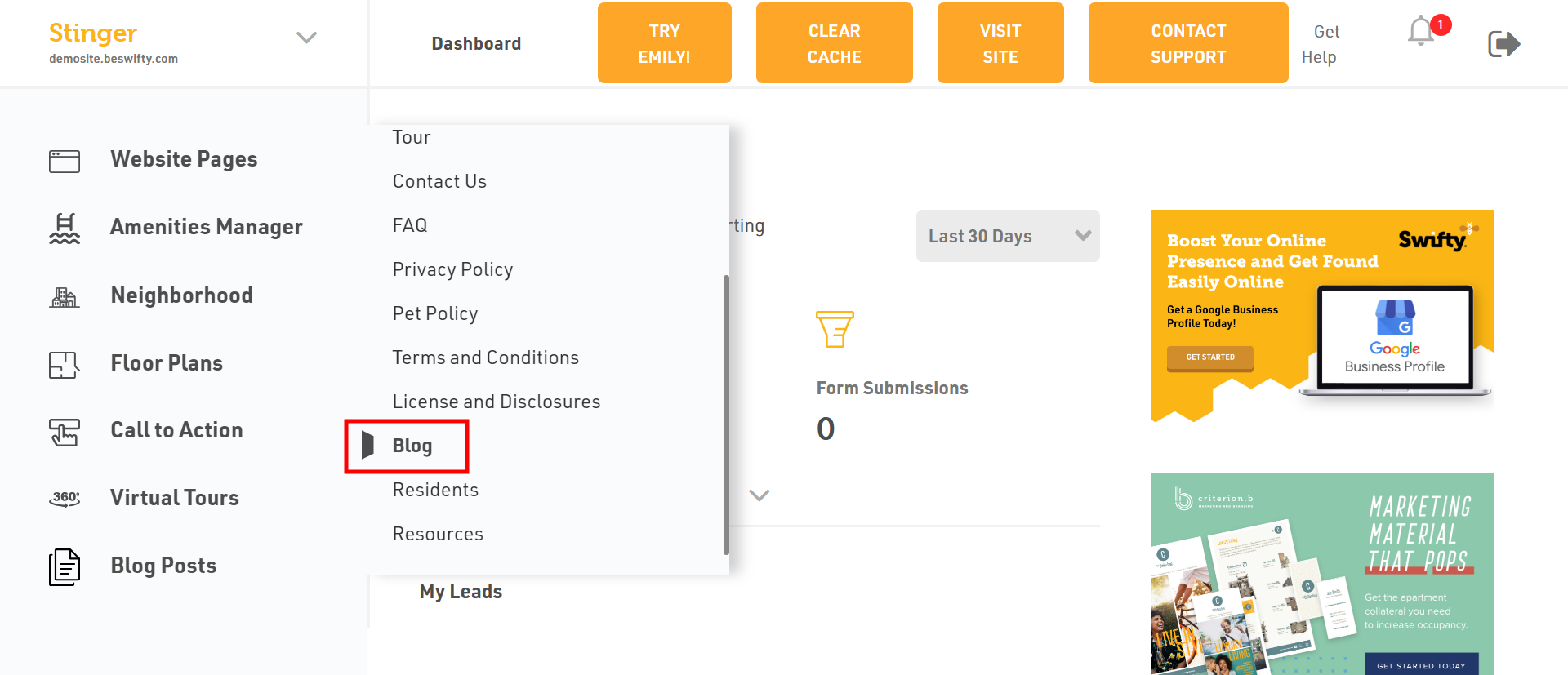
- Login to the dashboard of your property website at manage.beswifty.com.
- In the left sidebar, navigate to Website Pages> Blog
How to Add a Hero Section?
Ready for some visuals? Click Add Image to upload the desired background image or mobile background image from your device.
Finally, pick the perfect hue for your header by selecting from the drop-down Header Color menu.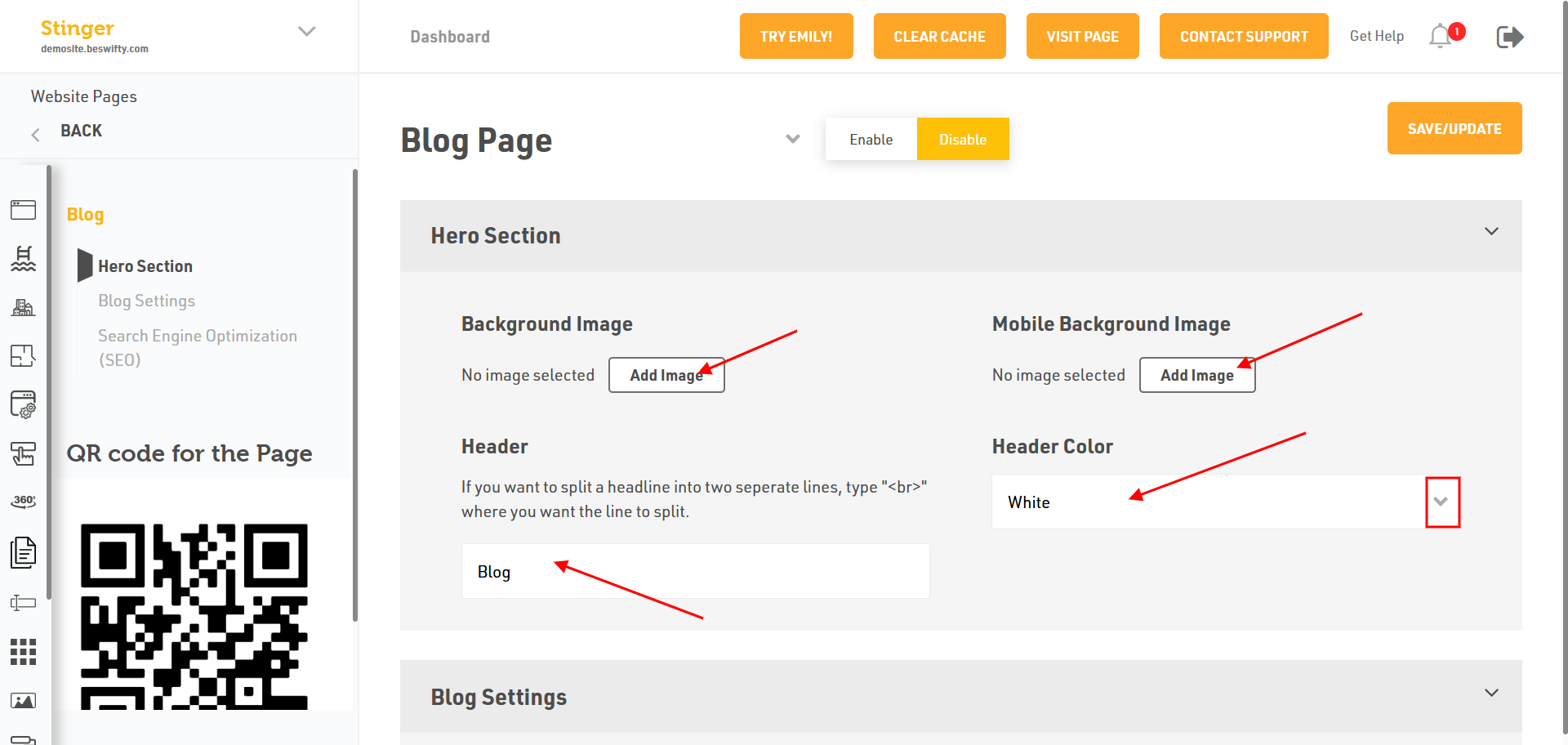
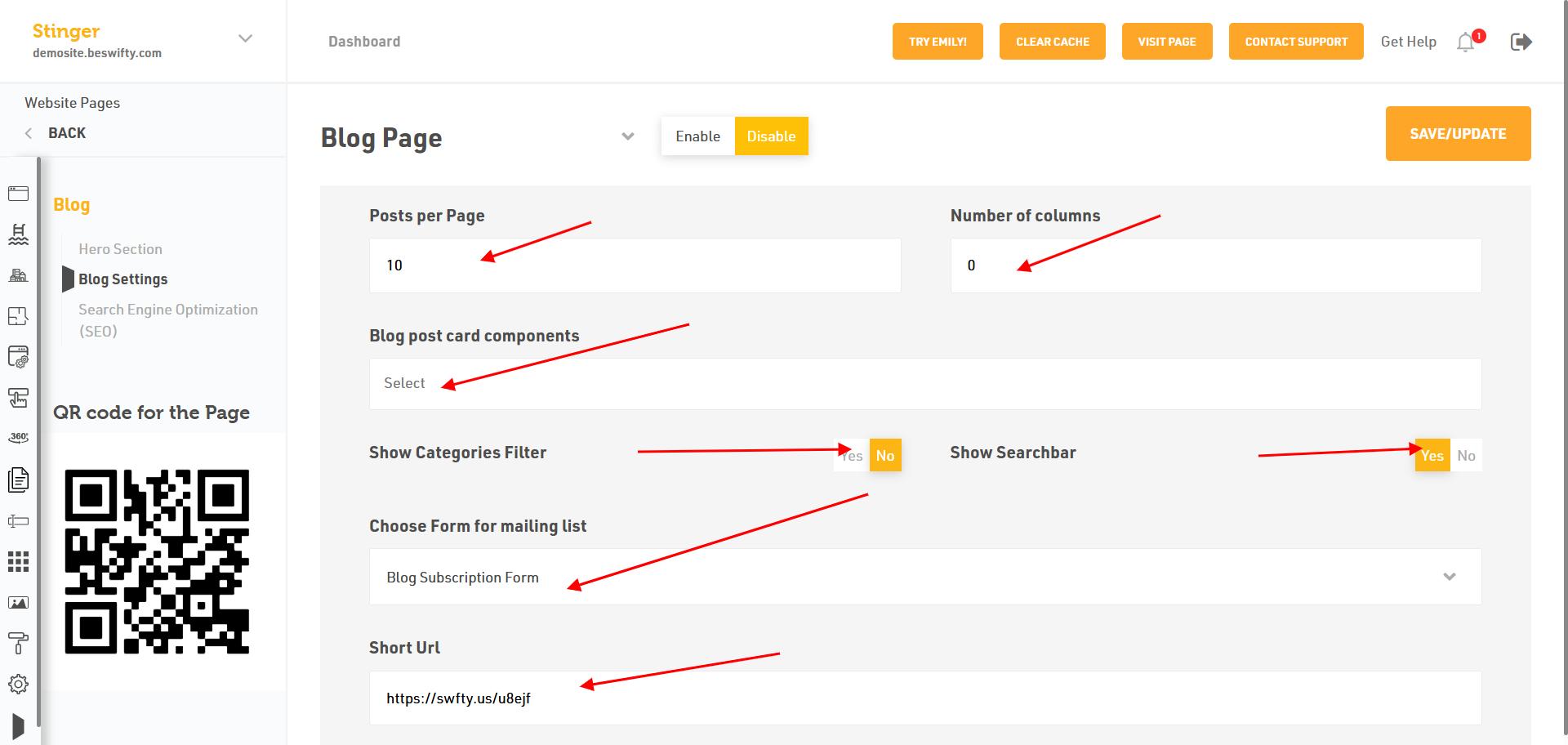
How to Add a Blog Setting?
- You can add blog post as per page or you can add the number of columns.
- Or you add blog post card components.
- Then you click on Show Categories Filter or Show Searchbar.
- Choose a Form form dropdown menu or add the URL of blog post.
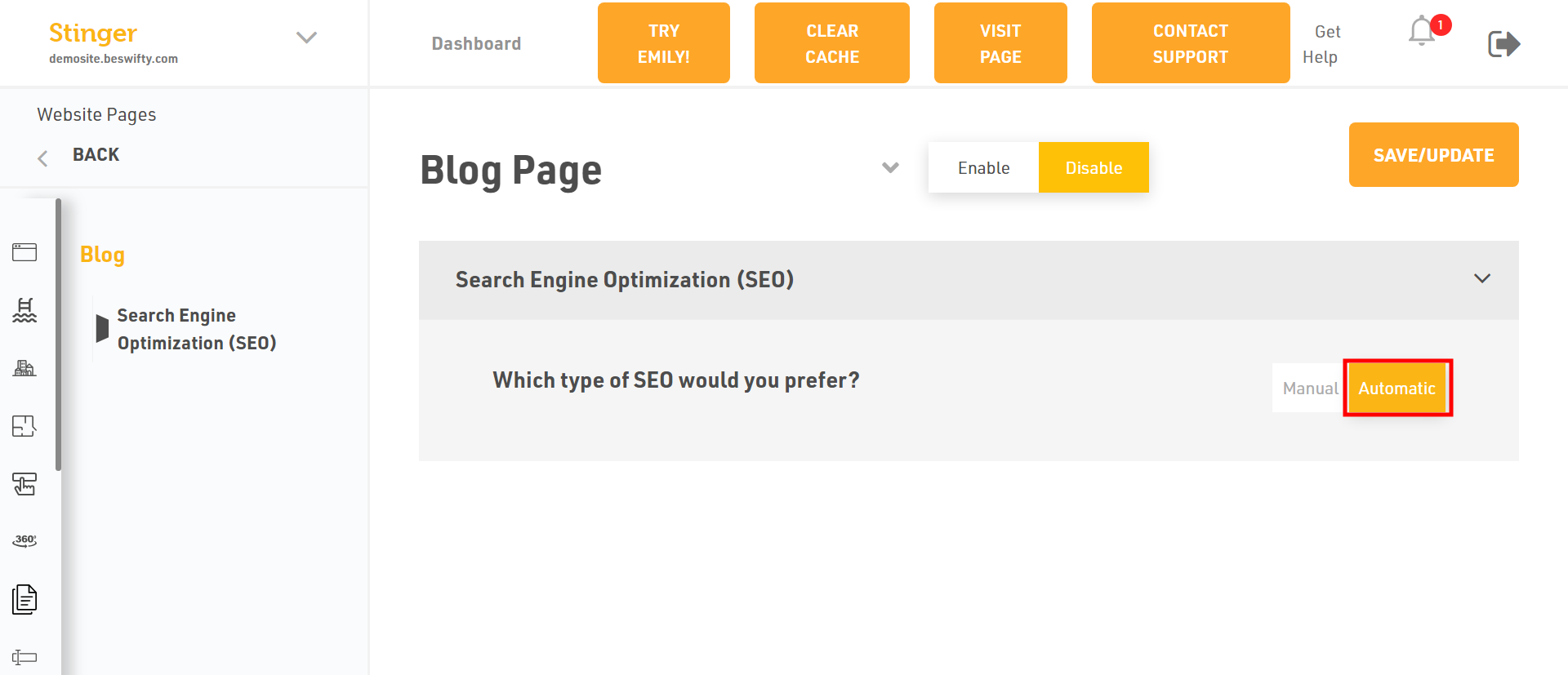
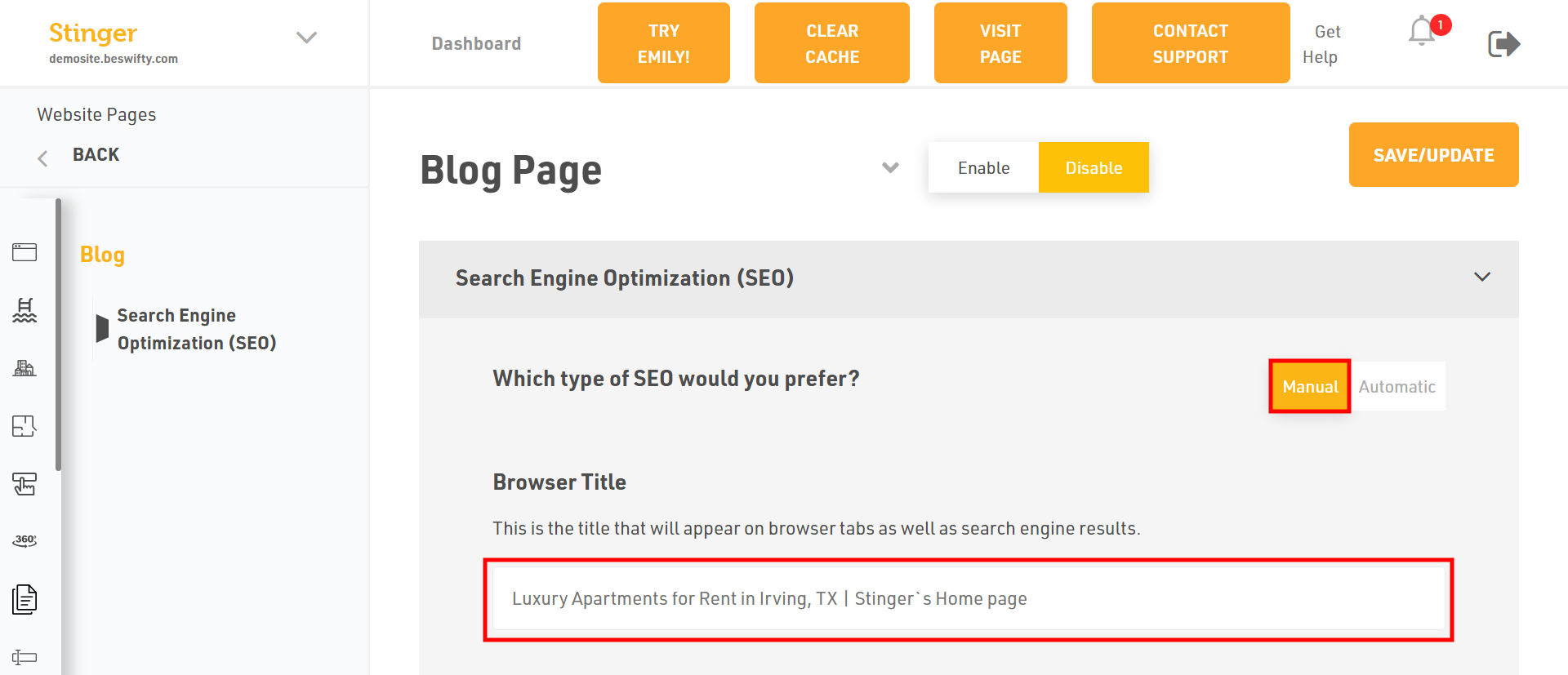
- You have two Type of Search Engine Optimization (SEO) Manual or Automatic. If you want to select the Automatic just click on.
- Or select Manual to add the Browser Title
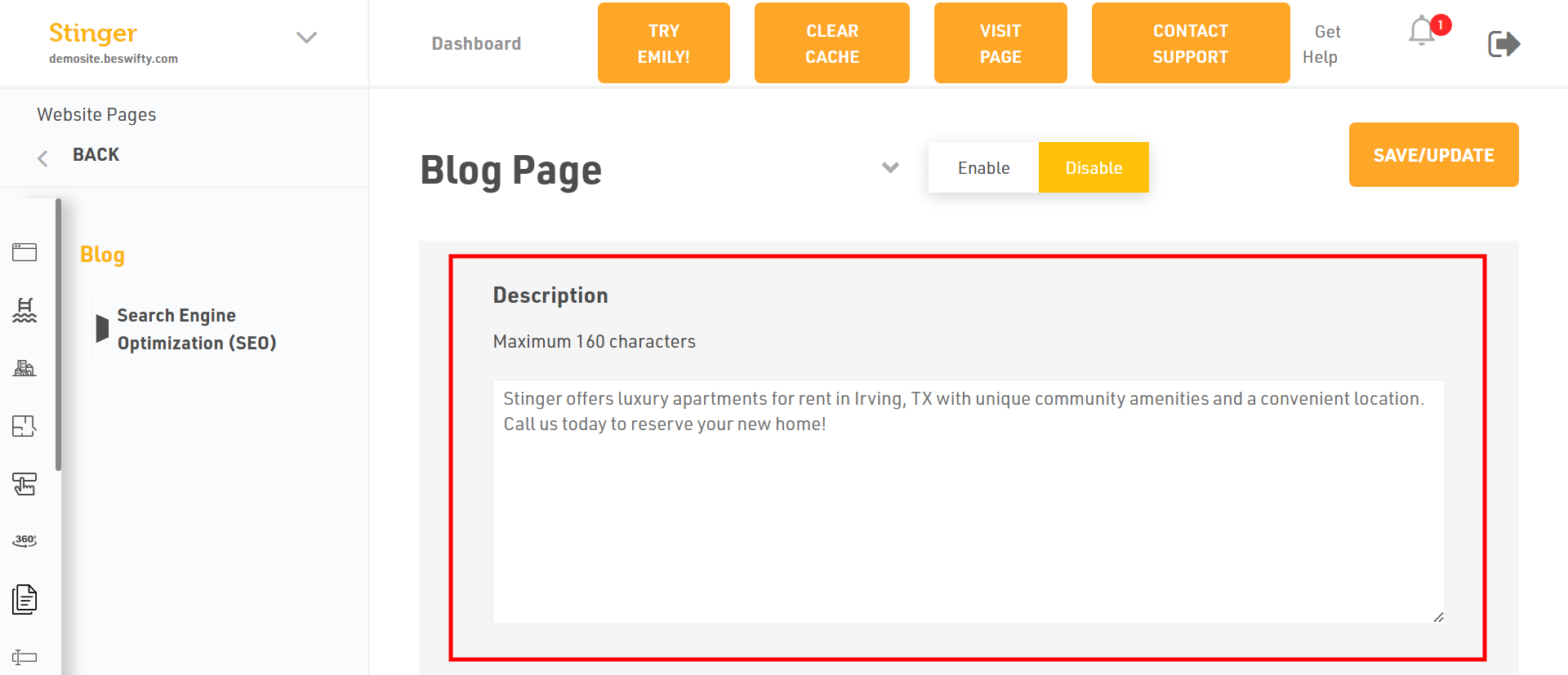
- Then, Type the description Maximum 160 characters
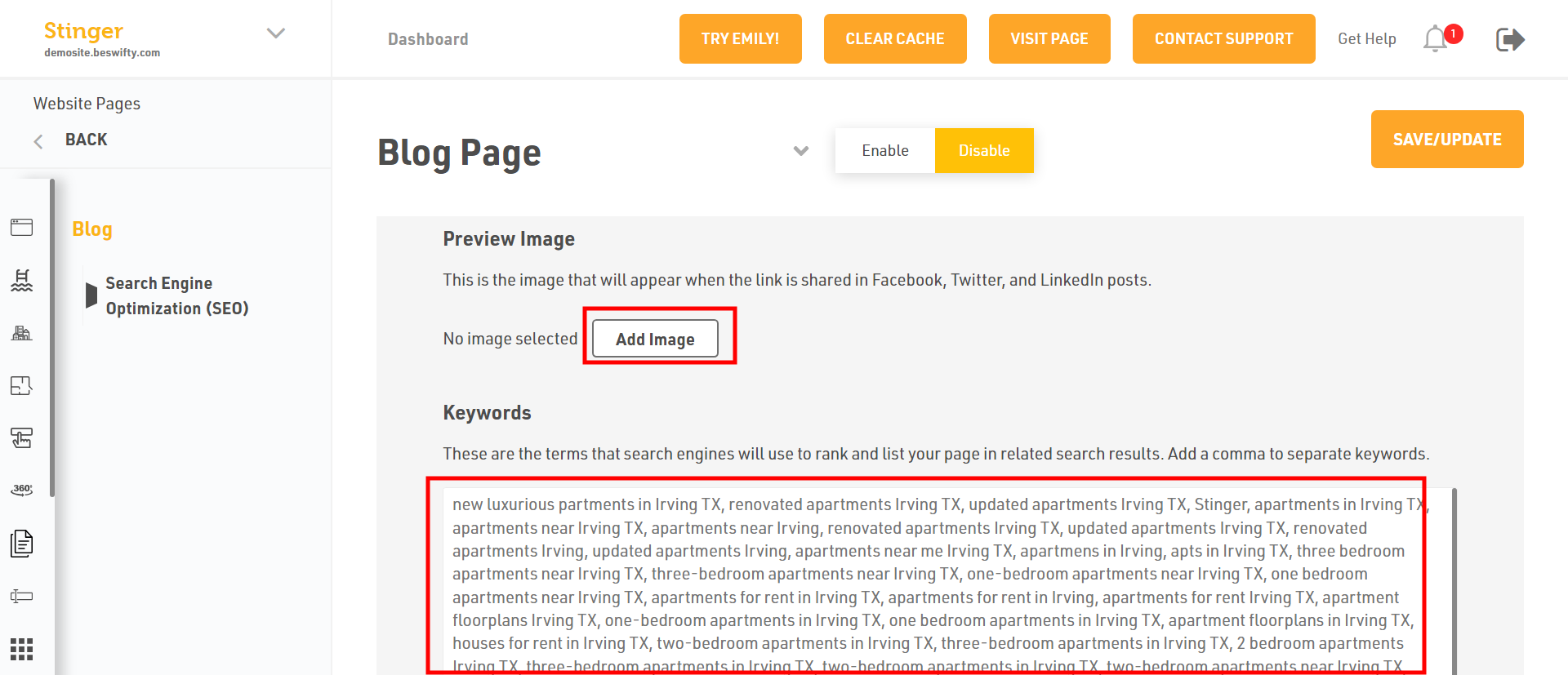
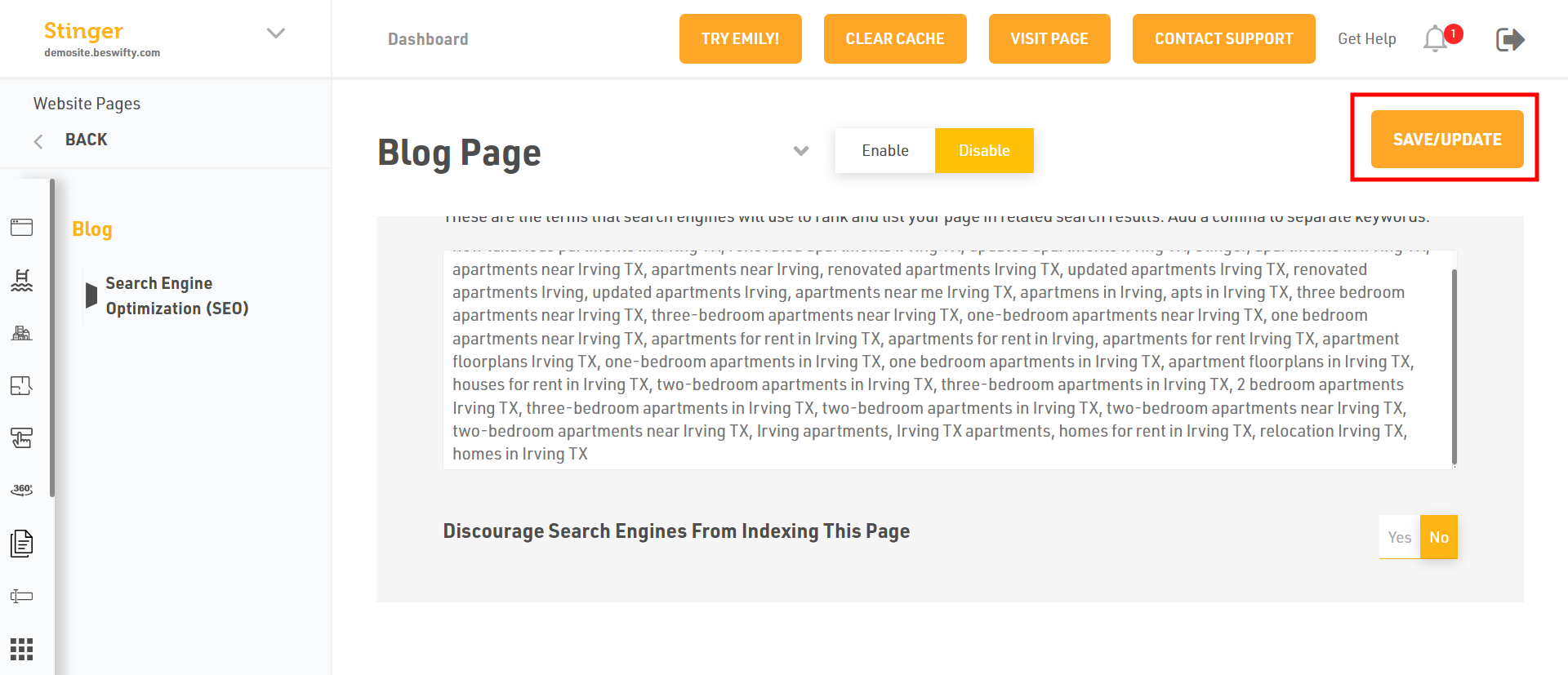
- To, add the Preview Image and Keywords
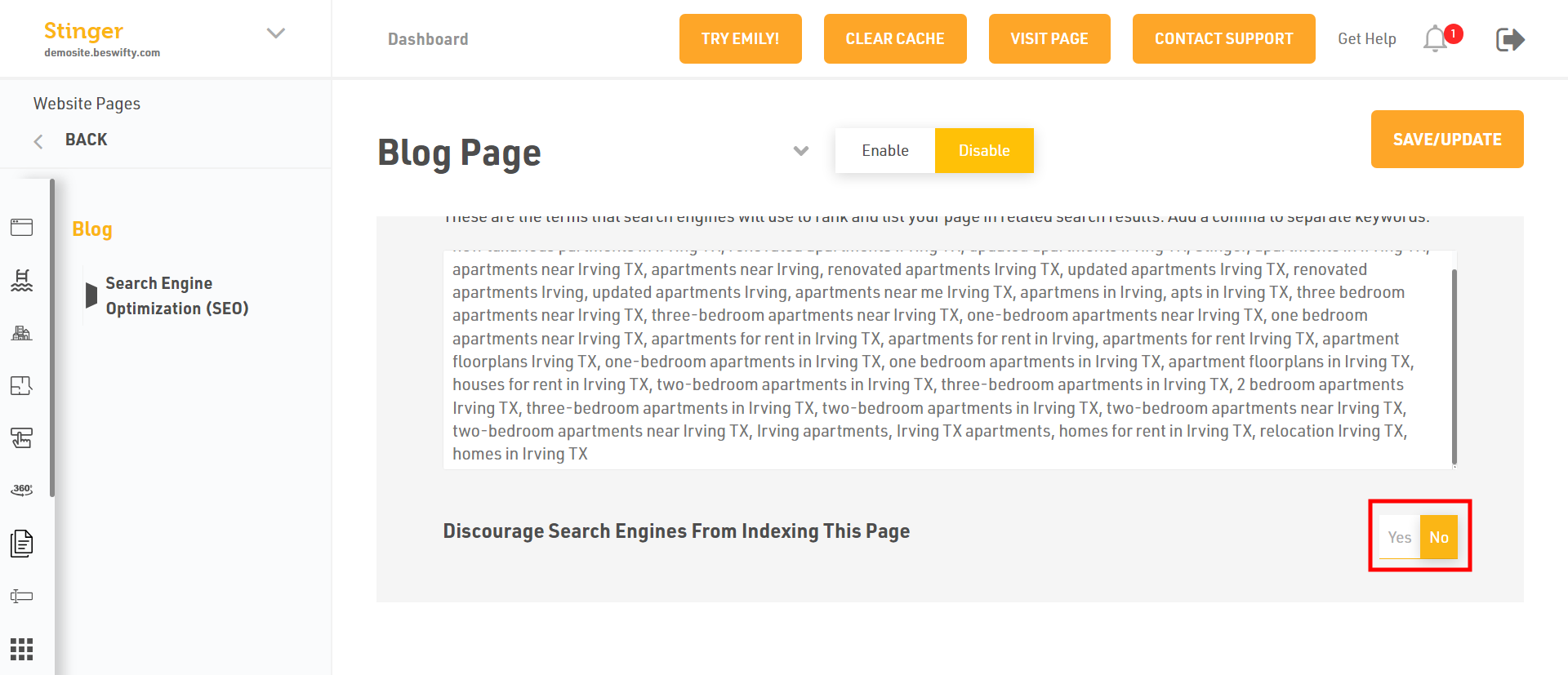
- You can Discourage Search Engines From Indexing This Page, Click on YES or NO
Don't forget to Save/Update
Make sure to click the Save/Update button in the top right corner once finished.
Was this article helpful?
Thanks for the feedback.